ERPNext Modules and What Each One Does
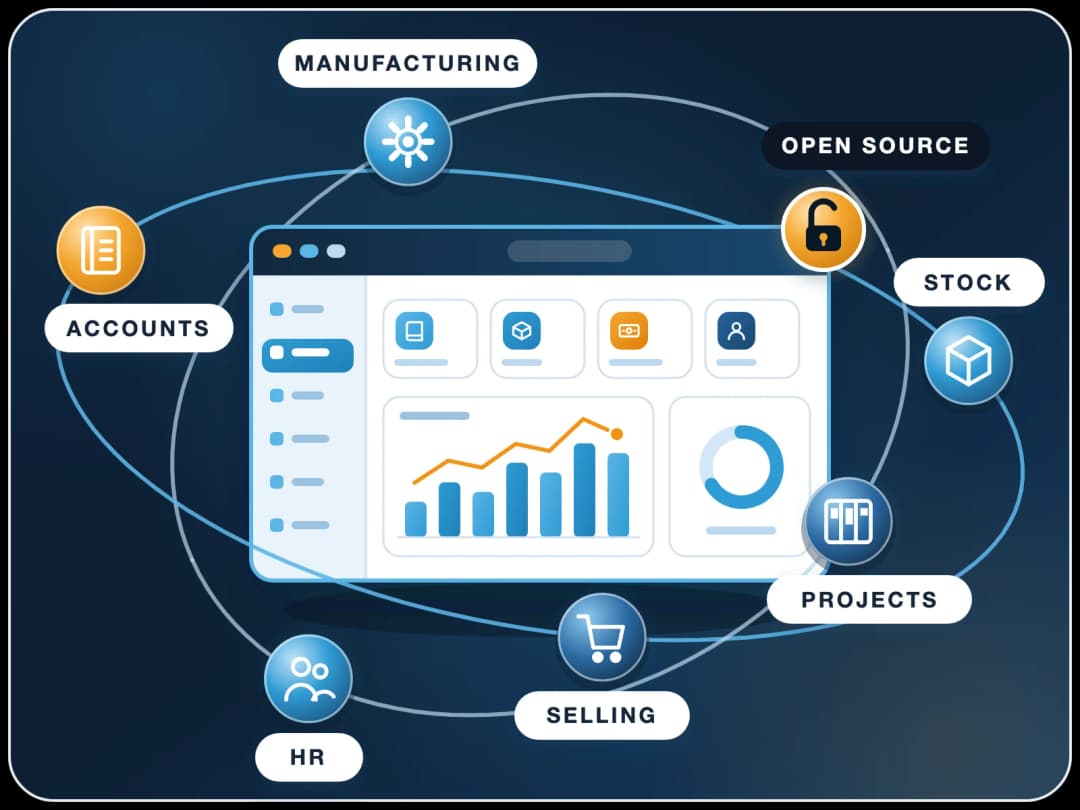
ERPNext modules are the parts of ERPNext that run each area of a business. The standard list: accounting, stock, buying, selling, CRM, manufacturing, projects, assets, quality, support, point of sale, website, and HR and payroll through Frappe HR. They all share one database. FinByz Tech sets them up module by module for growing companies.
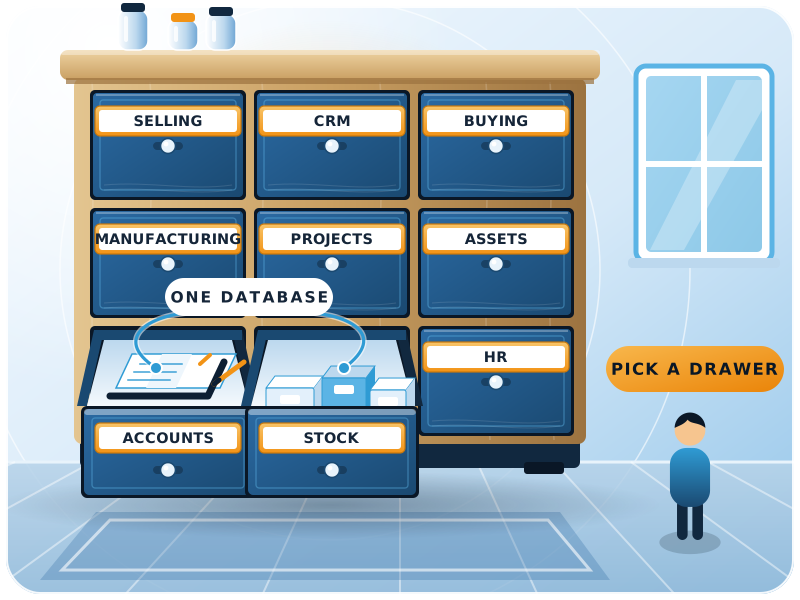
What are ERPNext modules?
ERPNext modules are groups of screens, documents and reports for one area of the business, on one shared database.
With perpetual inventory on (the default), a delivery note in the stock module posts to the accounts module at once; nobody re-types it. FinByz Tech decides with you which modules to switch on first and sets each one up on your own data.
Each module has a workspace in the sidebar with its documents, reports and settings. Users see only the modules their roles allow.
Frappe lists the modules on its ERPNext page.
Are all modules included?
Yes. Every module is in the open-source code, with no paid tier and no fee per module or per user. You pay only for hosting and for the time to set them up.
Where did HR, education and healthcare go?
HR and payroll became a separate app, Frappe HR, from version 14. Some industry features, such as education and healthcare, are also separate apps, installed only when needed.
What is the full ERPNext modules list?
Every standard module, what it covers, and when most companies start using it.
| Module | What it covers | Usual order |
|---|---|---|
| Accounting | Ledgers, receivables, payables, bank, tax, budgets, cost centres, financial statements | First |
| Stock | Items, warehouses, batches, serial numbers, valuation, reorder levels | First |
| Buying | Supplier quotations, purchase orders, receipts, landed costs | With stock |
| Selling | Quotations, sales orders, delivery notes, pricing rules | With stock |
| CRM | Leads, opportunities, campaigns, follow-ups | Any time |
| Manufacturing | BOMs, work orders, job cards, production plans, MRP | After clean stock |
| Subcontracting | Material sent to job workers and finished goods received back | With manufacturing |
| Projects | Projects, tasks, timesheets, project costing and billing | Any time |
| Assets | Asset register, depreciation, maintenance, movements, disposal | After accounts |
| Quality | Inspections, quality goals, procedures, non-conformance | With buying or production |
| Support | Issues, service level agreements and maintenance visits | Any time |
| Point of sale | Counter billing, cash closing, loyalty | For shops |
| Website | Web pages, a customer portal and a simple shop | When needed |
| HR and payroll (Frappe HR) | Employees, attendance, leave, expenses, payroll, appraisals | Any time |
| Settings and tools | Users, roles, workflows, print formats, report builder, data import | From day one |
Which module guides can you read here?
Longer guides to the modules buyers ask about most. More are listed below the page as they are published.
Sales and CRM
Leads, opportunities, follow-ups and quotations, and how they turn into orders in the same system.
Read the CRM guideHR and Payroll
Employees, attendance, leave, expenses and payroll in Frappe HR, posted to the accounts.
Read the HR guideEvery Module in Detail
A longer walk through each module, with the documents and reports it adds.
Read the full guideHow do the modules work together on one database?
Follow one customer order from quotation to payment. Each step is a document in a different module, linked to the last.
- 1Quotation (Selling)Prices come from the item and price list; the customer comes from CRM.
- 2Sales order (Selling)Reserves the order; if stock is short, it can raise a material request or a work order.
- 3Work order (Manufacturing)Consumes raw materials from stock and adds finished goods, at actual cost.
- 4Delivery note (Stock)Takes the goods out of the warehouse and posts the stock value to the accounts.
- 5Sales invoice (Accounts)Books revenue, tax and the receivable, linked back to the order and delivery.
- 6Payment entry (Accounts)Clears the receivable; the bank reconciliation picks it up from the statement.
Which modules should you start with?
Accounts and stock first, because every other module posts into them.
Accounts and stock first
This is what an ERP is for. Once the books and inventory are right in ERPNext, every other module has something reliable to post into.
Then buying and selling
Purchase and sales documents feed stock and accounts, so they go live next, often in the same month.
Then manufacturing
Bills of materials and work orders need clean items and stock, so production follows once those are trusted.
Then HR, CRM and projects
These add value quickly but depend less on the core, so they can follow in any order your team prefers.
AI alongside, not at the end
Once a module's data is reliable, automation and AI for that module can start, without waiting for every other module.
Why set up your modules with FinByz?
An in-house team on ERPNext since 2016, serving clients in 15+ countries.
Silver partner on frappe.io
Listed on frappe.io at PMM level 4.
On ERPNext since 2016
We use these modules to run our own company, and have set them up in 200+ projects.
Standard first
We use the standard modules as designed and customise only real showstoppers.
Accountants on the team
Our in-house accountants check what each module posts to the books before go-live.
Module by module
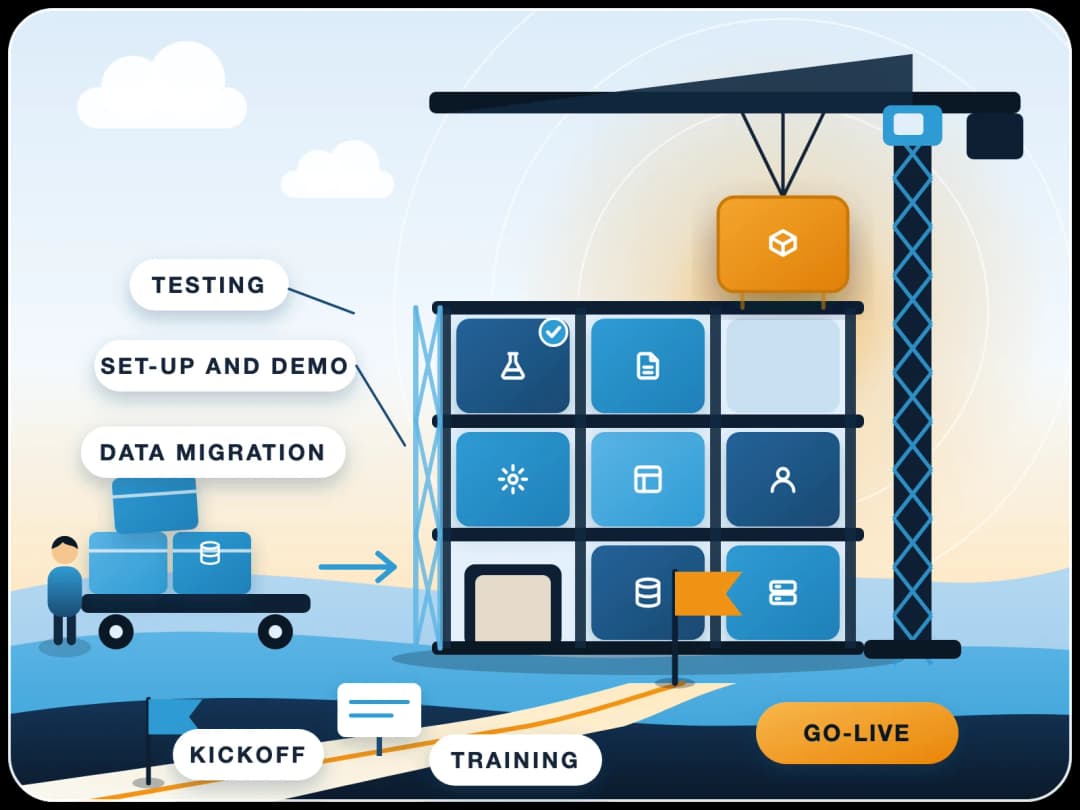
Each module goes live with its own demo, configuration, training and sign-off.
No lock-in
Open source under GPL v3, with code access from day one for anything we add.
Which modules suit your industry?
A starting point. See our industry pages for the processes behind each one.
| Industry | Core modules | Often added |
|---|---|---|
| Manufacturing | Accounting, Stock, Buying, Selling, Manufacturing | Quality, Subcontracting, Assets |
| Trading and distribution | Accounting, Stock, Buying, Selling | CRM, multi-currency, EXIM app |
| Chemical | Accounting, Stock with batches, Manufacturing | Quality, Buying |
| Retail | Accounting, Stock, Point of sale | Selling, Website |
| Services and agencies | Accounting, Projects, Selling | CRM, HR and payroll |
| Construction | Accounting, Projects, Buying, Stock | Assets, HR and payroll |
Can you turn modules off for some users?
Yes. Roles and module profiles decide which modules each user sees.
A store user can see only stock, and an accountant only accounts. Workspaces in the sidebar can also be hidden or rearranged per role. FinByz Tech sets this up so new users are not lost in screens they never need.
- Roles. Decide which documents a user can read, create or submit.
- Module profiles. Hide whole modules from a group of users.
- Workspaces. Show each team a sidebar with only its own shortcuts.
- User permissions. Limit a user to one company, branch or warehouse.
What if no standard module covers your process?
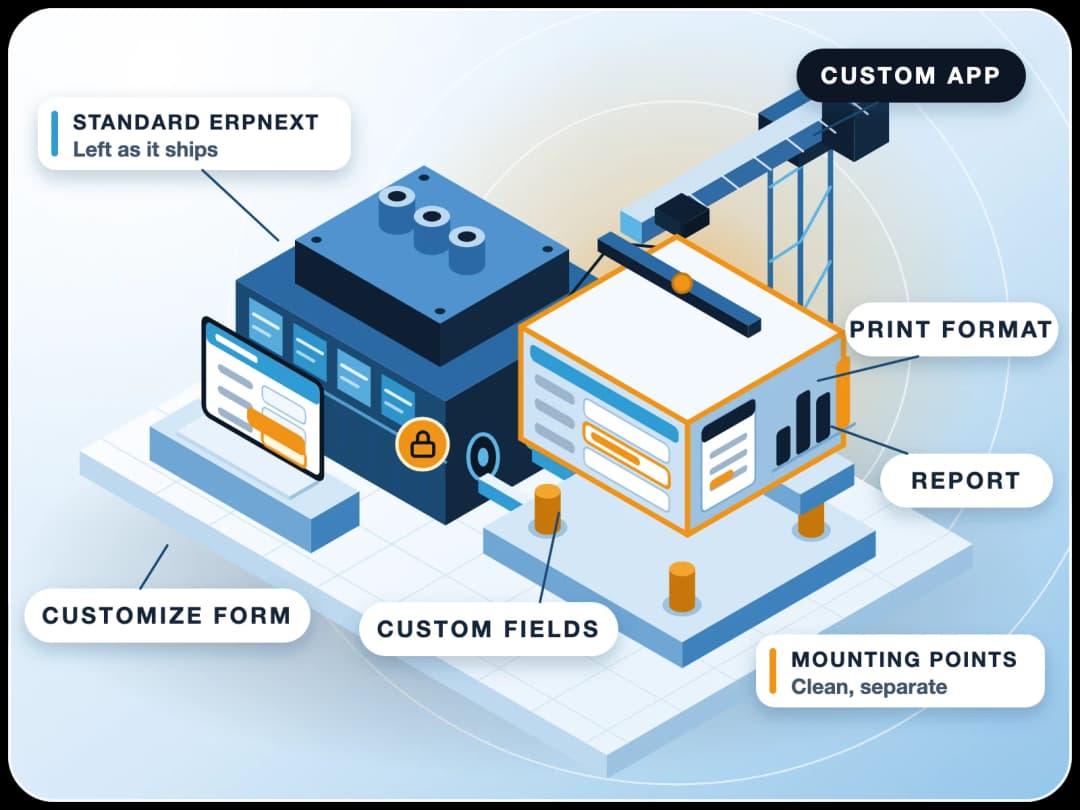
First we check whether configuration solves it. If not, an app adds what is missing, without touching the core.
Configure First
Custom fields, workflows and print formats often close the gap with no code at all.
Add an App
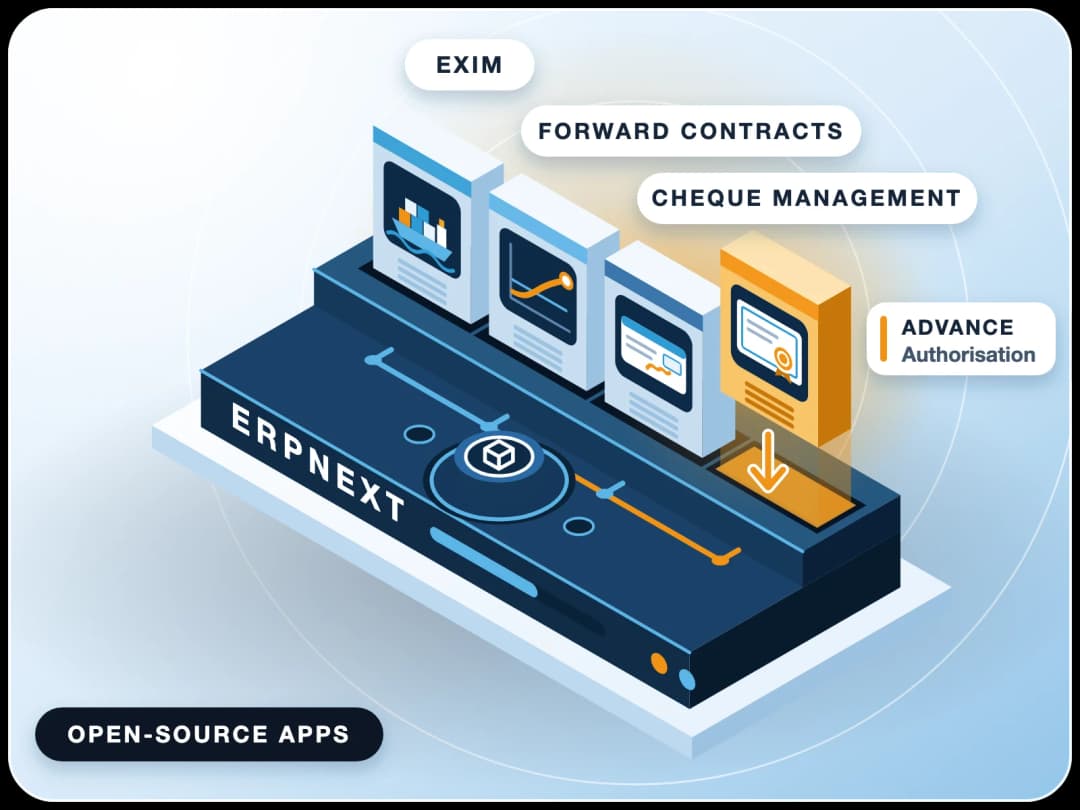
Open-source apps for export, forex, deposits, licences and more, installed next to ERPNext.
Apps we have builtBuild What Is Missing
A custom app for a truly unique process, kept separate so upgrades stay easy.
Custom developmentHide What You Do Not Use
Unused modules stay switched off for users, so the system stays simple.
Which modules does your business need?
Tell us how your business runs. A FinByz Tech consultant shows the modules you need on your own scenarios and suggests the order to switch them on. Read more about ERPNext or see how we implement it.
- A short call about your processes and current software.
- A demo of the modules that matter to you.
- A suggested order of modules, month by month.
- A proposal with monthly goals, if ERPNext fits.