ERPNext: the Open-Source ERP
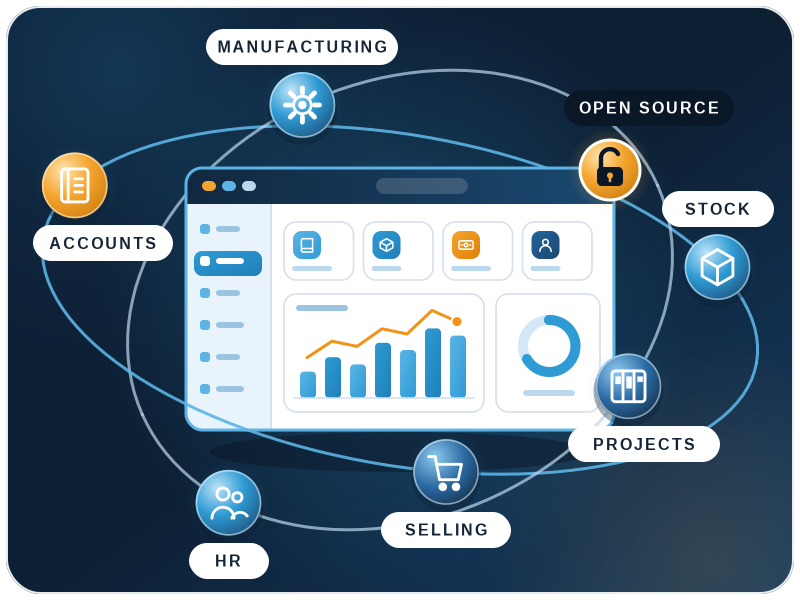
ERPNext is free, open-source ERP software made by Frappe Technologies. It runs accounting, stock, buying, selling, manufacturing, projects and HR in one database, with no licence fee per user. FinByz Tech, a Silver Certified Frappe Partner, implements, extends and supports it for growing companies in India, the Gulf, Europe and North America.
What is ERPNext?
ERPNext is a free, open-source ERP that runs a whole business in one system.
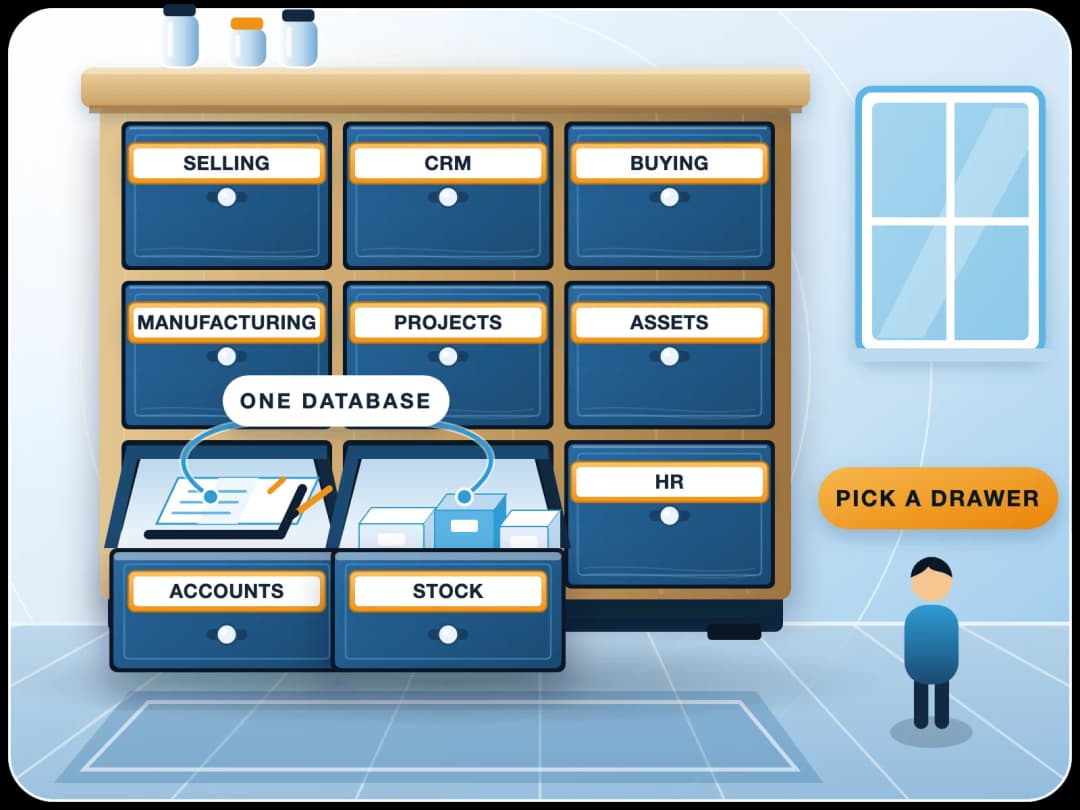
It is made and maintained by Frappe Technologies in India, built on the Frappe Framework, and released under the GPL v3 licence on GitHub. Accounts, stock, buying, selling, manufacturing and projects share one database, so a sale updates stock and the books at once.
Small and mid-size companies use ERPNext to replace a mix of accounting software, spreadsheets and separate tools. Larger groups use it for subsidiaries or new units next to their main ERP.
Because the code is open, you can host it anywhere, change it, and choose any partner. FinByz Tech helps companies set it up, adapt it and keep it improving.
Who makes ERPNext?
Frappe Technologies, which calls itself the owner and maintainer of ERPNext. Developers and partners worldwide contribute apps, fixes and translations on GitHub.
Is ERPNext really free?
Yes. The software is free: there is no licence fee and no charge per user. What costs money is hosting and the time of the people who set it up, adapt it and support it.
- No licence fee. Add users without paying per seat.
- One database. No re-keying between accounts, stock and sales.
- Open code. Read it, change it, host it anywhere.
- Configurable. Fields, forms and reports changed without code.
- Global. Multi-company, multi-currency, many languages.
- Active community. Regular releases, a forum and partner apps.
What is ERPNext used for?
Running the core of a company in one system. See each area in more depth in our guide to the modules.
Accounting and finance
General ledger, receivables and payables, bank reconciliation, budgets, cost centres, multi-currency and financial statements, with tax templates per country.
Stock and warehouses
Items, batches, serial numbers, several warehouses, reorder levels and stock valuation that posts straight to the accounts.
Buying
Requests for quotation, supplier quotations, purchase orders, receipts, quality checks and landed costs.
Selling and CRM
Leads, opportunities, quotations, sales orders, deliveries and invoices, with pricing rules and a customer portal.
Manufacturing
Bills of materials, work orders, job cards, production planning, subcontracting and material requirement planning.
Projects and services
Projects, tasks, timesheets and project costing, so services companies can bill time and see margin by project.
HR and payroll
Employees, attendance, leave, expense claims and payroll, through Frappe HR, which was split out of ERPNext as its own app from version 14.
Point of sale and website
A point of sale for shops and counters, plus a website and portal that read the same items and prices.
Which ERPNext features do growing companies use most?
The features that matter once you have several people, sites or companies working in one system.
Several Companies
Many companies, branches and cost centres in one system, with inter-company entries and group reports.
Multi-Currency
Invoices in any currency, exchange rate revaluation, and reports in each company's own currency.
Workflows and Approvals
Approval steps on any document, by amount, role or department, with a full audit trail.
Role Permissions
Users see only the companies, documents and fields their roles allow.
Changes Without Code
Custom fields, forms, print formats and reports built from the screen, kept safe through upgrades.
Open REST API
Every document is reachable over the REST API, so banks, shops and other systems can connect.
Reports and Dashboards
Standard reports, a report builder and dashboards that drill down to the source document.
Translated Interface
The interface is translated into many languages, including Arabic with right-to-left screens.
Why work with FinByz on ERPNext?
An in-house team serving businesses worldwide from Ahmedabad and Dubai, on ERPNext since 2016.
Silver partner, listed on frappe.io
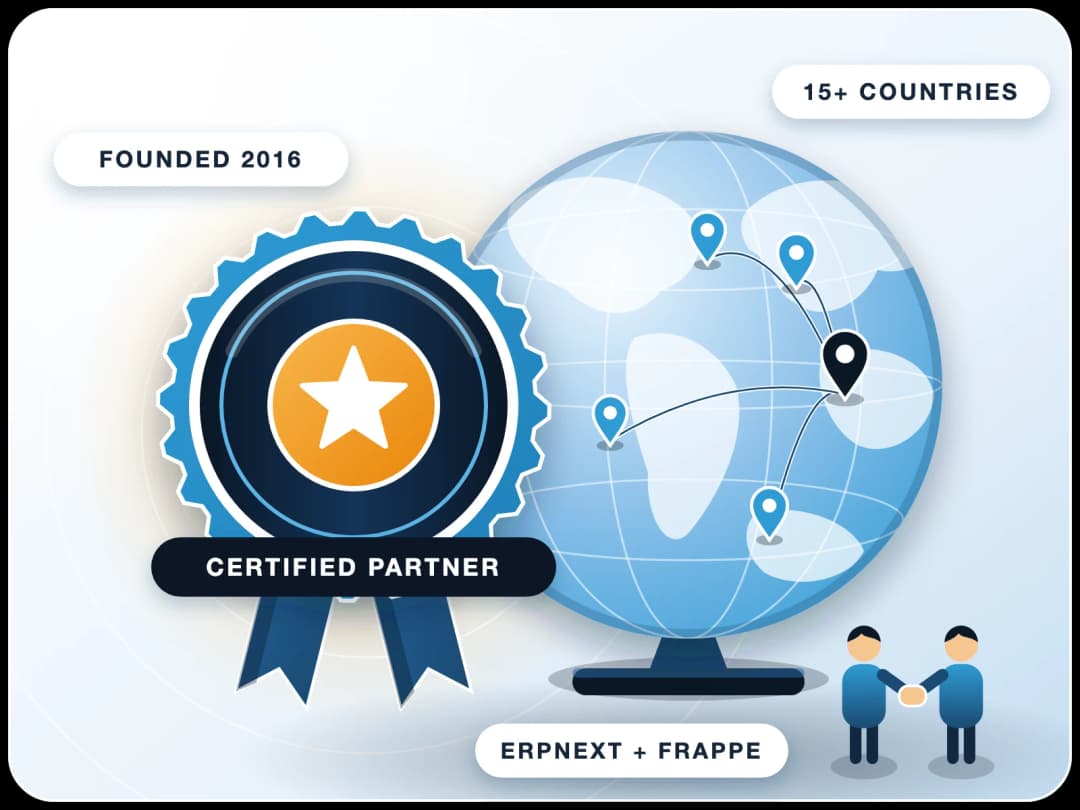
FinByz Tech is listed on frappe.io as a Silver Certified Frappe Partner at PMM level 4.
On ERPNext since 2016
We run our own company on ERPNext and have delivered 200+ projects for clients in 15+ countries.
Standard first
We map your processes to standard ERPNext and customise only the real showstoppers, so upgrades stay easy.
Accounts and stock people in-house
Our own accountants check that every entry, tax and stock value posts correctly before go-live.
Every hour visible
You get your own Productify access: tasks, time logs and daily reports from the team working on your system.
No lock-in
ERPNext and everything we build are open source under GPL v3, with code access from day one. You can fork it at any time.
Which industries run ERPNext?
Manufacturers, traders and distributors are the largest group. Each page below covers the industry's own processes.
How does ERPNext compare with Odoo, SAP and Tally?
The short version. Each comparison page goes further, and we say so when another product fits you better.
| ERPNext | Odoo | SAP Business One | Tally Prime | |
|---|---|---|---|---|
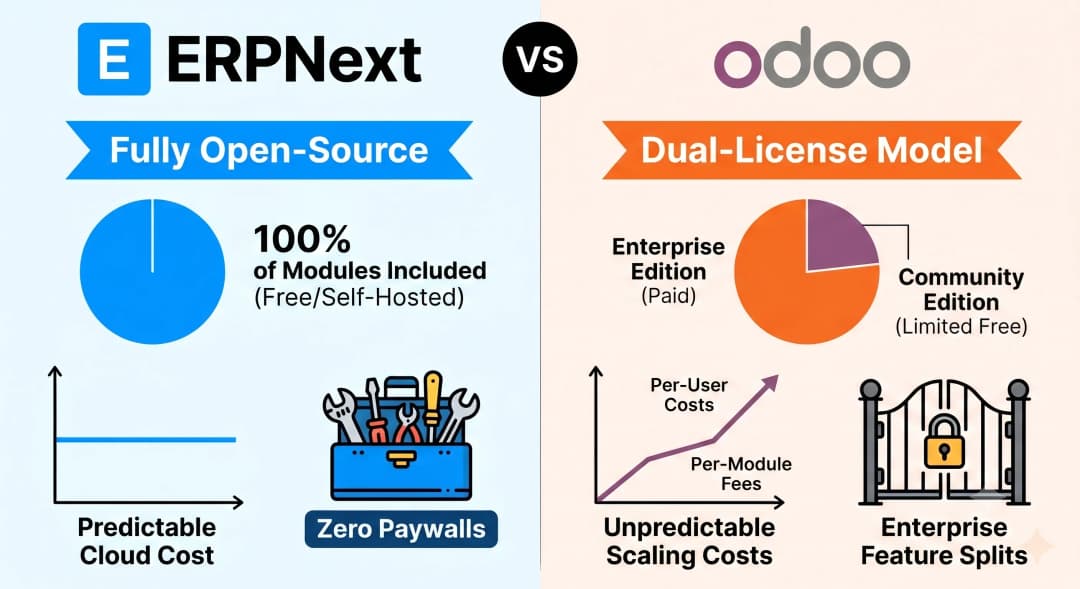
| Licence | Open source (GPL v3), no user fee | Free community edition; more apps in the paid Enterprise edition | Licence per user | Licence per user or site |
| Scope | Full ERP: accounts to manufacturing | Full ERP, app by app | Full ERP for mid-size firms | Accounting and inventory |
| Customisation | Without code, or custom apps | Custom modules, usually by a partner | Partner add-ons | Limited add-ons |
| Hosting | Frappe Cloud, any cloud or your server | Odoo cloud or self-hosted | Partner cloud or on-premise | Mostly on a local PC or server |
Read the full comparisons: ERPNext vs Odoo, SAP Business One vs ERPNext, ERPNext vs Tally Prime and ERPNext vs Zoho.
Where can ERPNext run, and what does it need?
ERPNext runs in a web browser; the server can be Frappe Cloud, any cloud, or your own Linux server.
FinByz Tech recommends Frappe Cloud first: updates, backups and Frappe's own support are handled for you, and we pass on the cost with no margin. Your own server works too.
- Users need only a browser. Desktop, tablet or phone; no installation.
- Frappe Cloud. Managed hosting by the makers of ERPNext.
- Your own server. Linux with Python, MariaDB, Redis and Node, set up with the Frappe bench tool (Frappe docs).
- Size by use. Server size depends on users, transactions and reports, not on a licence.
Which services do we offer around ERPNext?
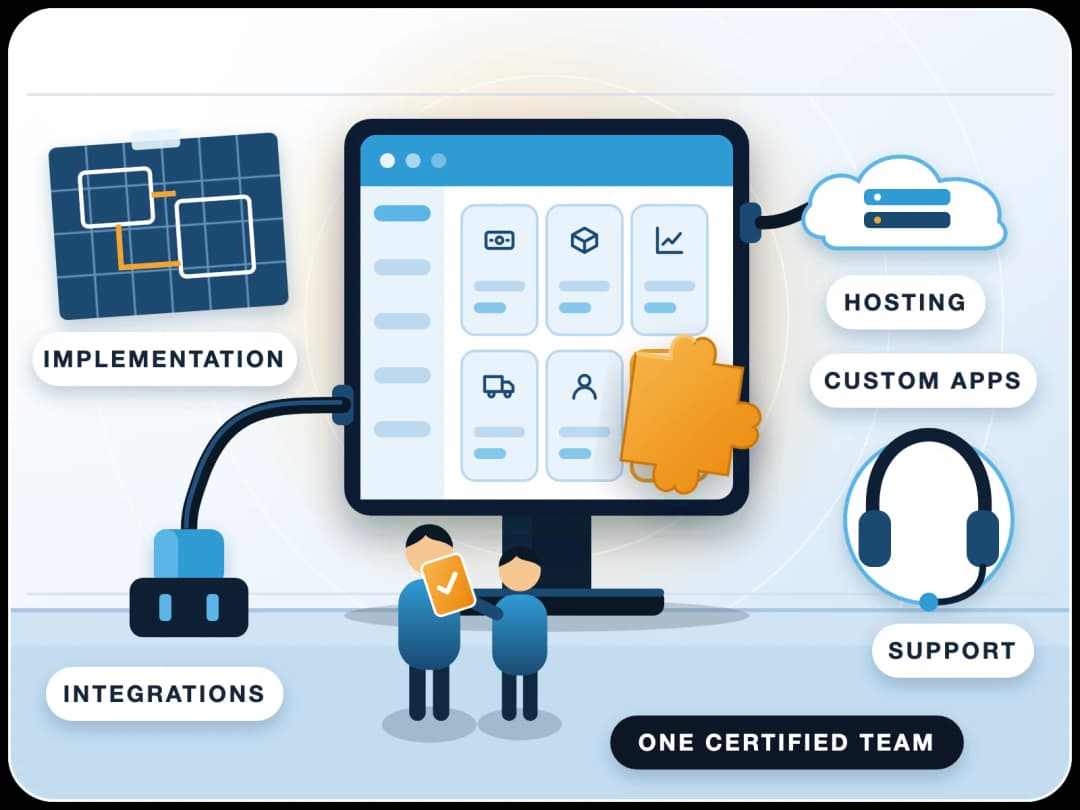
The whole lifecycle, from the first set-up to support years later, by one in-house team.
Implementation
Standard ERPNext set up module by module, with your data, users and reports.
How we implementImplementation Partner
What to expect from a partner, how to judge one, and how we work.
Choose a partnerCustom Development
Custom apps, fields, reports and screens where the standard product falls short.
Custom appsData Migration
Masters and opening balances moved from Tally, Zoho, QuickBooks, SAP or spreadsheets.
Move your dataPerformance Tuning
Slow screens and reports traced to their cause in the database, code or server, and fixed.
Speed it upSupport and AMC
Updates, fixes, backups and help for users after go-live, from a monthly plan of hours.
Keep it runningIntegrations
Banks, payment gateways, marketplaces, logistics and your other software, joined over the API.
Connect systemsAll Our Services
The full list of what one in-house team can do for your ERPNext.
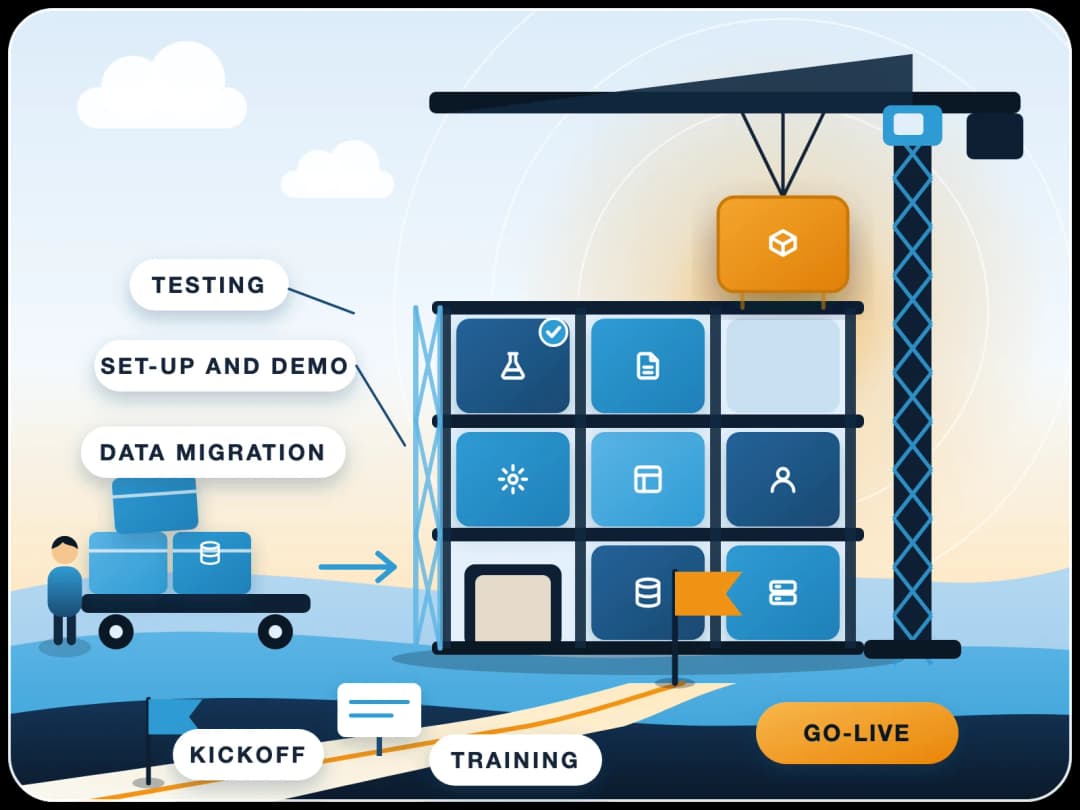
See everythingHow does an ERPNext rollout run, step by step?
Standard first, demo first, one module at a time, with clean opening balances instead of years of old entries.
- 1Discovery callYour business, your current software, and the numbers that worry you today.
- 2Demo on standard ERPNextYour own scenarios shown in the standard product, before anything is customised.
- 3Map and configureProcesses mapped to standard ERPNext; only the real gaps go on a customisation list.
- 4Clean data inMasters cleaned and loaded; opening balances, stock and open orders taken after the old books close. No old transactions.
- 5Module by moduleAccounts and stock first, then the rest, each with user training and sign-off.
- 6Short parallel runOld and new run side by side for a short period while our accountants reconcile them.
- 7Monthly goals after go-liveDashboards each manager owns, then automation and AI, planned month by month.
What is new in the latest ERPNext release, and where does AI fit?
As of November 2026, version 16 is the current major release; AI now works inside ERPNext with each user's own permissions.
FinByz Tech upgrades existing sites to version 16 and adds AI that drafts documents, reads bills and answers questions from ERPNext data, with a person approving each action.
See what is new in version 16, how we handle a version 16 upgrade, and AI inside ERPNext.
AI comes after clean data: first accounts and stock you can trust, then dashboards, then agents that do real work.
Is ERPNext the right fit for your business?
It fits best where 20 or more people work in the system and accounts and stock will run in it. We tell you if it does not fit.
| Situation | ERPNext | What to plan for |
|---|---|---|
| Manufacturing, trading, distribution | Strong: stock, BOMs, costing, multi-company | Industry steps such as job work set up properly |
| Accounts staying in another system | Weaker: much of the value is lost | A one-way sync, or move accounts later |
| Very large retail chains | Possible, with planning | Performance and store roll-out tested early |
| Hotels needing a full property system | Partial | A separate property system linked to ERPNext |
| Very small teams | Works, but a full project may be too much | Self-implementation with a small support plan |
Case study: ERPNext 30x faster at SMOOR Chocolates
Saving a purchase order with 30-35 lines took about 15 minutes. After a one-month optimisation by FinByz, it takes under 30 seconds.
Where can you learn more?
Comparisons, case studies, guides and the full list of modules and apps.
Frappe's own ERPNext documentation is the reference for every screen and setting.
What do clients say about working with FinByz?
“We've had an excellent experience working with this software service provider. Their innovative approach to solving complex technical challenges has significantly improved our product. The addition of a dedicated developer to our team ensured seamless communication and consistent progress.”
“I personally think they go far and beyond in their delivery and commitments. As well as insuring that their clients are happy and well informed with there needs.”
“Great and professional software solutions, with a team very focused on client satisfaction.”
What happens after you contact us?
A FinByz Tech consultant calls you, learns how your business runs and what breaks today, and shows standard ERPNext on your own scenarios. If ERPNext is not the right fit, we say so. If it is, you get a proposal with monthly goals and a team you can see at work.
Ahmedabad, India
Head office and delivery centre. FinByz Tech Pvt Ltd, 504-Addor Ambition, Nr. Navrang Circle, Navrangpura, Ahmedabad, Gujarat 380009.
Dubai, UAE
UAE office. Finbyz Tech FZE, DWTC free zone, Dubai.