ERPNext Opening Balance Reconciliation
Start ERPNext accounting with figures you can trust. Once your old books close, FinByz Tech's accountants load the closing balances, open invoices and opening stock into ERPNext and reconcile every figure to your old system, line by line, until your finance team signs off. No old transactions are carried across.
What is an ERPNext opening balance?
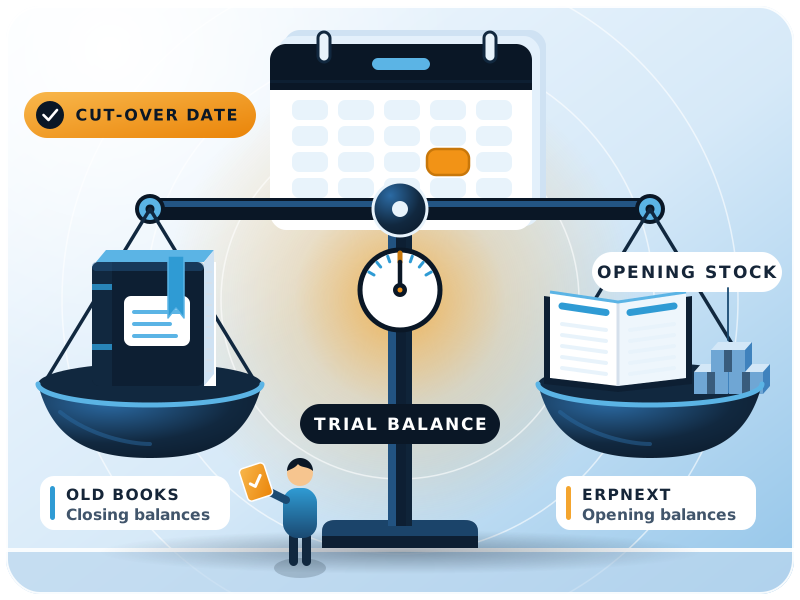
An ERPNext opening balance is the closing figure of your old books, entered in ERPNext on the cut-over date.
It covers ledger balances, unpaid invoices, stock and fixed assets. FinByz Tech loads them after the old books close and reconciles each one to the old system, so every ERPNext report starts from the right figures.
Your reports are only as good as the figures they start from. If the opening balance sheet in ERPNext is out by even one account, every P&L and balance sheet after it is out too.
Many companies treat this as simple data entry. It needs both accounting judgement and a clear understanding of how ERPNext posts each opening document.
What moves to ERPNext and what stays in the old books?
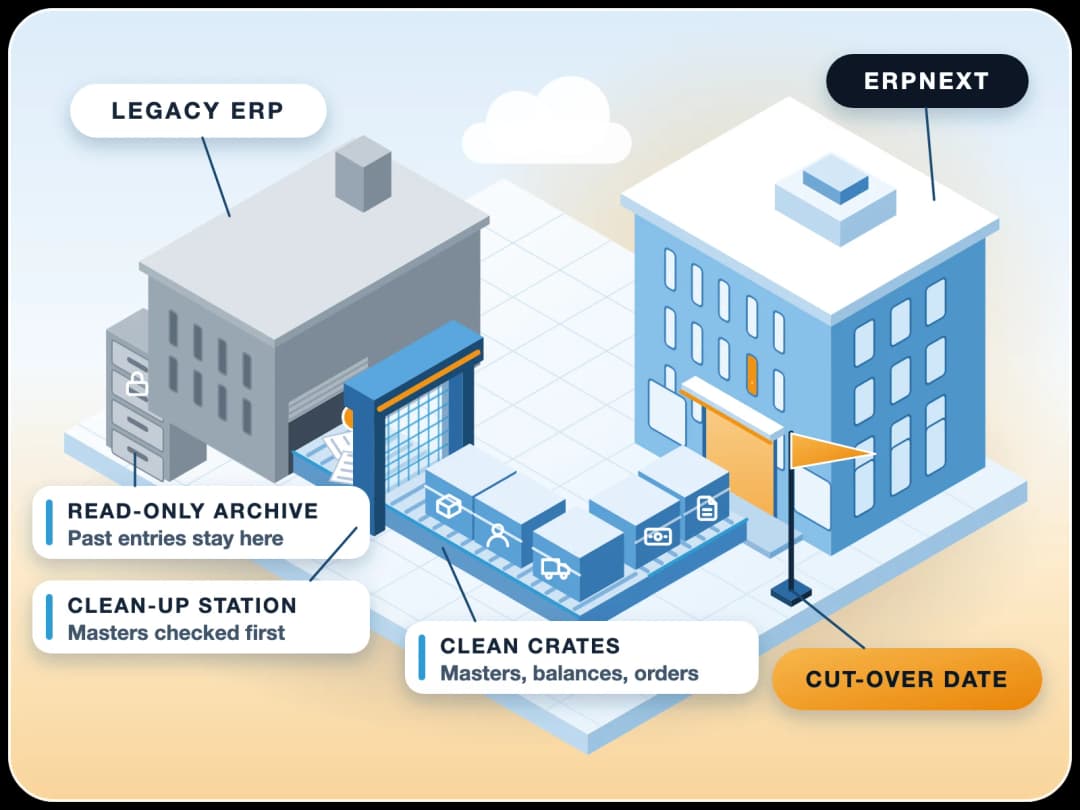
Closing balances and open documents move; past transactions stay in the old system, kept read-only for reference and audit.
| Moves to ERPNext | Stays in the old system |
|---|---|
| Closing ledger balances | Past journal entries |
| Unpaid customer and supplier invoices | Paid invoices and old payments |
| Stock quantity and value per warehouse | Past stock movements |
| Fixed assets with depreciation to date | Past depreciation entries |
| Open orders still to be delivered or billed | Closed orders |
Will we still see last year's figures in ERPNext?
The opening balances, yes; the line-by-line detail of old years, no. That stays in the old system or in exported reports, which we help you keep.
Which ERPNext tool loads which opening balance?
ERPNext has a tool for each kind of balance. Using the wrong one is the most common cause of a mismatch.
| Opening balance | ERPNext tool | Watch out for |
|---|---|---|
| Bank, cash, loans, capital and other ledgers | Journal Entry with Is Opening set to Yes | Never post stock or party balances here as lump sums |
| Unpaid customer and supplier invoices | Opening Invoice Creation Tool | One line per invoice, so ageing and payments work |
| Stock quantity and value | Stock Reconciliation with the Opening Stock purpose | Value per item and warehouse, not one total |
| Fixed assets | Asset records with the opening depreciation | Do not add them again in the journal entry |
| Advances and unallocated payments | Journal Entry with Is Opening, against the party | Keep it on the party so it can be allocated later |
| Open sales and purchase orders | New orders for the pending quantity only | Do not re-enter what was already delivered or billed |
| Balancing | Temporary Opening account | Must be zero once every opening entry is in |
Where is the official method?
Frappe describes each tool in its opening balance guide.
How are ERPNext opening balances loaded, step by step?
In a fixed order, so each step can be checked before the next one depends on it.
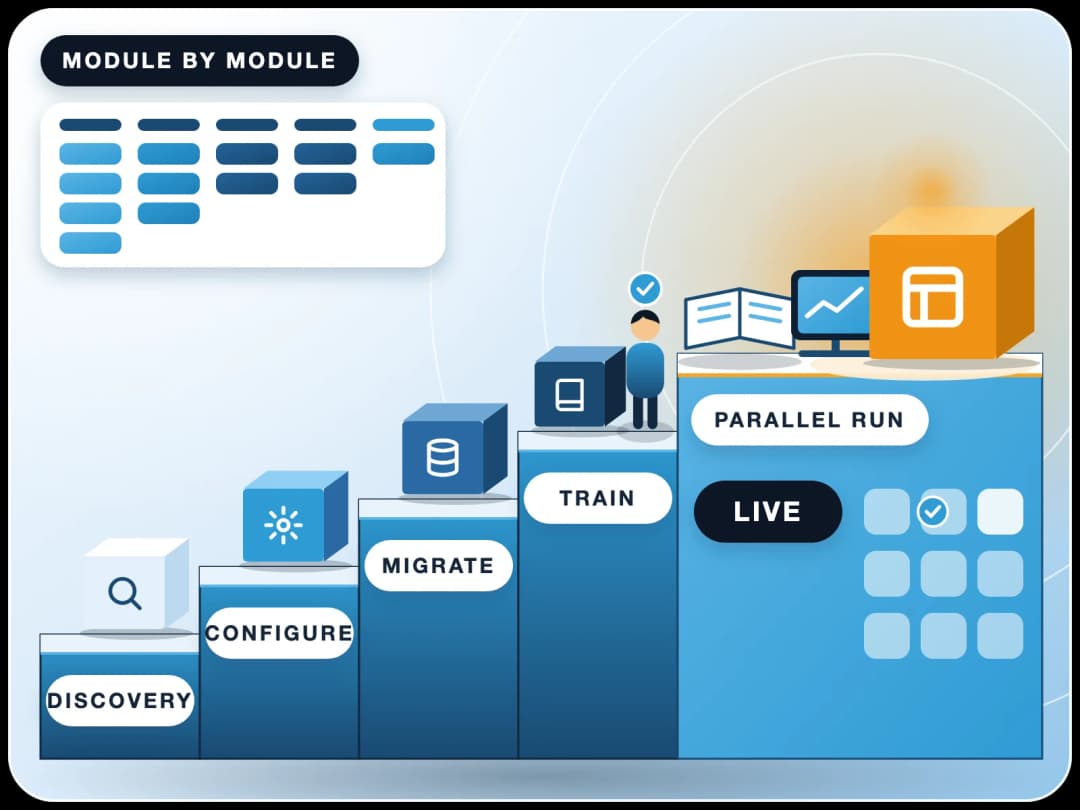
- 1Close the old booksThe old system's books are closed for the cut-over date, and its closing trial balance is final.
- 2Map the accountsThe ERPNext chart of accounts is checked; every old account is mapped to one ERPNext account.
- 3Load the mastersCustomers, suppliers, items and warehouses are cleaned and imported first.
- 4Ledger balancesBank, cash, loans, capital and other balances go in through an opening journal entry.
- 5Open invoicesUnpaid customer and supplier invoices go in one by one with the Opening Invoice Creation Tool.
- 6Opening stockQuantities and values per item and warehouse go in through a Stock Reconciliation.
- 7Fixed assets and advancesAssets with their depreciation to date, and unallocated payments, go in last.
- 8Reconcile and sign offEvery figure is matched to the old closing reports, Temporary Opening is zero, and you sign off.
Why let FinByz match your opening balances?
Accountants and ERPNext developers in one in-house team, working on ERPNext since 2016.
Accountants who know ERPNext
Our in-house accountants load opening balances in ERPNext every month, for new and live systems.
Developers on the same team
Large imports, stock reposting and data fixes are handled by our ERPNext developers.
No old transactions carried
Only clean balances and open documents move, so years of old mistakes stay behind.
Matched, then signed
Nothing is done until your finance team signs the side-by-side report.
Every hour visible
You get your own Productify access: tasks, time logs and daily reports.
Your books, your system
Everything stays in your ERPNext, with notes so your auditor can follow each entry.
Clean start or already live: which scenario fits you?
Every rollout is one of two cases. The method differs a lot between them.
The clean start (greenfield)
You are going live on ERPNext accounts for the first time, with no transactions in it yet.
A small mistake in an opening figure stays in every report after it. We load the ledger balances, open invoices and stock, and match the trial balance to the old system's closing report.
The complex transition (brownfield)
ERPNext already has transactions you cannot delete, or you went live and the opening balances never matched.
The opening tool alone would double-count, because existing sales, purchases and stock entries have already moved the ledgers. This is the harder case, and one we handle often.
How is opening balance reconciliation done?
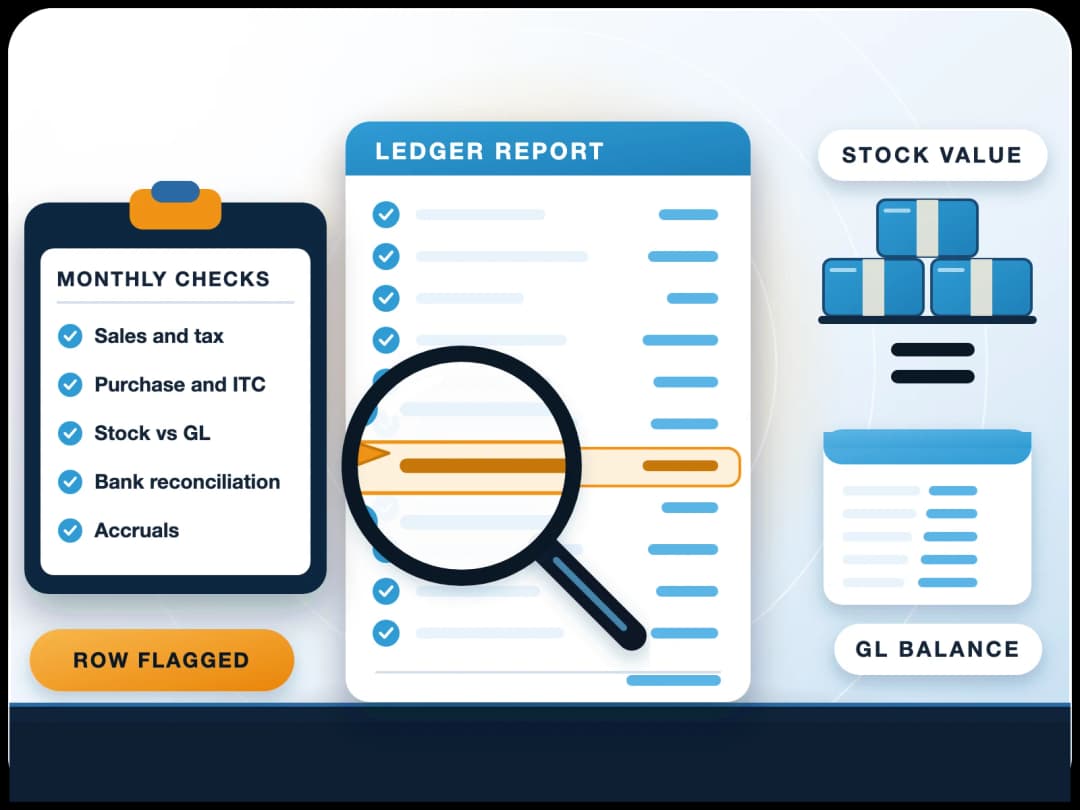
Every opening figure is matched to the old system's closing reports before anyone signs.
- Trial balance. Every account in ERPNext equals the old closing trial balance on the cut-over date.
- Debtors and creditors. Party balances and each open invoice match the old ageing reports.
- Stock. Quantity and value per item and warehouse match, and the stock ledger agrees with the stock account.
- Tax accounts. VAT or GST receivable and payable match what was filed.
- Bank and cash. Balances match the bank statements on the cut-over date.
- Fixed assets. Cost and depreciation to date match the asset register.
- Temporary Opening. The balancing account is zero once every opening entry is in.
- Sign-off. A side-by-side report of old and new figures, signed by your finance team.
How do you check that stock agrees with the ledger?
ERPNext's Stock and Account Value Comparison report shows any voucher where stock value and the stock account differ.
What if ERPNext already has transactions and the balances do not match?
Then the opening tool alone will not work. The gap has to be worked out account by account.
- 1Isolate the differenceWe list the difference between ERPNext and the old system, account by account.
- 2Trace existing entriesWe work out how the transactions already in ERPNext moved each account and stock item.
- 3Adjust for the gapOpening entries are posted for the remaining gap only, so nothing is counted twice.
- 4Fix stock values on past datesStock valuation is corrected on the right dates and reposted, the most technical part.
- 5Reconcile againThe full reconciliation runs again until every figure matches, then you sign off.
When should the cut-over date be?
At the start of a month, once the old books for the month before are closed.
The start of a financial year is the simplest. A mid-year start works too; FinByz Tech agrees with your auditor how the year's figures to date are carried, so year-end reports still add up.
- Pick the date early. Everyone works towards it.
- Close the old books. Final entries, bank reconciled, stock counted.
- Run ERPNext from the date. New transactions start in ERPNext only.
- A short parallel run if needed. Our accountants compare key reports until both agree.
Why outsource it instead of learning it?
Opening balances happen once. Your team gains little from learning the method.
A One-Time Task
Opening balances are done once. Training your team on migration methods they will never use again is poor use of their time.
A Steep Learning Curve
Matching stock values on past dates needs deep ERPNext knowledge, while your team is still learning daily entries.
Focus on the Future
Your team should master orders, invoices and buying, so new data is right. We handle the opening figures.
What do we need from you?
Reports from the old system as at the cut-over date, and one person in finance who can answer questions.
- Closing trial balance from the old system.
- Ageing lists of unpaid customer and supplier invoices.
- Stock list with quantity and value per item and warehouse.
- Fixed asset register with depreciation to date.
- Bank statements and balances on the cut-over date.
- Tax ledgers and the last returns filed.
- The old chart of accounts, for mapping.
- Read access to ERPNext and a finance contact.
How is it billed, and how long does it take?
On time and material, from a plan of hours, with every hour visible to you.
The time depends on the number of companies, accounts, open invoices and stock items, and on how clean the old data is. FinByz Tech proposes the hours after seeing your reports.
- A look first. We see your old reports and ERPNext, then propose the hours.
- Every hour visible. Tasks and time logs in your own Productify access.
- Your team can help. Preparing clean lists yourselves, with us checking, lowers the hours.
- No long contract. The plan runs month by month; stop with 30 days' notice.
What do clients say about working with FinByz?
“We've had an excellent experience working with this software service provider. Their innovative approach to solving complex technical challenges has significantly improved our product. The addition of a dedicated developer to our team ensured seamless communication and consistent progress.”
“I personally think they go far and beyond in their delivery and commitments. As well as insuring that their clients are happy and well informed with there needs.”
“Great and professional software solutions, with a team very focused on client satisfaction.”
What happens after you contact us?
An accountant from our team asks for the old closing reports and read access to ERPNext, checks how far apart they are, and tells you which scenario you are in and what it will take.
Moving the whole system, not just the balances? See ERPNext migration services. Months of entries to check? See the ERPNext transaction audit.
Ahmedabad, India
Head office and delivery centre. FinByz Tech Pvt Ltd, 504-Addor Ambition, Nr. Navrang Circle, Navrangpura, Ahmedabad, Gujarat 380009.
Dubai, UAE
UAE office. Finbyz Tech FZE, DWTC free zone, Dubai.