Begin Your Digital Transformation Journey with ERPNext Adoption
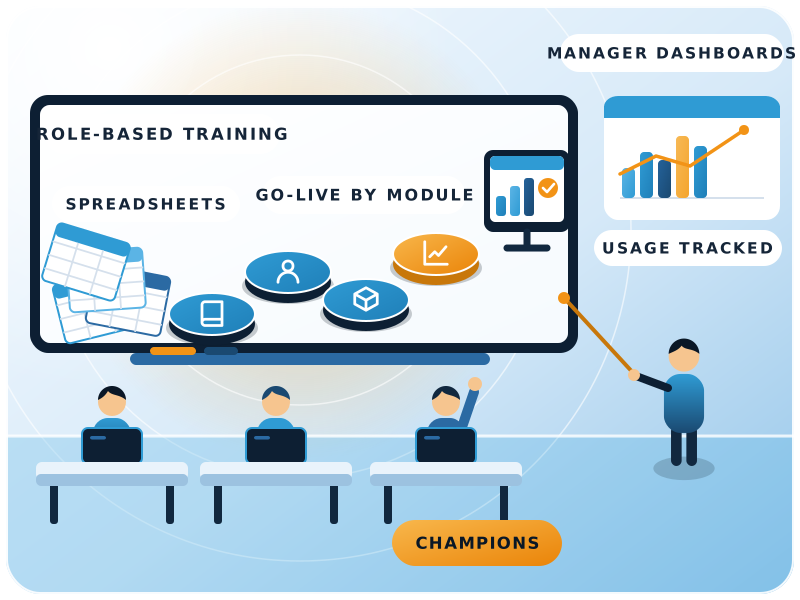
ERPNext only pays off when people use it every day. FinByz Tech plans ERPNext adoption with you from the start: role-based user training on your own data, champions inside your team, modules that go live one at a time, and dashboards each manager owns, so the old spreadsheets can go.
What is ERPNext adoption?
ERPNext adoption is the point where your people do their daily work in ERPNext, not around it.
Setting up ERPNext makes it possible; adoption makes it pay. FinByz Tech plans it from day one with role-based training, in-house champions, module-by-module go-lives and dashboards that managers are measured on.
Many ERP projects stall when users go back to spreadsheets because the system felt slower, stranger or optional.
The partner's training and change management matter more than the features, so they get as much planning as the set-up.
Why do ERPNext rollouts fail on adoption?
Copying the old system, sample-data training, no champion, everything at once, spreadsheets kept alive and no numbers owned. Each can be planned for.
- Copying the old system. Old habits rebuilt in ERPNext instead of using its standard flow.
- Training on sample data. Users never see their own items and customers until go-live.
- No champion. Nobody inside the company owns the change or settles arguments.
- Everything at once. Every module goes live on one day, and every problem lands together.
- Spreadsheets kept alive. Reports still come from Excel, so nobody needs ERPNext.
- No numbers owned. Managers are not measured on anything the system shows.
How do you plan ERPNext user adoption before go-live?
With six decisions made early, before anyone is trained.
- 1Three outcomesYou name the three results that would make ERPNext a success, in your own words.
- 2A champion and a coordinatorOne decision-maker owns the change; one coordinator runs the day-to-day.
- 3Roles mappedWho does what in ERPNext, by role, so training and permissions follow the job.
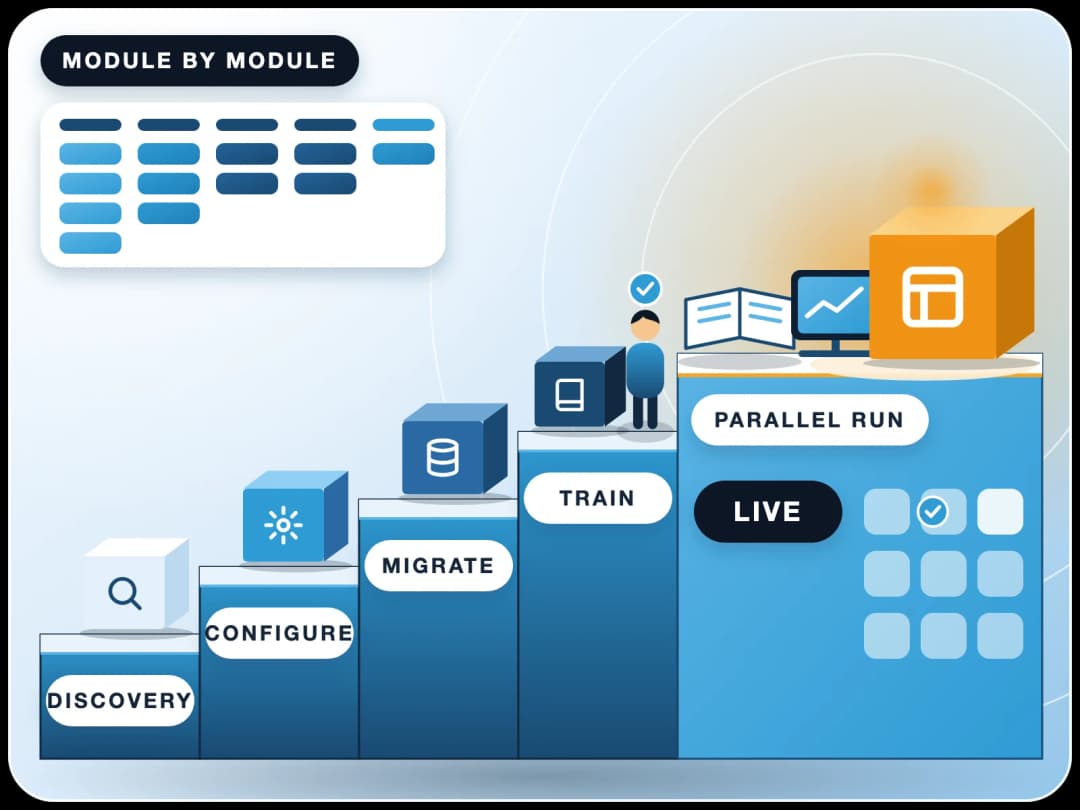
- 4Module orderModules go live one at a time, in the order that gives a quick, visible win.
- 5Clean dataItems, customers and suppliers cleaned before go-live, so the first screens look right.
- 6Tell people earlyStaff hear why, what changes for them and when, before training starts.
How does ERPNext user training work?
Short, role-based sessions on a copy of your own system, ending with each user doing real entries.
By role, not by module
A storekeeper learns receipts, transfers and counts; an accountant learns invoices, payments and the close. Nobody sits through screens they will never use.
On your own data
Training runs on a copy of your system with your items, customers and prices, so the screens look like real work.
Users do the entries
Each user makes a few real entries of their own and signs off before their module goes live.
Admins learn to self-serve
Your system admins learn Customize Form and the Report Builder, so small changes need no developer.
Notes and short videos
Step-by-step notes and short screen recordings for each task, for new joiners and as a refresher.
A refresher after go-live
After a few weeks of real use, a second round fixes the habits that slipped and answers the questions that came up.
Can users learn on their own first?
Yes. Frappe's own ERPNext course on Frappe School is a good start for key users before our sessions.
Why plan ERPNext adoption with FinByz?
We implemented ERPNext in our own company in 2016 and still run on it today.
Accounts and inventory first
We start where ERPNext adds the most, so users see value in the first module.
Standard first
We map your work to standard ERPNext and simplify screens where users struggle.
Shown before it is taught
Every module is shown with your own test entries before anyone is trained on it.
Accountants train finance users
Finance users are trained by our in-house accountants; AI comes once the data is clean.
Every hour visible
You get your own Productify access: tasks, time logs and daily reports.
No lock-in
ERPNext and our work are open source under GPL v3. Your system and code stay yours to move.
What does ERPNext onboarding look like, module by module?
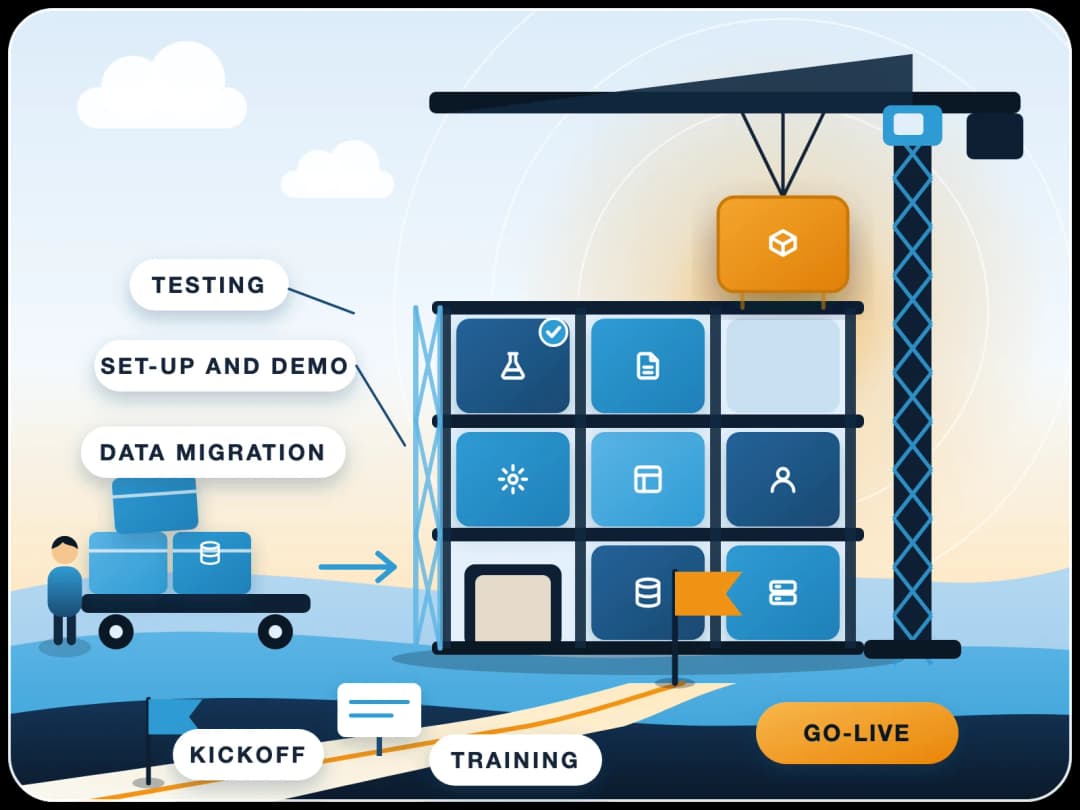
About a week per module, in a few short meetings, so each team is ready before its module goes live.
Meeting 1
Demo with your entries
The module is shown with your own test entries; changes are agreed on the spot.Meeting 2
A configured first cut
The module set up as agreed, shown again and repeated until confirmed.Meeting 3
Training and sign-off
Each user does a few entries of their own and signs off.Go-live
A week of close support
The module goes live with a week of priority help for its users.
Which module goes first?
Usually operations first, then accounts once users are comfortable; or one quick, visible win first. We agree the order with you.
How do you handle resistance to change?
By naming the real worry behind each complaint and answering that, not the complaint.
Fear of being watched
Explain early what the system tracks and why. Show that it removes chasing and re-typing, not jobs.
Excel was faster
Simplify the screens for daily tasks, and retire the spreadsheet once the ERPNext report replaces it.
Managers not using it
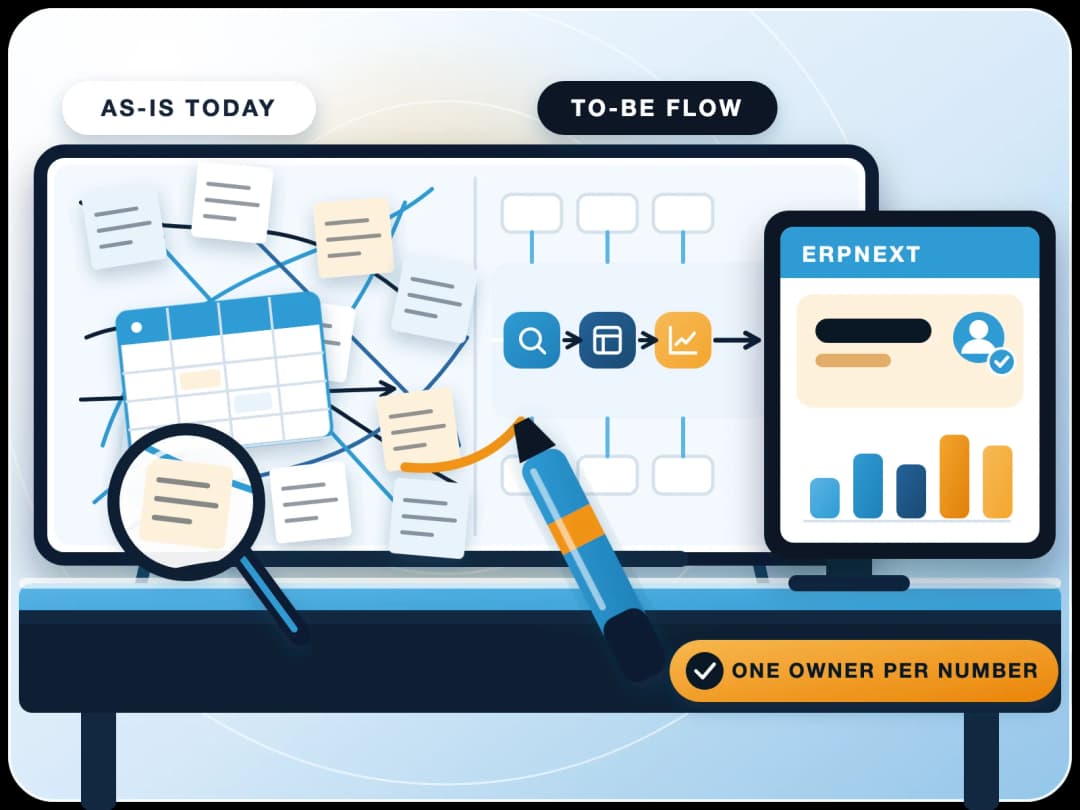
Give each manager a dashboard they are reviewed on. When the boss asks from ERPNext, everyone uses it.
Too many fields
Hide what a role never needs, set defaults, and build a single-page screen where a form is too heavy.
No quick win
Start with one visible result, such as a job work or stock dashboard, before the bigger modules.
Nobody to ask
Two trained in-house key users answer first; our team stands behind them.
ERPNext is live but people avoid it: can you help?
Yes. FinByz Tech starts with a usage check: who enters what, which spreadsheets still run, and which screens slow people down. Then a short plan to simplify and retrain.
How do you know people are really using ERPNext?
By attaching a number to each job and putting it on a dashboard that person owns.
In FinByz Tech's experience, the companies that grew most after ERPNext decided what to delegate, gave each delegated job a number, and reviewed people on it. When those numbers come only from ERPNext, using ERPNext is no longer optional.
- Documents created per user and per day.
- Spreadsheets retired, one by one.
- Drafts left unsubmitted and tasks overdue.
- Reports and dashboards opened by managers.
What happens in the first 90 days after go-live?
Close support first, then habits, then numbers people own.
Days 1-30
Close support
Priority help, daily checks of entries, and the first month-end close done together.Days 31-60
Habits and reports
A refresher round, spreadsheets retired, and the first manager dashboards in use.Days 61-90
Numbers owned
Each manager reviews their numbers from ERPNext; the next module or AI step is planned.
When does AI come in?
Once the data is clean and people use it, AI can take over repetitive work inside ERPNext with each user's permissions. See ERPNext + AI.
Who from your team needs to be involved?
FinByz Tech needs these people from your team. They make the difference between a system that is live and one that is used.
| Role | What they do | Time needed |
|---|---|---|
| Champion | Owns the change, settles disagreements, reviews progress | A short weekly review |
| Coordinator | Runs the plan day to day, gathers questions and data | Several hours a week |
| Key users (up to two) | Learn deeply and answer colleagues first | Training plus first-line help |
| Process owners | Agree how their area works in ERPNext and sign off | A few meetings per module |
| All users | Attend role training and do their sign-off entries | A few short sessions |
Is ERPNext right for your business?
ERPNext fits best when many people work in the system and processes are reasonably structured.
Accounts and inventory are where it is strongest. If your accounts will stay in another system, its value drops, and FinByz Tech will tell you so before you start.
- Good fit. Around 20 or more users, accounts and stock in one system, a willing champion.
- Plan carefully. Very specialised operations where ERPNext needs real customisation.
- Think twice. Accounts staying in another system, or no one inside to own the change.
How is ERPNext adoption support billed?
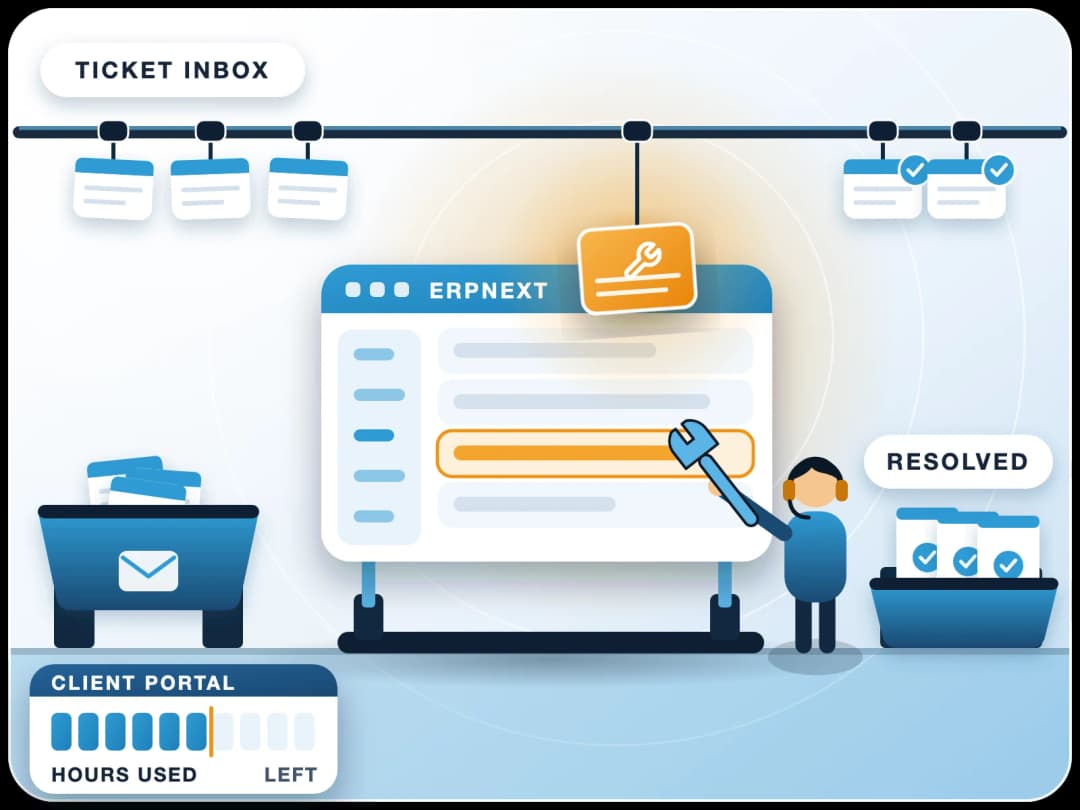
On time and material, from a monthly plan of hours with monthly goals, and every hour visible to you.
Monthly Goals
Training, go-lives and dashboards planned month by month, not one big total.
Hours You Can See
Tasks and time logs in your own Productify access, with daily reports.
One Month at a Time
Unused hours carry forward one month; change the plan from next month or stop with 30 days' notice.
What do clients say about working with FinByz?
“We've had an excellent experience working with this software service provider. Their innovative approach to solving complex technical challenges has significantly improved our product. The addition of a dedicated developer to our team ensured seamless communication and consistent progress.”
“I personally think they go far and beyond in their delivery and commitments. As well as insuring that their clients are happy and well informed with there needs.”
“Great and professional software solutions, with a team very focused on client satisfaction.”
What happens after you contact us?
A consultant asks what you use today, what breaks, and the three outcomes you want. You see a short demo on your kind of data, and then a plan: module order, training and the numbers each manager will own.
Setting up ERPNext from scratch? See our ERPNext implementation partner page or ERPNext process consulting.
Ahmedabad, India
Head office and delivery centre. FinByz Tech Pvt Ltd, 504-Addor Ambition, Nr. Navrang Circle, Navrangpura, Ahmedabad, Gujarat 380009.
Dubai, UAE
UAE office. Finbyz Tech FZE, DWTC free zone, Dubai.