Custom ERPNext API Development for Business Integration
FinByz Tech builds ERPNext API integrations: shops, payment gateways, banks, tax portals, logistics, CRM and devices, using ERPNext's REST API, webhooks and custom endpoints. Each integration is a separate Frappe app with logs and retries, so it keeps working through upgrades.
What is ERPNext API development?
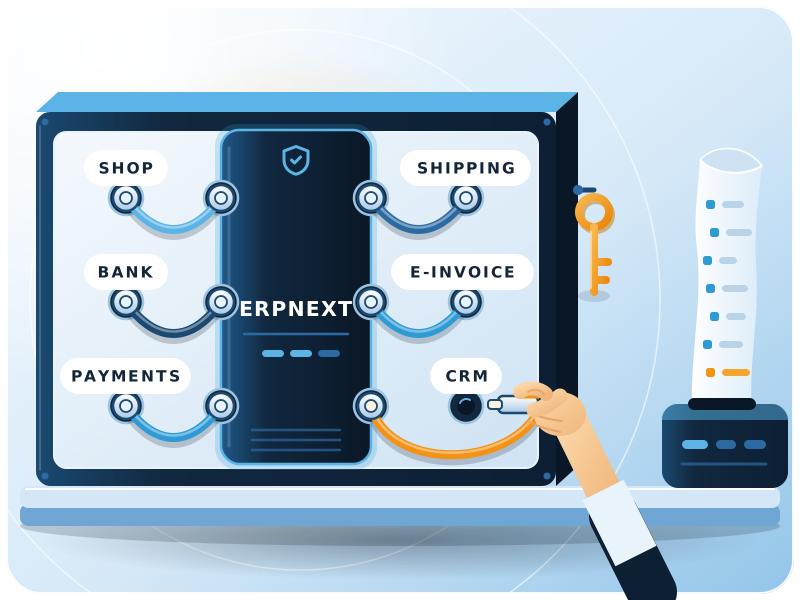
ERPNext API development connects ERPNext to other software so data moves between them without re-typing.
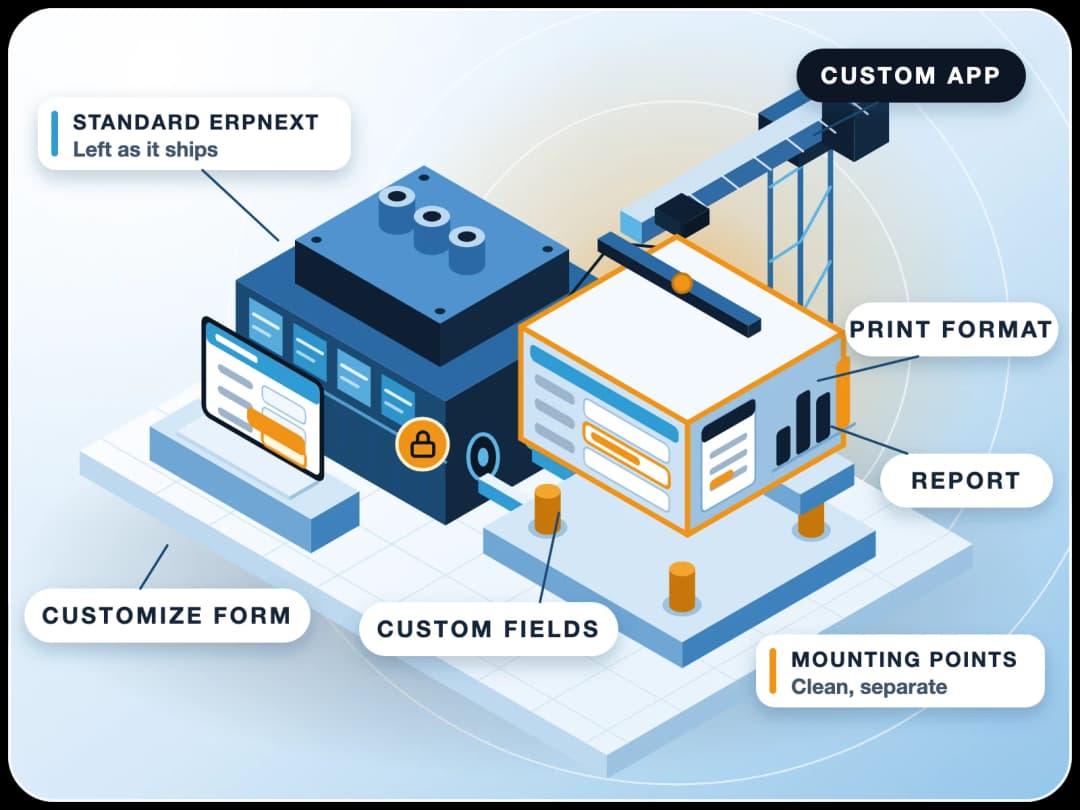
It uses ERPNext's built-in REST API and webhooks, plus custom endpoints where the standard ones are not enough. FinByz Tech builds each integration as a separate Frappe app, with logging, retries and secure keys.
Every manual hand-off between systems is a place for delays and typing errors: orders keyed in twice, payments matched by hand, stock that is wrong on the website. An integration removes the hand-off.
Does ERPNext have a built-in REST API?
Yes. ERPNext, built on the Frappe framework, makes every document type available through REST at /api/resource, and whitelisted Python methods at /api/method. See the Frappe REST API docs.
Which systems can you connect to ERPNext?
Anything with an API, and many things without one. These are the integrations we build most.
E-commerce
Online shops and marketplaces: orders in, stock and prices out, invoices created in ERPNext.
Payment Gateways
Payment links on invoices and orders, with receipts posted to the right account.
Banks
Bank statements in for reconciliation, and payment files out to the bank.
E-invoicing and Tax Portals
E-invoices and tax returns sent to government portals and their responses stored.
ERPNext complianceLogistics
Shipping labels, tracking numbers and delivery status from carriers and container tracking.
ERPNext for logisticsCRM, Email and WhatsApp
Leads from forms and email, messages and alerts on WhatsApp, synced with ERPNext CRM.
Devices and Machines
Biometric attendance, weighbridges, barcode scanners and shop-floor machines.
AI Assistants
AI agents and assistants connected through the ERPNext API or its MCP connector, with each user's permissions.
ERPNext + AIHow does the ERPNext API work?
Four building blocks cover almost every ERPNext API integration.
| Building block | What it does | Typical use |
|---|---|---|
| /api/resource/:doctype | Create, read, update and delete any document (GET, POST, PUT, DELETE) | An online shop creating sales orders |
| /api/method/:path | Calls a whitelisted Python function | A custom endpoint that checks stock and reserves it |
| Webhooks | ERPNext calls another system when a document event happens | Telling a carrier a delivery note was submitted |
| Authentication | Token (API key and secret), OAuth 2 bearer tokens, or a session | Keys for a system user; OAuth for user apps |
Why choose FinByz for ERPNext integration services?
An in-house Frappe team building ERPNext integrations since 2016.
Built as a separate app
Integrations live in their own Frappe app, so ERPNext upgrades stay easy.
Logs for every call
Each request and response is logged, so a failure can be found and replayed.
We know both sides
Developers who know the Frappe API and consultants who know what the data means in accounts.
Silver partner on frappe.io
Listed at PMM level 4 on frappe.io. Product issues go to Frappe directly.
Your code, no lock-in
GPL v3, in your repository from day one. Any Frappe developer can maintain it.
Every hour visible
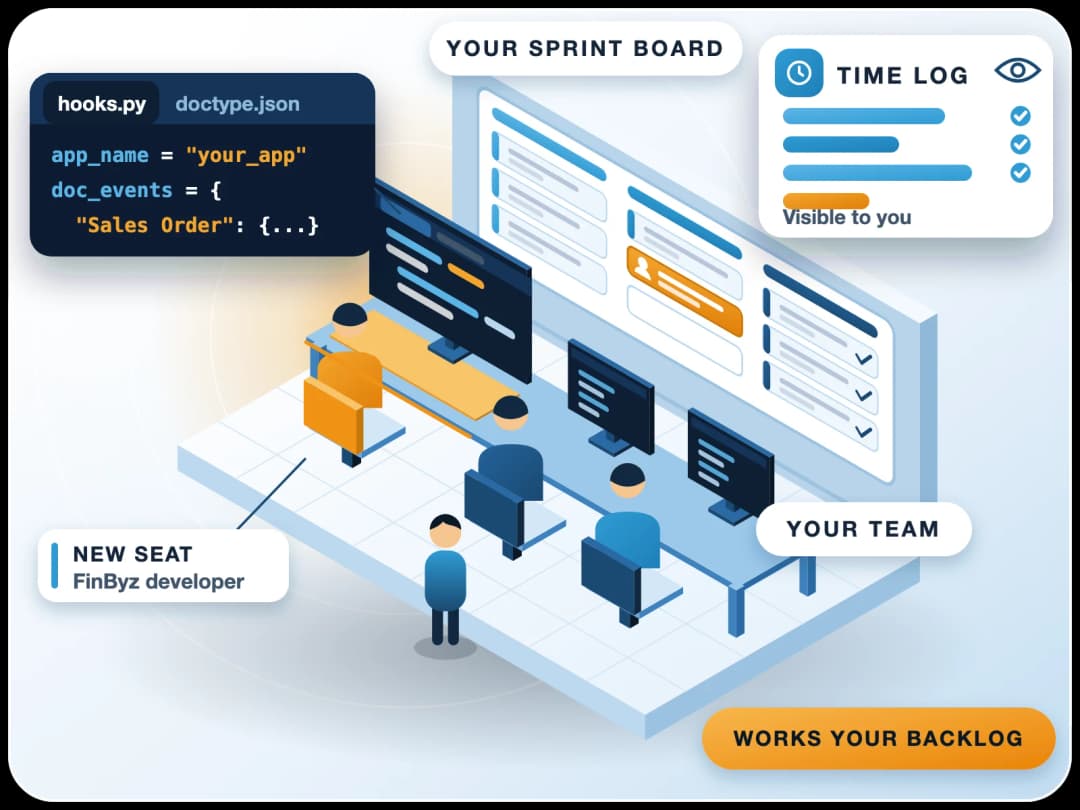
Your own Productify access: tasks, time logs and a daily report.
Webhooks or scheduled sync: which should you use?
It depends on how fast the other side needs the data and how reliable its API is. Many integrations use both.
| What matters | Webhooks (push) | Scheduled sync (pull) |
|---|---|---|
| Speed | Seconds after the event | At each run, for example every 15 minutes |
| Load | Only when something changes | Regular calls even when nothing changed |
| If the other side is down | Logged in ERPNext; failed calls can be resent | Picked up at the next run |
| Best for | Orders, payments, status changes | Stock levels, price lists, bulk updates |
How do you secure an ERPNext API integration?
With a dedicated user, the fewest rights it needs, and secrets that never sit in code.
- API keys per integration user, never a person's login.
- That user given only the roles and documents it needs.
- HTTPS for every call; secrets kept in settings, not in code.
- Webhook signatures checked with a shared secret (HMAC-SHA256).
- OAuth 2 for apps acting on behalf of a user.
- Keys rotated when people leave or a system changes.
How does an ERPNext API integration project run?
Six steps, from the first question to the first weeks live.
- 1DiscoveryWhich system, which data, which direction, how often, and who owns each record.
- 2Field mappingEvery field mapped between the two systems, including codes, taxes and units.
- 3DesignWebhook, scheduled sync or file, authentication, and how errors are handled.
- 4Build in a custom appEndpoints, connectors and settings built in a separate Frappe app.
- 5Test in a sandboxTested against the other system's sandbox, with real edge cases: returns, partial payments, duplicates.
- 6Go live and watchReleased at an agreed time, then watched through the logs in the first weeks.
How do you handle failures, retries and duplicates?
Every integration fails sometimes. What matters is that nobody loses data and someone knows.
Retries
Calls that fail for a network or timeout reason are retried in the background.
No duplicates
Each record carries the other system's ID, so a retried call updates instead of creating a copy.
Logs you can read
Every request, response and error stored in ERPNext, with the record it belongs to.
Alerts
Repeated failures raise an alert to the right person, not a silent error.
Can you connect legacy systems that have no API?
Yes. ERPNext can connect to legacy systems without an API.
If a system can export a file, share a database view or send email, ERPNext can read it. We pick the safest route the old system allows.
File Drops
CSV or Excel files picked up from a folder or SFTP and imported on a schedule.
Database Views
Read-only views on the old database, read by a scheduled job.
Middleware
n8n flows between systems when a direct link is not worth building.
n8n automationWho maintains the integration when the other API changes?
APIs change: new versions, new fields, retired endpoints. Someone has to watch for it.
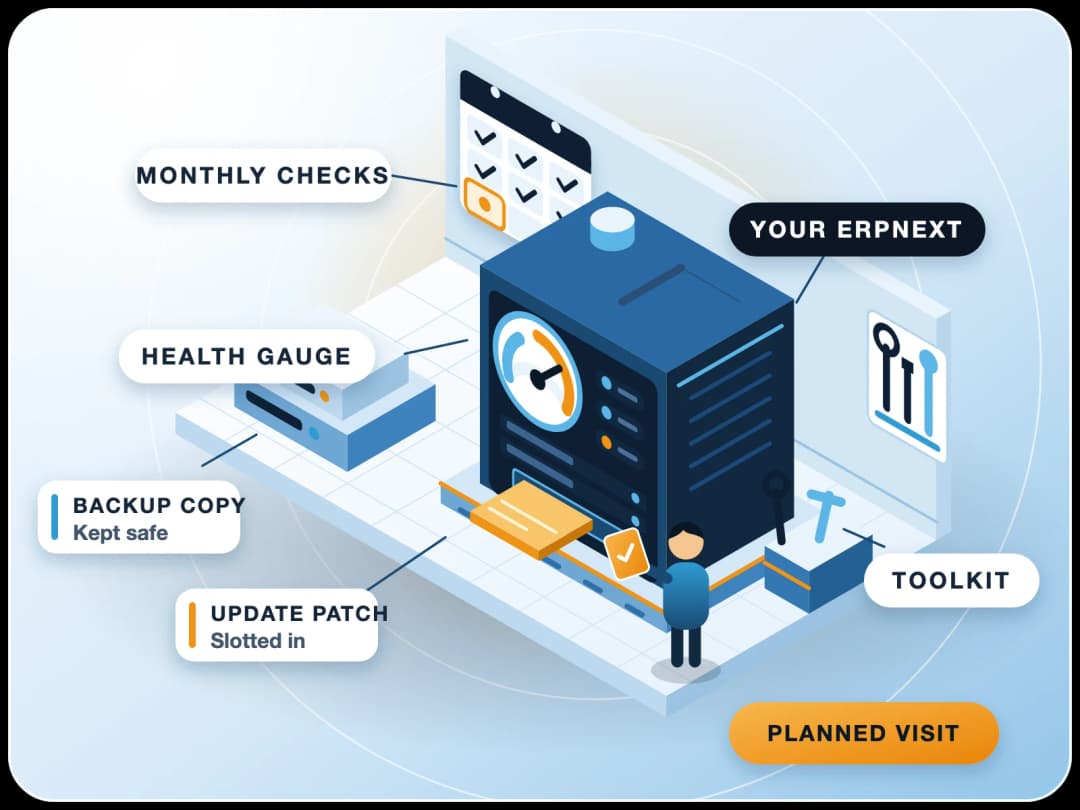
We watch the logs after go-live and update the integration when the other side announces a change. Most clients keep this in an ERPNext maintenance plan, so updates and integrations are tested together.
- Log reviews to catch errors before users notice.
- API version changes on the other side, tested in its sandbox.
- ERPNext updates tested with the integration on staging.
- New fields and flows added as your business changes.
Can ERPNext connect to Tally?
Yes. When accounts stay in Tally, we usually recommend a one-way sync from ERPNext to Tally, and a two-way sync only when it is truly needed.
How is ERPNext API development billed?
On time and material, from a monthly plan of hours, with every hour visible in Productify. Change the plan from next month, or stop with 30 days' notice.
Case study: ERPNext 30x faster at SMOOR Chocolates
SMOOR Chocolates ran ERPNext v13, heavily customised by its previous partner. Saving a purchase order with 30-35 lines took about 15 minutes. After a one-month optimisation by FinByz, it takes under 30 seconds.
What do clients say about working with FinByz?
“We've had an excellent experience working with this software service provider. Their innovative approach to solving complex technical challenges has significantly improved our product. The addition of a dedicated developer to our team ensured seamless communication and consistent progress.”
“I personally think they go far and beyond in their delivery and commitments. As well as insuring that their clients are happy and well informed with there needs.”
“Great and professional software solutions, with a team very focused on client satisfaction.”
What happens after you contact us?
A consultant asks which systems, which data and how often, and looks at the other side's API documentation. You get a short plan with the mapping and the first month's goals. FinByz Tech has worked on 200+ projects.
Need bigger changes inside ERPNext too? See custom ERPNext development.
Ahmedabad, India
Head office and delivery centre. FinByz Tech Pvt Ltd, 504-Addor Ambition, Nr. Navrang Circle, Navrangpura, Ahmedabad, Gujarat 380009.
Dubai, UAE
UAE office. Finbyz Tech FZE, DWTC free zone, Dubai.