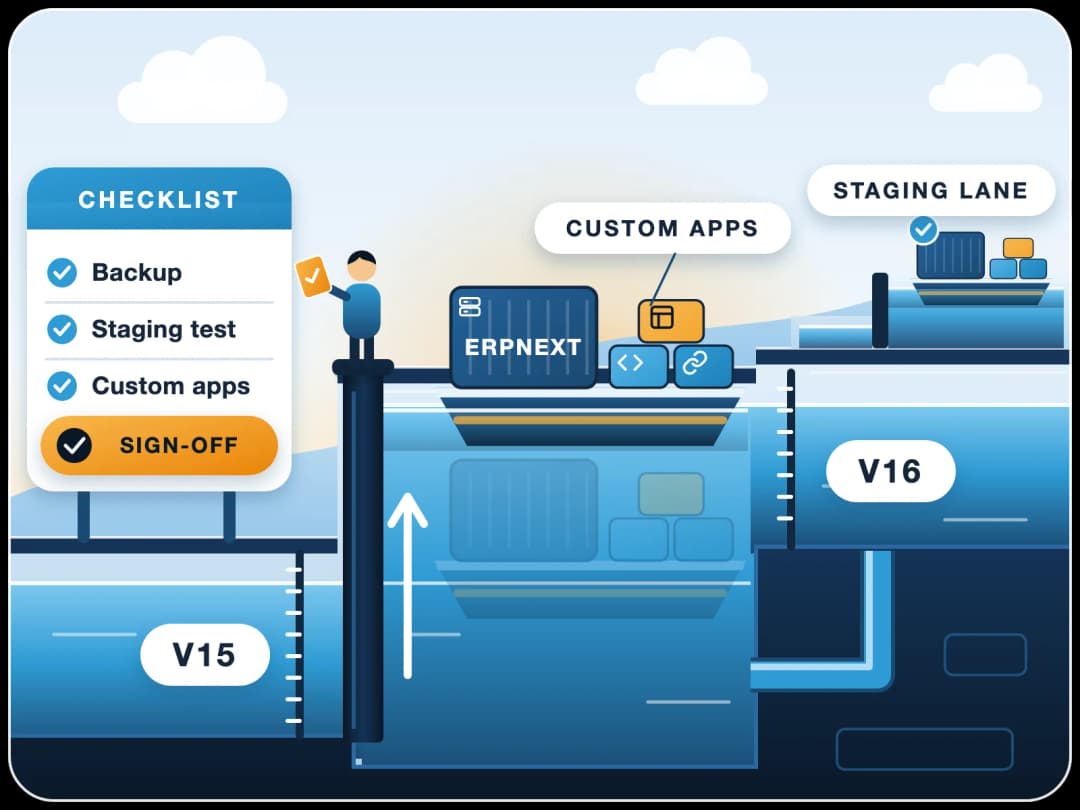
ERPNext System Maintenance & AMC Services
FinByz Tech runs ERPNext AMC as planned system maintenance: tested updates, checked backups, monitoring, security and upkeep of your custom apps, on a monthly plan of hours with every hour visible to you. For systems we implemented and for systems set up by others.
What is an ERPNext AMC?
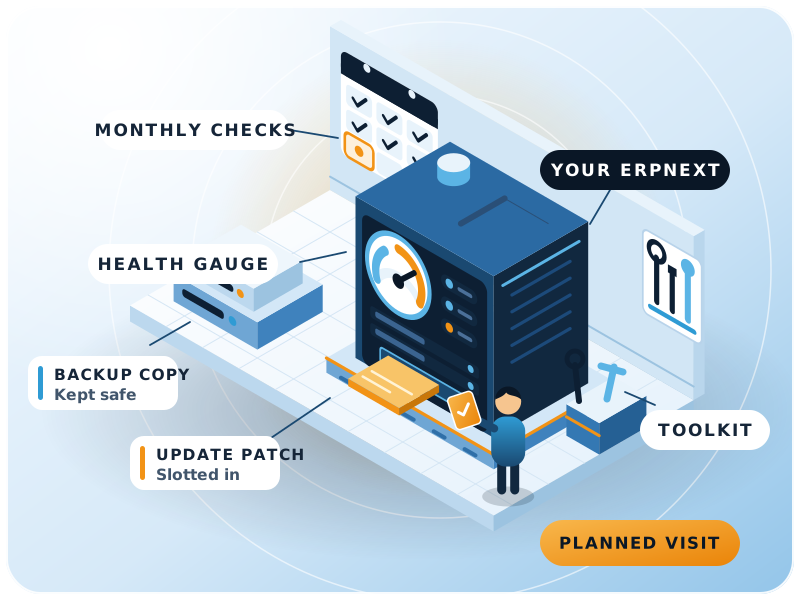
An ERPNext AMC is an annual maintenance contract that keeps a live ERPNext system updated, backed up and healthy.
It covers planned work: version updates, backup checks, monitoring, security, performance and upkeep of custom apps. FinByz Tech provides it as a monthly maintenance plan of hours, so you can keep it all year or stop with 30 days' notice.
ERPNext keeps changing: weekly fixes, a major version each year, new tax rules, more data every month. A system that nobody looks after drifts until an upgrade, a failed backup or a slow month-end turns into a crisis.
System maintenance stops that drift with a fixed rhythm of checks and small fixes, done by a team that knows your set-up.
What does an ERPNext annual maintenance contract cover?
Version updates, backups, monitoring, security, performance, custom apps, tax changes and a monthly report.
- Version updates. Minor releases tested and applied in planned windows.
- Backups. Checked daily, kept off the server, and restored in a test every quarter.
- Monitoring. Error logs, failed background jobs, the email queue and disk space.
- Security. Patches applied, user access and roles reviewed.
- Performance. Slow reports and screens found early, before users complain.
- Custom apps. Your own apps and integrations kept working after each update.
- Tax and compliance changes. New e-invoice or tax rules set up when they change.
- A monthly report. What was checked, what was changed and the hours used.
What if something breaks between checks?
Your project in-charge emails support@finbyz.tech. Urgent issues are picked up first, Monday to Friday, 10:00 to 18:00 IST, from the same plan of hours.
Maintenance or support: which do you need?
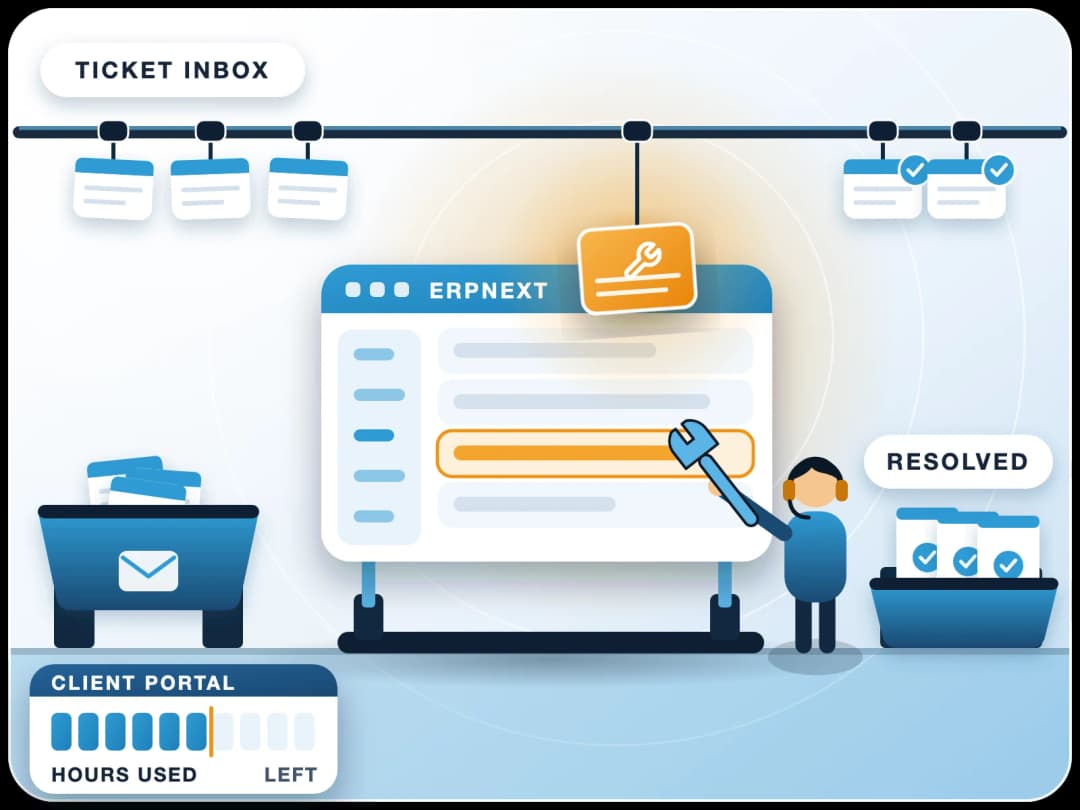
Maintenance is planned work on the system. Support answers users and fixes what breaks. Most clients use one plan for both; for ticket handling, see ERPNext support services.
Why does ERPNext need regular system maintenance?
Because an ERP does not fail all at once. It slows down, falls behind and builds risk quietly, month by month.
Version drift
ERPNext ships fixes every week. Skip a year of them and the next upgrade becomes a project of its own.
Backups nobody tested
A backup that fails or cannot be restored is found out on the worst day. Regular restore tests prevent that.
Slower as data grows
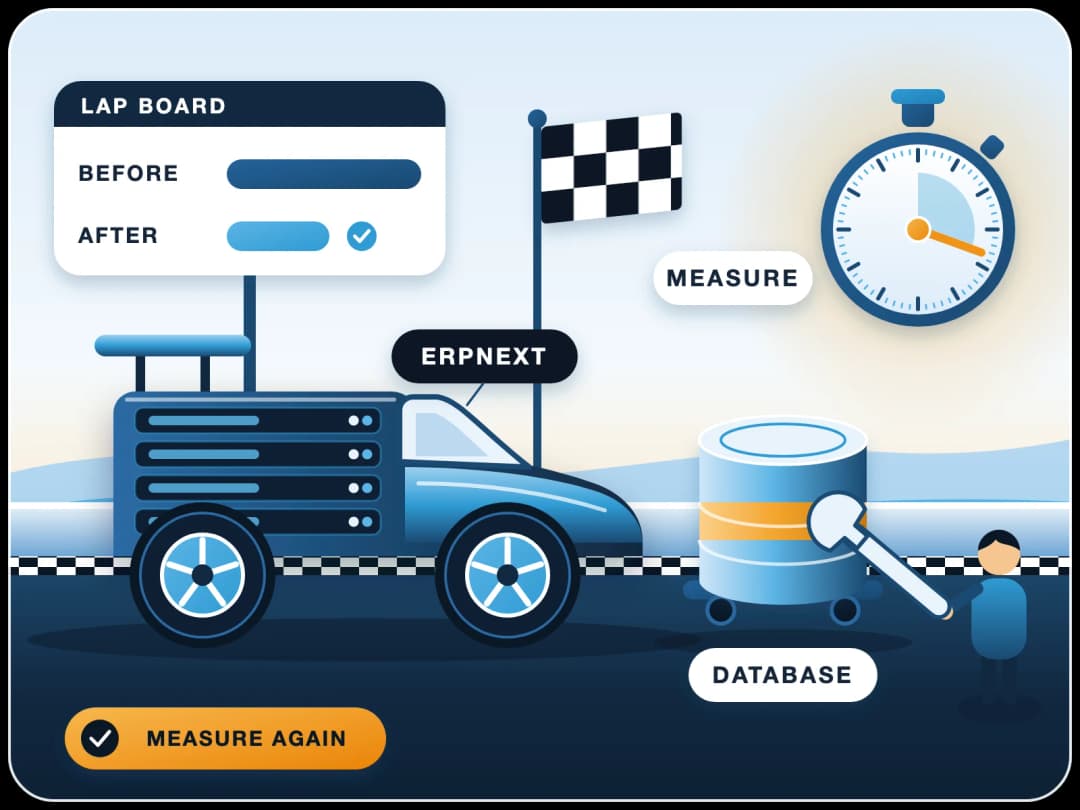
More invoices, stock entries and logs make reports slower each month. Small tuning keeps the system quick.
Silent failures
A stopped scheduler or a stuck email queue means reminders, reorders and reports quietly stop going out.
Custom code after updates
An update can break a custom script, print format or integration. Testing on a copy first catches it.
Changing tax rules
E-invoicing and tax rules change by country. Keeping up stops rejected invoices and late filings.
What ERPNext maintenance services are included?
Version updates, backup and recovery, speed and database care, security and access, monitoring, and custom apps and integrations, done by the same team every month.
Version Updates
Minor releases applied every month after a test on a copy. Major versions planned once a year.
ERPNext v16 upgradeBackup and Recovery
Daily backups checked, an off-site copy kept, and a restore tested so recovery is proven.
Speed and Database Care
Slow queries, large tables and old logs cleaned up before they slow your users down.
Performance workSecurity and Access
Security patches, password and two-factor settings, and a review of who can see what.
Monitoring and Error Logs
Error logs, failed jobs, scheduler, email queue and disk space checked on a fixed rhythm.
Custom Apps and Integrations
Your custom apps, payment, bank and e-commerce links kept working through every update.
IntegrationsWhy choose FinByz for ERPNext AMC?
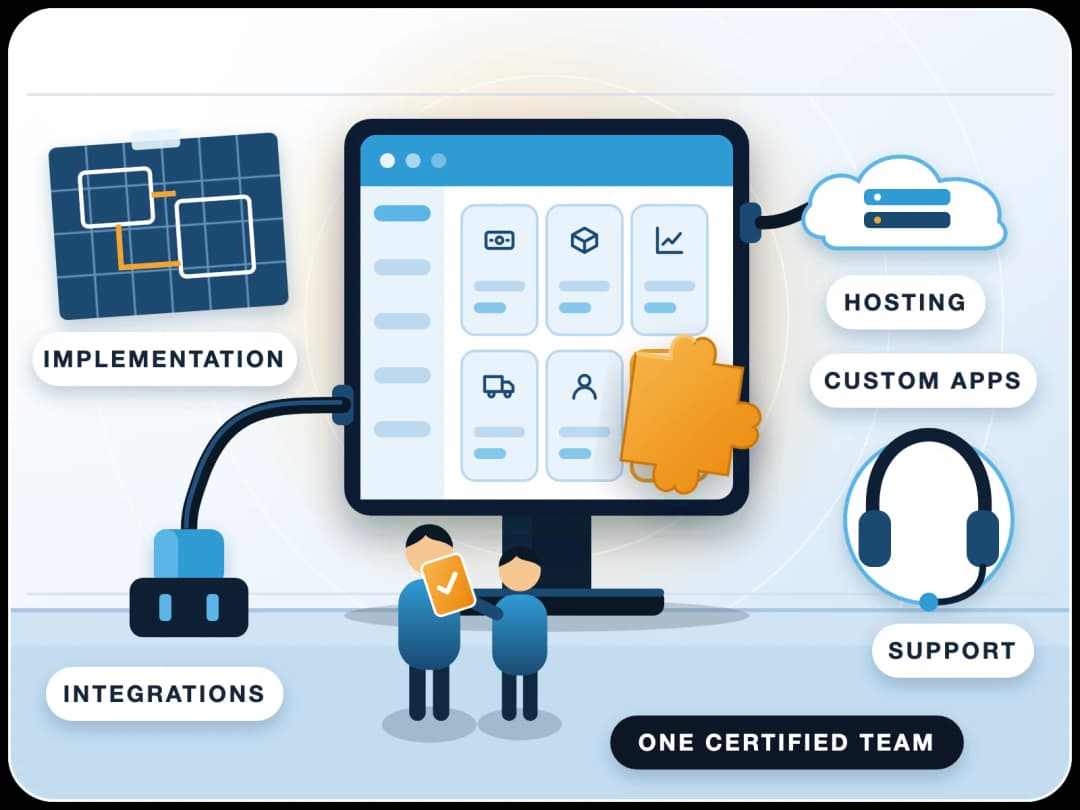
One in-house team for maintenance, accounts and development, working on ERPNext since 2016.
Silver partner, listed on frappe.io
Listed on frappe.io at PMM level 4. Product issues go to Frappe directly.
Planned, not reactive
Maintenance runs on a calendar, so problems are found in a check, not by a user on a busy morning.
Tested on a copy first
Updates go to a staging copy with your custom apps before they touch your live system.
Accounts people on the team
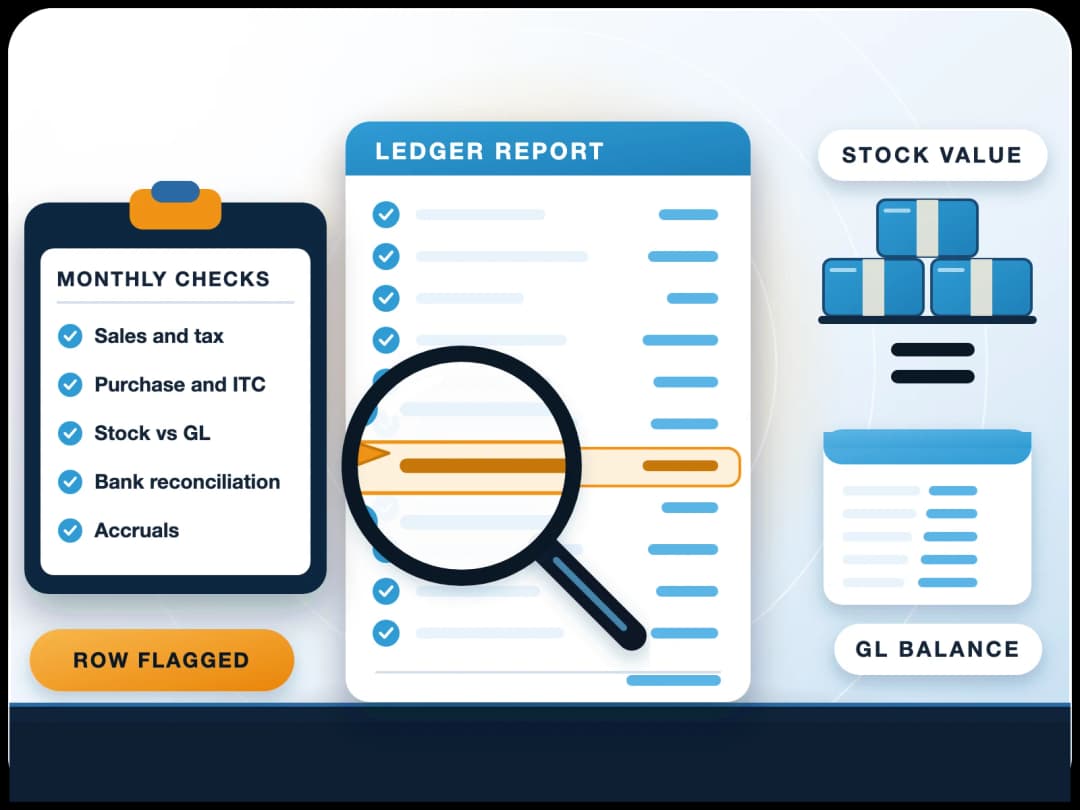
Our in-house accountants check that an update has not changed tax, ledgers or stock values.
Every hour visible
You get your own access to Productify: tasks, time logs and a short report each month.
No lock-in
ERPNext and our work are open source under GPL v3. You keep code access and can move any time.
How often should ERPNext be maintained?
Backups and logs weekly, tested updates monthly, a health and access review quarterly, and a major version yearly.
Every week
Backups and logs
Backups verified, error logs and failed background jobs reviewed and cleared.Every month
Updates and report
Minor updates tested on a copy, applied in a planned window, and a short report of the work and hours.Every quarter
Health and access
Restore test, slow-report review, user and role review, and a look at disk and database growth.Every year
Major version
The next major ERPNext version planned, tested on a staging copy with your custom apps, then applied.
How is an ERPNext AMC billed: yearly contract or monthly plan?
Most AMCs are a fixed yearly fee for a fixed list of visits. Ours is a monthly plan of hours, so the work follows what your system needs.
| What matters | Fixed yearly AMC | FinByz monthly maintenance plan | Pay per incident |
|---|---|---|---|
| Commitment | A year, paid upfront | One month at a time; 30 days' notice to stop | None |
| What is covered | A fixed list; the rest is extra | Any maintenance or support work | Only the incident |
| Planned checks | Usually a few visits a year | Weekly, monthly and quarterly checks | None |
| Unused effort | Lost | Unused hours carry forward one month | Not applicable |
| Seeing the work | A visit report | Every hour in your own Productify access | An invoice |
| Changing scope | At renewal | From the next month | Each time |
Is there a fixed yearly AMC fee?
No. FinByz Tech bills ERPNext AMC as a monthly plan of hours, and the same hours cover maintenance and support. The rate depends on the plan, so we share it in a proposal once we have seen your system.
- Time and material. You pay for the hours worked, nothing else.
- One plan, all work. Checks, updates, fixes and small changes come from the same hours.
- Unused hours carry forward one month. Extra hours are billed at the plan rate.
- One month at a time. Change the plan from next month, or stop with 30 days' notice.
What decides the cost of an ERPNext AMC?
The size of the system decides the hours: users, sites and companies, custom apps, integrations, data volume, how far behind the version is, and who hosts it.
Frappe Cloud or your own server: who maintains what?
Hosting changes who does the server work. The ERPNext side needs care either way.
| Task | On Frappe Cloud | On your own server |
|---|---|---|
| Server, operating system, database | Frappe | FinByz, under your plan |
| Backups | Automatic; FinByz checks them | FinByz sets up, checks and tests them |
| ERPNext updates | Scheduled by FinByz after a staging test | Applied by FinByz after a staging test |
| Custom apps and integrations | FinByz | FinByz |
| Users, roles and settings | FinByz | FinByz |
| Product bugs in ERPNext | Frappe's L2 support behind FinByz | Raised by FinByz with Frappe |
We recommend Frappe Cloud for most companies: managed backups, point-in-time restore and less server work, which leaves more of your hours for the system itself. Hosting is paid at cost, with no FinByz margin.
What should a monthly maintenance check include?
Ten checks we run on every system we maintain. Your own IT team can use the same list.
- Last backup is recent, complete and stored off the server.
- Scheduler is running; no background jobs stuck or failing.
- Error log reviewed; repeated errors traced to their cause.
- Email queue is moving; no notifications stuck.
- ERPNext and app versions noted; pending updates listed.
- Disk space, database size and log tables within limits.
- Slowest reports and screens timed and compared with last month.
- Users who left are disabled; roles still match the job.
- Integrations (bank, payments, e-invoice, shop) ran without errors.
- Custom scripts and print formats still work on the current version.
Worried the books themselves are wrong? That needs an ERPNext transaction audit, not a system check.
How are ERPNext updates applied without breaking custom apps?
Never straight on the live system. Every update is tested on a copy with your own apps and data first.
- 1Back upA full backup of the database and files is taken and checked before anything changes.
- 2Copy to stagingYour live site is copied to a staging site with the same apps and data.
- 3Update and testThe update runs on staging. Key flows, custom apps, print formats and reports are tested.
- 4Apply in a windowThe tested update goes to your live site at an agreed quiet time, usually outside office hours.
- 5Check and reportWe check the live site after the update and note what changed in the monthly report.
Does the AMC include major version changes?
Yes, planned as its own piece of work from the same hours. See ERPNext v16 migration for how we move a system to the latest version.
Can FinByz maintain ERPNext set up by another partner?
Yes. Many systems we maintain were built by someone else. We start with a full check, then agree a rhythm.
Access and Inventory
We note the version, the apps, the server and what the previous partner customised.
A First Full Check
Backups, logs, versions, security and speed checked; urgent risks fixed in the first month.
A Maintenance Plan
A monthly rhythm agreed with you, and a plan to bring an old version up to date if needed.
What can a first check find?
Old versions, backups that never ran, slow custom code and users who left long ago. In the case below, one check led to a system 30 times faster.
Case study: ERPNext 30x faster at SMOOR Chocolates
SMOOR Chocolates ran ERPNext v13, heavily customised by its previous partner. Saving a purchase order with 30-35 lines took about 15 minutes. After a one-month optimisation by FinByz, it takes under 30 seconds.
What do clients say about working with FinByz?
“We've had an excellent experience working with this software service provider. Their innovative approach to solving complex technical challenges has significantly improved our product. The addition of a dedicated developer to our team ensured seamless communication and consistent progress.”
“I personally think they go far and beyond in their delivery and commitments. As well as insuring that their clients are happy and well informed with there needs.”
“Great and professional software solutions, with a team very focused on client satisfaction.”
What happens after you contact us?
A consultant asks for read access or a call to see your system. We run a first check and share what we found: version, backups, errors, speed and risks. Then you get a proposal for a maintenance plan, and you decide from there.
FinByz Tech has worked on 200+ projects. Read more in our ERPNext case studies, or see all ERPNext services.
Ahmedabad, India
Head office and delivery centre. FinByz Tech Pvt Ltd, 504-Addor Ambition, Nr. Navrang Circle, Navrangpura, Ahmedabad, Gujarat 380009.
Dubai, UAE
UAE office. Finbyz Tech FZE, DWTC free zone, Dubai.