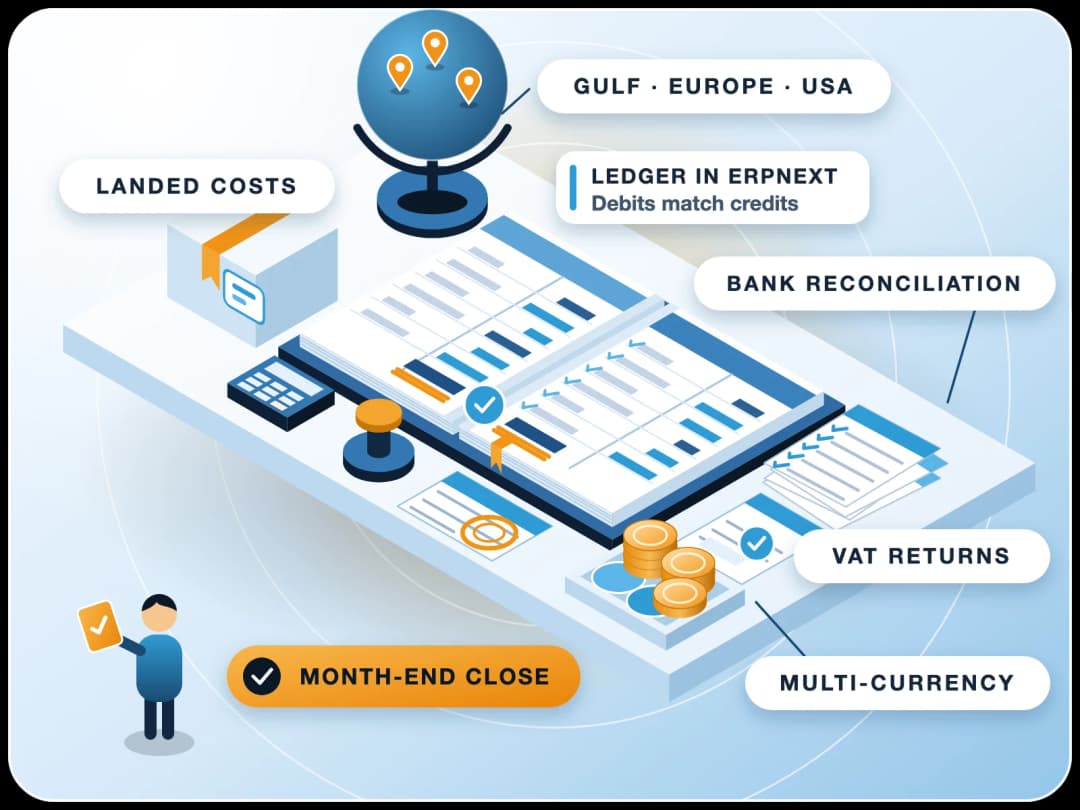
ERPNext Transaction Audit & Accounting Health Check
Do your ERPNext reports not match your gut feeling? FinByz Tech's accountants check the transactions your team enters, from sales and tax to stock and bank, find the mistakes that distort your numbers, and help your team stop making them, before year-end, not after.
What is an ERPNext accounting audit?
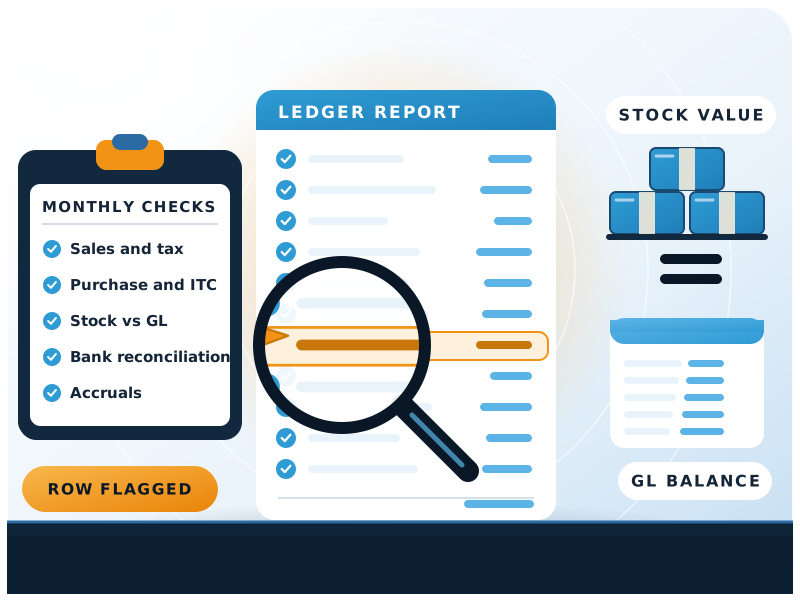
An ERPNext accounting audit checks whether the transactions entered in ERPNext follow accounting logic and the system's rules.
FinByz Tech reviews sales, tax, purchases, stock, bank and expenses, reports each mistake with its cause and fix, and gives your team monthly check templates so the same errors stop coming back.
You implemented ERPNext and your team is entering transactions. Then the management reports stop matching your gut feeling, gross margins look odd, and the tax return does not agree with the manual working.
An ERPNext transaction audit is the bridge between your team's data entry and the accurate reports management needs.
Is it the same as a statutory audit?
No. FinByz Tech's ERPNext audit is an operational check inside ERPNext, not a substitute for the statutory audit by your chartered accountant or auditor.
| Question | FinByz ERPNext transaction audit | Your statutory auditor |
|---|---|---|
| What is checked | Transactions and settings inside ERPNext | Final accounts against the law |
| When | Every month, or once before year-end | Once a year |
| Looks at | Document types, GL entries, stock ledgers, links | Financial statements and evidence |
| Result | Fixes and better habits during the year | An audit opinion |
| Works together | Hands clean reports to the auditor | Gets reports that already reconcile |
Why do ERPNext books go wrong after go-live?
In an integrated system, one mistake is never alone. It flows into stock, cost, tax and reports.
Mistakes after go-live
New users make small, harmless-looking mistakes. Managers, also new, do not know what to check. By the time the P&L is reviewed, months of entries are wrong.
Locked data
Fixing one wrong purchase rate from three months ago can mean cancelling the manufacturing entries and sales invoices that used that stock.
Tax filing risk
Wrong tax templates and missing invoices lead to returns that do not match the books, and to penalties and questions from the tax office.
Margins that look wrong
Negative stock and valuation errors make the cost of goods sold wrong. Margins look fine while some products sell at a loss.
What does an ERPNext transaction audit check?
Five areas, each with its own checklist, reviewed in your ledgers and transaction logs.
Sales and revenue
Tax rules for local, inter-state and export sales; e-invoices and e-way bills; sales register matched to the return; export invoices, exchange rates and accounts; goods delivered but never billed.
Purchase and assets
Missing or draft purchase invoices; assets booked as expenses and the reverse; purchase rates flowing into stock value; input tax matched to the supplier return; withholding tax by supplier category.
Stock and cost of goods
Stock value report matched to the stock accounts; negative stock found and corrected; cost of goods sold entries from unapproved adjustments; failed reposts.
Payments and bank
Bank reconciliation up to date; suspense and temporary accounts cleared; payments linked to invoices so ageing reports are right.
Expenses and statutory
Expenses in the right period; draft journals that distort reports; payroll and statutory postings in the right accounts.
Do you check VAT outside India too?
Yes. The same areas are checked for VAT in the Gulf, the UK and Europe, and sales tax in the USA; the tax checks follow your country's rules.
Why choose FinByz for an ERPNext health check?
ERPNext experts with accounting at the core: in-house accountants and developers working on ERPNext since 2016.
Accountants who know ERPNext
They read GL entries, stock ledgers and document links, not just the final reports.
Developers on the same team
When the cause is a setting, a script or a report, our ERPNext developers fix it.
A framework, not a one-off look
Industry checklists and monthly check templates your own team can run.
We train your users
Each report names the mistakes and who keeps making them, so the training is specific.
Every hour visible
You get your own Productify access: tasks, time logs and daily reports.
Your team stays in charge
Your accountants keep doing the books. We check the system they work in.
How does an ERPNext health check work?
Read-only first. Nothing in your system is changed without your team agreeing to it.
- 1Read-only accessWe get a read-only user in ERPNext and a contact in your finance team.
- 2Agree the checklistOur audit framework is fitted to your industry, companies, taxes and modules.
- 3First full reviewEvery area is checked, from sales and tax to stock and bank, for the period agreed.
- 4Findings reportEach issue with its cause, its effect on the numbers, and the fix, ranked by risk.
- 5CorrectionsYour team fixes the entries, or our hours do, with us checking each fix.
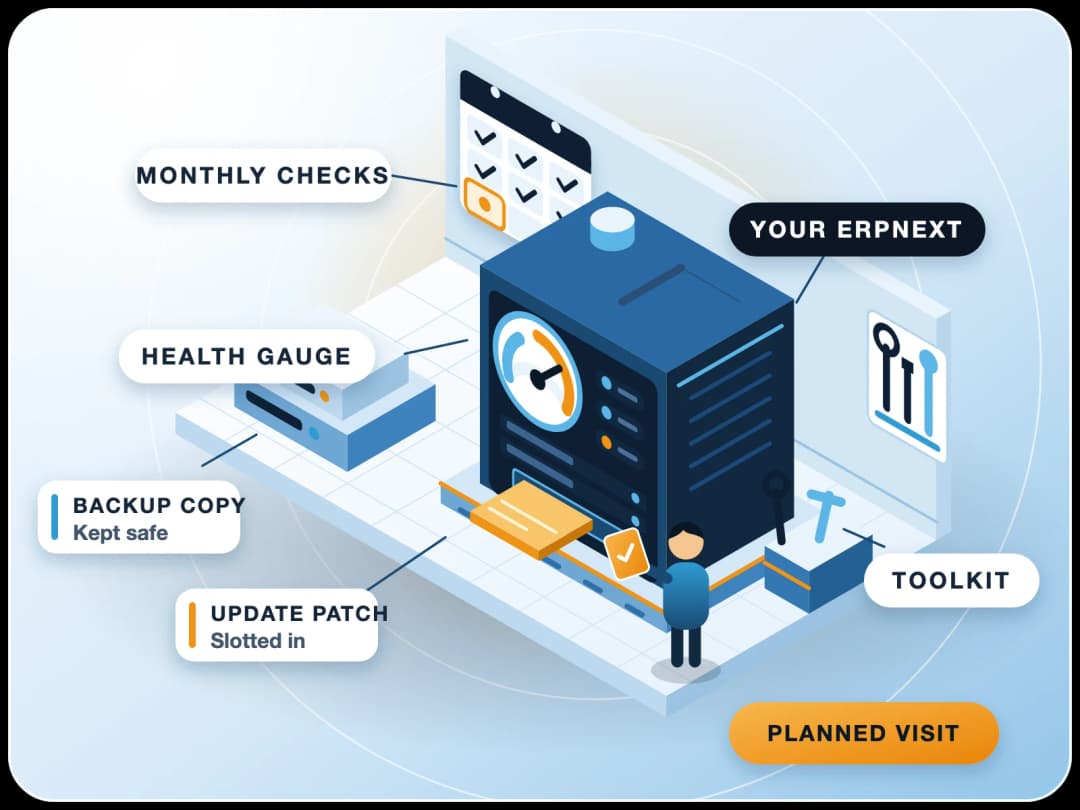
- 6Monthly checksTemplates and a monthly review keep new mistakes from building up again.
Do you check every entry or a sample?
Totals and reconciliations cover everything: stock against the ledger, tax registers, bank and party balances. Individual documents are checked through exception reports and samples.
Which reports and tools does an ERPNext audit use?
ERPNext's own reports, read by people who know what each figure should be.
| Report or tool | What it shows |
|---|---|
| Trial Balance and General Ledger | Account balances and every entry behind them |
| Stock and Account Value Comparison | Vouchers where stock value and the stock account differ |
| Repost Item Valuation | Stock reposts that failed or are still pending |
| Accounts Receivable and Payable | Ageing, unallocated payments and old open items |
| Bank Reconciliation Tool | Bank entries not yet matched to the statement |
| Tax registers and return reports | Sales and purchase tax compared with what was filed |
| Accounts Frozen Till and Accounting Period | Whether closed months are locked |
Where are these tools documented?
Frappe documents the stock and account comparison, reposting and closing the books.
What do you receive each month?
Each month FinByz Tech sends the errors found, their cause and the fix, ranked by risk.
Monthly Management Review
A short call on the month's findings: what went wrong, what was fixed and what to watch.
Financial Health Check
Profit, gross margin and expense trends checked for anything that does not look right.
Period Closing
Help to freeze closed months, so nobody can post back into them by mistake.
Recommendation Reports
Which users keep making which mistakes, and how to train them so it stops.
One-time ERPNext data audit or monthly review?
A one-time audit cleans up the past. A monthly review keeps the books clean from then on.
| What matters | One-time audit | Monthly review |
|---|---|---|
| Best for | Before year-end, an audit or a new accountant | Companies in their first year on ERPNext, or growing fast |
| Period checked | An agreed past period | Each month, soon after it ends |
| Result | Findings report and fix list | Monthly findings, templates and a review call |
| Effect on habits | One round of training | Shows whether the same mistakes repeat |
Who fixes the errors you find?
Your team, our team, or both: you choose for each finding.
The audit report gives each correction step by step. Your accountants can make them with us checking, or FinByz Tech makes them from your plan of hours. Cancel-and-amend chains are planned so nothing else breaks.
- Entries. Cancelled and amended in the right order, with notes for your auditor.
- Settings. Default accounts, tax templates and item groups corrected.
- Stock values. Reposted on the right dates and checked against the ledger.
- Prevention. Workflow, permission or validation changes so the mistake cannot happen again.
When should you book an audit?
Early is better. Errors found soon after they happen touch fewer linked entries, so they are quicker to fix.
- In the first three months after go-live.
- Before year-end close or the statutory audit.
- When a new accountant or finance head joins.
- When tax returns do not match the books.
- When margins or stock values look wrong.
- Before a version upgrade or a move to new hosting.
How is the audit billed?
On time and material, from a plan of hours, with every hour visible to you.
FinByz Tech proposes the hours after a first look at your companies, volumes and the period to check. Rates come in the proposal.
- Sized to you. Hours depend on companies, volumes and the period checked; we propose them after a first look.
- Monthly review as a plan. The same hours each month, changed from next month if needed.
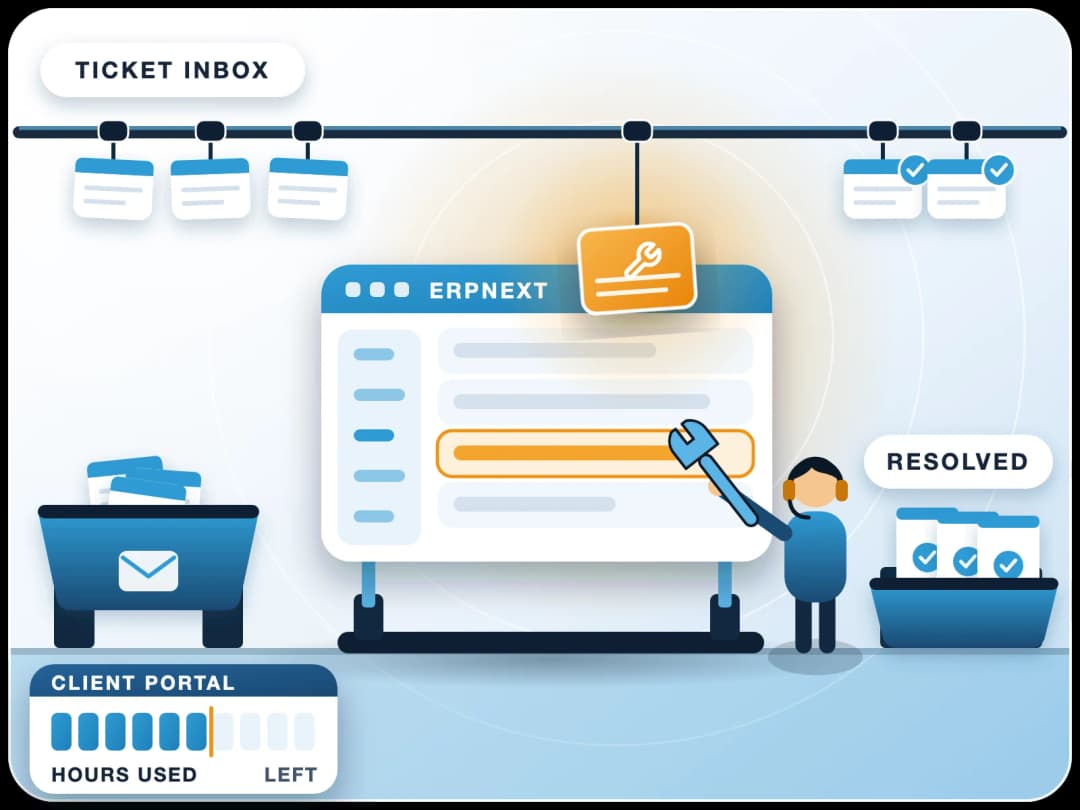
- Every hour visible. Tasks and time logs in your own Productify access.
- No long contract. Unused hours carry forward one month; stop with 30 days' notice.
What do clients say about working with FinByz?
“We've had an excellent experience working with this software service provider. Their innovative approach to solving complex technical challenges has significantly improved our product. The addition of a dedicated developer to our team ensured seamless communication and consistent progress.”
“I personally think they go far and beyond in their delivery and commitments. As well as insuring that their clients are happy and well informed with there needs.”
“Great and professional software solutions, with a team very focused on client satisfaction.”
What happens after you contact us?
An accountant from our team asks for read-only access and the period you are worried about, runs a first look and tells you what it shows. Then you choose a one-time audit or a monthly review.
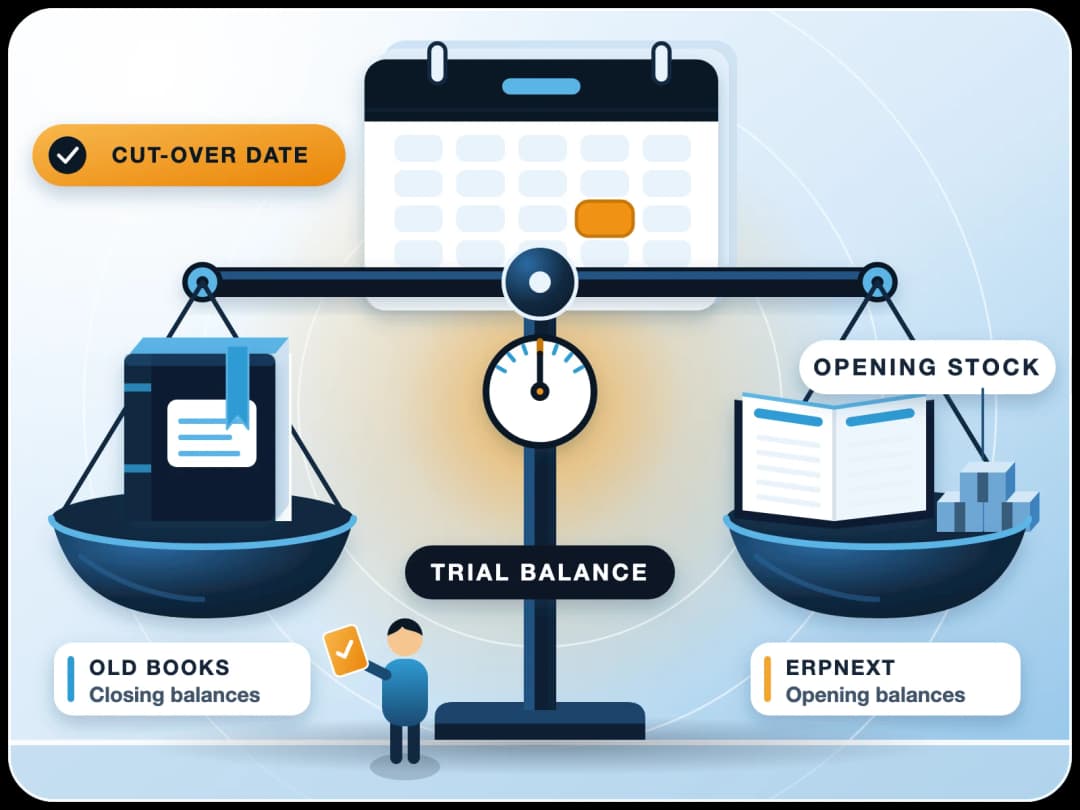
Opening figures never matched? Start with ERPNext opening balance reconciliation. Need someone to keep the books too? See hire an ERPNext accountant.
Ahmedabad, India
Head office and delivery centre. FinByz Tech Pvt Ltd, 504-Addor Ambition, Nr. Navrang Circle, Navrangpura, Ahmedabad, Gujarat 380009.
Dubai, UAE
UAE office. Finbyz Tech FZE, DWTC free zone, Dubai.