ERPNext Support Services
FinByz Tech gives ERPNext support to companies already live on ERPNext: user questions, bug fixes, custom-app support, upgrades and server care, on a monthly support pack with every hour visible to you. We also take over ERPNext set up by another partner.
What does ERPNext support cover?
ERPNext support keeps a live ERPNext system working, correct and up to date.
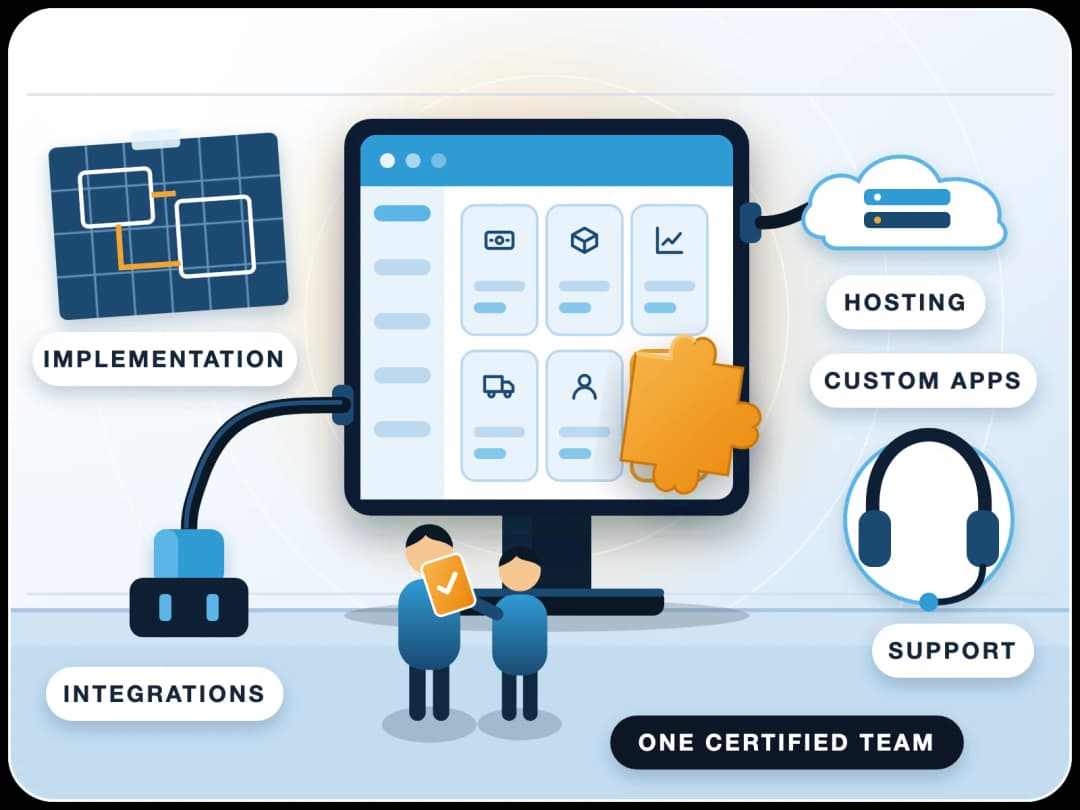
It covers user questions, bug fixes, custom-app and integration support, upgrades, performance and server care. FinByz Tech provides it on a monthly pack of hours, for systems we implemented and for systems set up by others.
When an invoice will not submit or a report runs slow, the business feels it at once. Our support team helps with troubleshooting, user training and system optimisation, and raises product issues with Frappe directly when the cause is in ERPNext itself.
What is included in ERPNext support?
Everything a live system needs, from one team.
- User assistance. Help with navigation, features and better workflows.
- Bug fixes. Errors in your set-up or custom apps found, fixed and verified.
- Performance tuning. Database optimisation, query tuning and faster screens.
- Security updates. Patches and fixes applied in planned update windows.
- Backup management. Backups checked and a recovery plan in place.
- Integration support. Third-party integrations and API connections kept working.
- Custom development. Small changes and new features for your own processes.
- Documentation. Guides and best practice for your team.
Which ERPNext versions and hosting do you support?
Current ERPNext versions, and older ones on the way to an upgrade, on Frappe Cloud or on your own server.
Where can you get ERPNext support: community, Frappe or a partner?
Three places: an ERPNext partner such as FinByz Tech, Frappe's own support, or the free Frappe community forum. Each covers a different scope, and Frappe's SLA states what its support does not cover.
| What you need | ERPNext partner (FinByz) | Frappe support | Community forum |
|---|---|---|---|
| Bug fixes in standard ERPNext | Diagnosed, worked around, raised with Frappe | Yes, in regular releases | Report it; others may help |
| Custom apps and third-party apps | Yes | Not covered | Peer advice only |
| Print formats, scripts, permissions | Yes | Not covered | Peer advice only |
| Data import and fixes | Yes | Only where a verified bug caused it | No |
| Business process help and training | Yes | Not covered (functional guidance only) | Peer advice only |
| Who answers | A team that knows your set-up | Frappe's support team | Volunteers |
| Cost model | Monthly support pack of hours | With eligible Frappe Cloud plans | Free |
Sources: Frappe's service level agreement and the Frappe community forum.
What ERPNext support services do we provide?
FinByz Tech provides technical support and bug fixes, user training, performance optimisation, version upgrades, custom-app support and server care.
Technical Support and Bug Fixes
Errors, failed jobs and broken workflows diagnosed and fixed, with the cause explained.
User Training
Short sessions for new staff and new features, so users stop working around the system.
Performance Optimisation
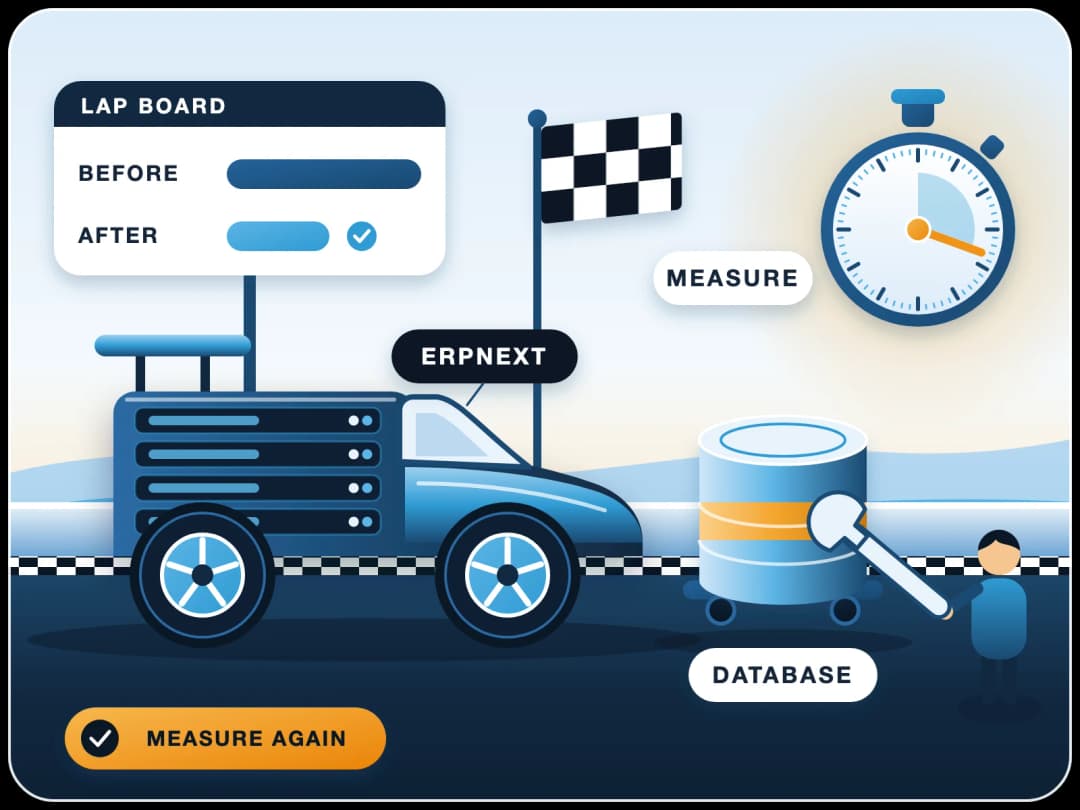
Slow screens and reports traced to queries, custom code or server settings, then fixed.
Performance workVersion Upgrades
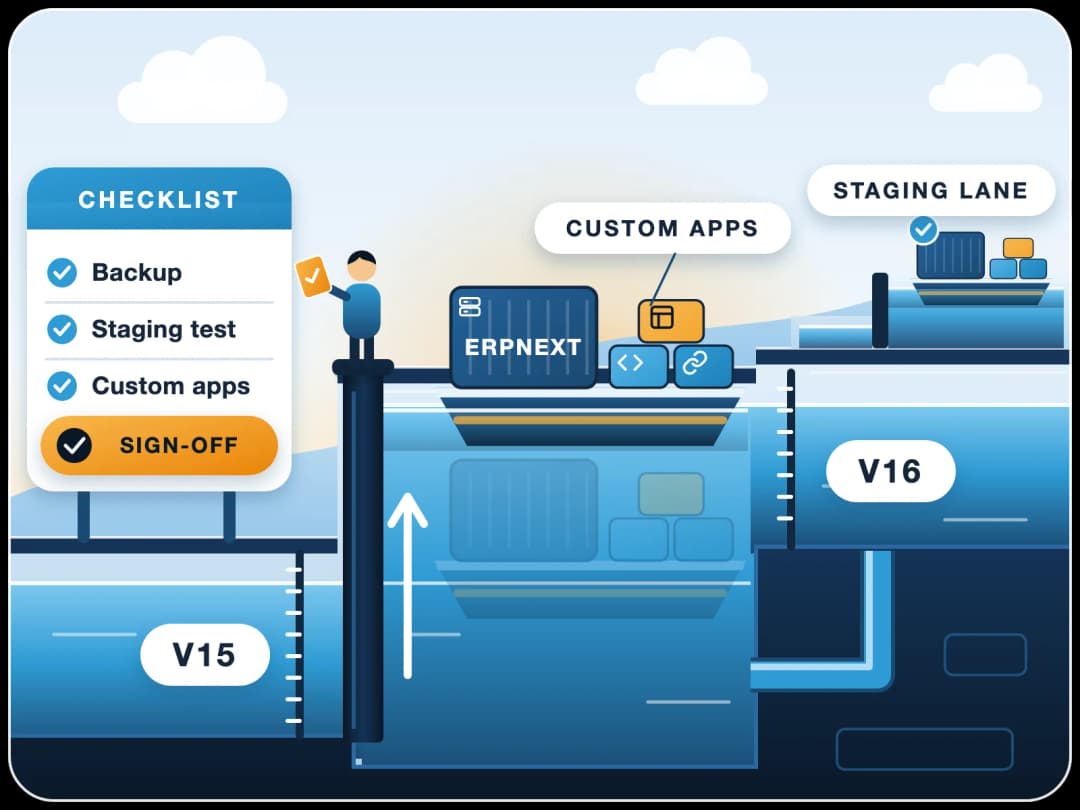
Upgrades planned and tested, with custom apps fixed so they keep working on the new version.
ERPNext v16 upgradeCustom-App Support
Support for custom apps and third-party apps - the part Frappe's own support does not cover.
Custom developmentServer Care
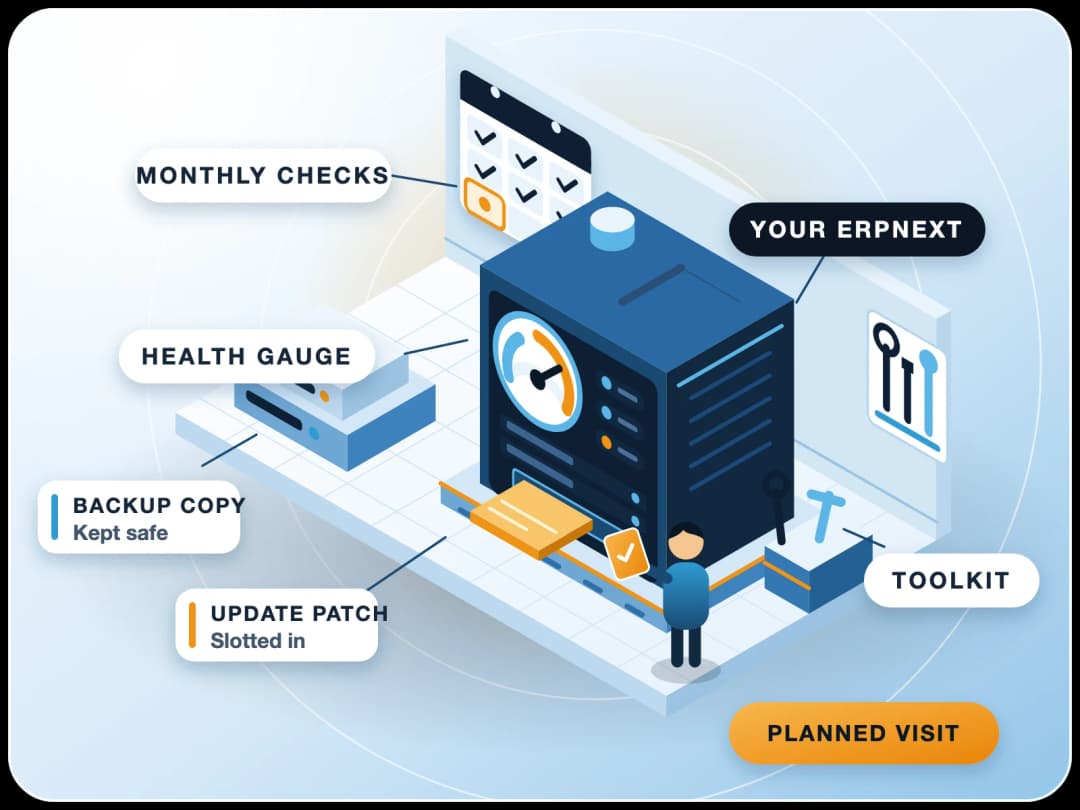
Updates, backups and monitoring on Frappe Cloud or your own server, with Frappe's L2 support behind ours on Frappe Cloud.
How does an ERPNext support ticket work?
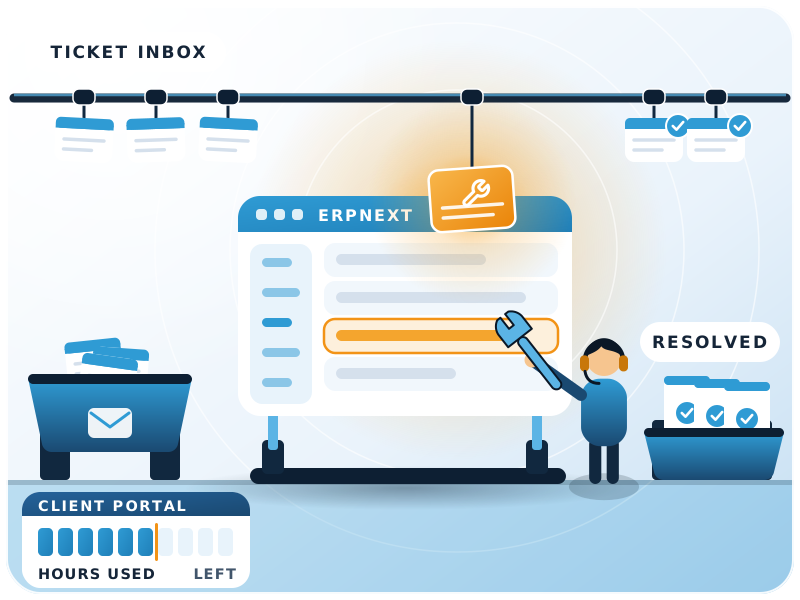
Raise it by email to support@finbyz.tech; it is tracked, resolved and closed, with the hours shown.
Raise
Your project in-charge emails support@finbyz.tech, so requests are filtered and nothing is duplicated.
Track
A ticket is created and assigned to a consultant or developer who knows your system.
Resolve
The fix is made, tested and explained. Time is logged against the ticket.
Close
Each closed ticket shows the hours used and the hours left, with a feedback link.
How are ERPNext support requests prioritised?
By business impact. Support runs Monday to Friday, 10:00 to 18:00 IST.
| Priority | Example | How we handle it |
|---|---|---|
| Critical | Business stopped: invoicing, dispatch or login down for everyone | Picked up first, within office hours |
| High | A key process blocked for a team, with no workaround | Picked up next, ahead of routine requests |
| Medium | Something wrong for a few users, with a workaround | Planned in the current week |
| Low | Questions, small changes and enhancements | Planned with your monthly goals |
How are ERPNext support services billed?
Why hours, not ticket bundles?
A ticket can take ten minutes or two days. With a pack of hours you pay for the work actually done, every kind of request is covered, and you can see each hour. Prices depend on the pack, so we share them in a proposal.
- A monthly support pack. A block of hours each month, on time and material.
- Every hour visible. Your own access to Productify, plus a short work report.
- Unused hours carry forward one month. Extra hours are billed at the plan rate.
- One hour minimum per request. Requests come through your project in-charge.
- Change or stop easily. The plan changes from next month; 30 days' notice to stop.
- Hour audits. Ask, and we show the reasoning behind the hours on any ticket.
Prefer a yearly contract with planned maintenance? See ERPNext system maintenance and AMC.
Can you leave and keep your code?
Yes. ERPNext and everything we build are open source under GPL v3. You have code access from day one and can move to another partner at any time.
Can you support ERPNext set up by another partner?
Yes, and it is common: an unfinished set-up, messy accounts or a slow system. This is how we take over.
- 1Access and handoverWe get access to the site and code, and note what the previous partner built.
- 2Code and system auditRisky custom code and permission gaps are found and fixed first, in the first month.
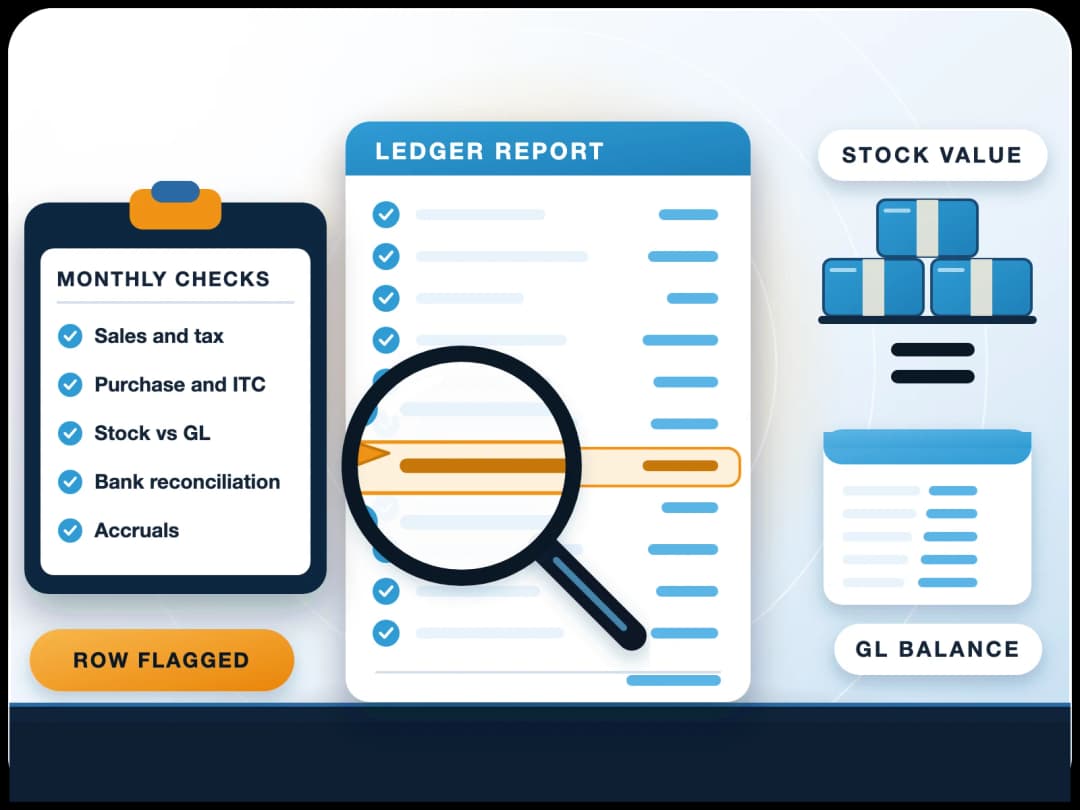
- 3Accounts checkAn ERP transaction audit shows what is wrong in the books before it reaches year-end.
- 4A support planA support pack sized to what your team needs, with the fixes planned month by month.
What does a take-over achieve?
Our published case study, with the numbers before and after.
Case study: ERPNext 30x faster at SMOOR Chocolates
SMOOR Chocolates ran ERPNext v13, heavily customised by its previous partner. Saving a purchase order with 30-35 lines took about 15 minutes. After a one-month optimisation by FinByz, it takes under 30 seconds.
Worried about the books? Start with an ERPNext transaction audit.
How can you reach the support team?
Email and Tickets
support@finbyz.tech, from your project in-charge. Every request becomes a tracked ticket.
Phone for Escalation
For critical issues, a direct line to the consultant who knows your system.
Remote Sessions
Screen-share sessions to see the problem as your users see it.
Office Hours
Monday to Friday, 10:00 to 18:00 IST, with a short work report by email.
Why choose FinByz as your ERPNext support company?
One team that knows your set-up, every hour visible, and a Silver Certified Frappe Partner that raises product issues with Frappe directly.
FinByz Tech has worked on 200+ projects, with ERPNext support for manufacturing, trading, logistics and HR and payroll set-ups.
As an Silver Certified Frappe Partner, we raise product issues with Frappe directly and our engineers work on the latest ERPNext versions. For bigger changes, see custom ERP development.
“We've had an excellent experience working with this software service provider. Their innovative approach to solving complex technical challenges has significantly improved our product. The addition of a dedicated developer to our team ensured seamless communication and consistent progress.”
“I personally think they go far and beyond in their delivery and commitments. As well as insuring that their clients are happy and well informed with there needs.”
“Great and professional software solutions, with a team very focused on client satisfaction.”