Custom ERPNext Mobile App Development for Business
FinByz Tech builds custom ERPNext mobile apps for the people who work away from a desk: field sales, warehouse scanning, attendance, approvals and deliveries, in Flutter or React Native, connected to your ERPNext with each user's own permissions, and working offline where the signal drops.
What is ERPNext mobile app development?
ERPNext mobile app development is building phone apps that read and write ERPNext data for one job.
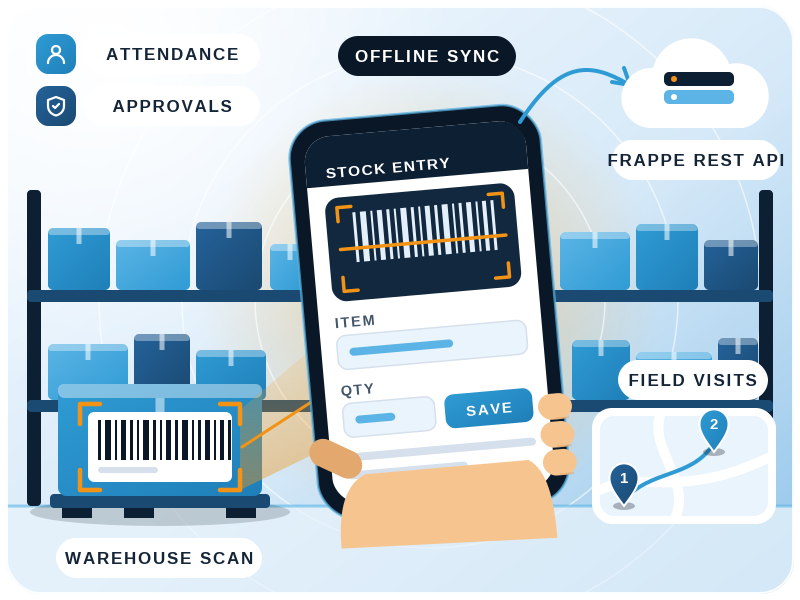
FinByz Tech builds them for field and floor staff: a sales rep taking orders, a storekeeper scanning stock, a technician closing a service visit. The app talks to ERPNext through the Frappe REST API, with the user's own permissions.
The full ERPNext desk is built for a desk. On a phone, a storekeeper needs one big scan button, not a form with dozens of fields. A custom app shows only the steps of that job, works with the camera and GPS, and keeps going without signal.
Everything still lands in ERPNext as normal documents, so stock, accounts and reports stay correct.
Is there an official ERPNext mobile app?
Not one app for everything. The ERPNext desk works in a phone browser, and Frappe HR has an installable mobile app for check-in, leave and expenses. For field and warehouse work, most companies need a custom app.
- Phone browser. Fine for occasional look-ups and approvals by office staff.
- Frappe HR app. Check-in, leave, expense claims and payslips for employees.
- Custom app. Scanning, offline work, GPS, photos and screens built around one job.
- Installable web app (PWA). Simple screens added to the phone's home screen, for in-house users.
Phone browser, installable web app or native app: which do you need?
Choose by what the user must do on the phone, not by what looks modern.
| What matters | ERPNext in a phone browser | Installable web app (PWA) | Native app (Flutter or React Native) |
|---|---|---|---|
| Set-up | None | Small: built on Frappe pages | A separate app project |
| Works offline | No | Limited | Yes, with a sync queue |
| Camera and barcode scanning | Basic | Basic | Scans item after item without extra taps |
| GPS and background location | On request only | On request only | Yes, with the user's consent |
| Push notifications | No | On some phones | Yes |
| App stores | No | No; added to home screen | Google Play and App Store |
| Best for | Office staff on the move | Simple employee self-service | Field, warehouse and service teams |
What can a custom ERPNext mobile app do?
Field force automation, workflow approvals, data collection and portals for partners, each built around one daily job.
Field Sales and Visits
Customer visits, orders and collections from the road, with the visit's location and notes.
Warehouse Scanning
Receive, pick, move and count stock by scanning barcodes with the phone camera or a handheld.
Attendance and Leave
Check-in with location, leave requests and payslips for staff who never sit at a desk.
HR and payrollApprovals on the Go
Orders, expenses and purchase requests approved from a notification, within each user's rights.
Delivery and Proof
Delivery trips, signatures and photos as proof of delivery, posted back to the delivery note.
Service and Maintenance
Service visits, checklists and spare parts used, recorded on site against the customer's asset.
Expense and Bill Capture
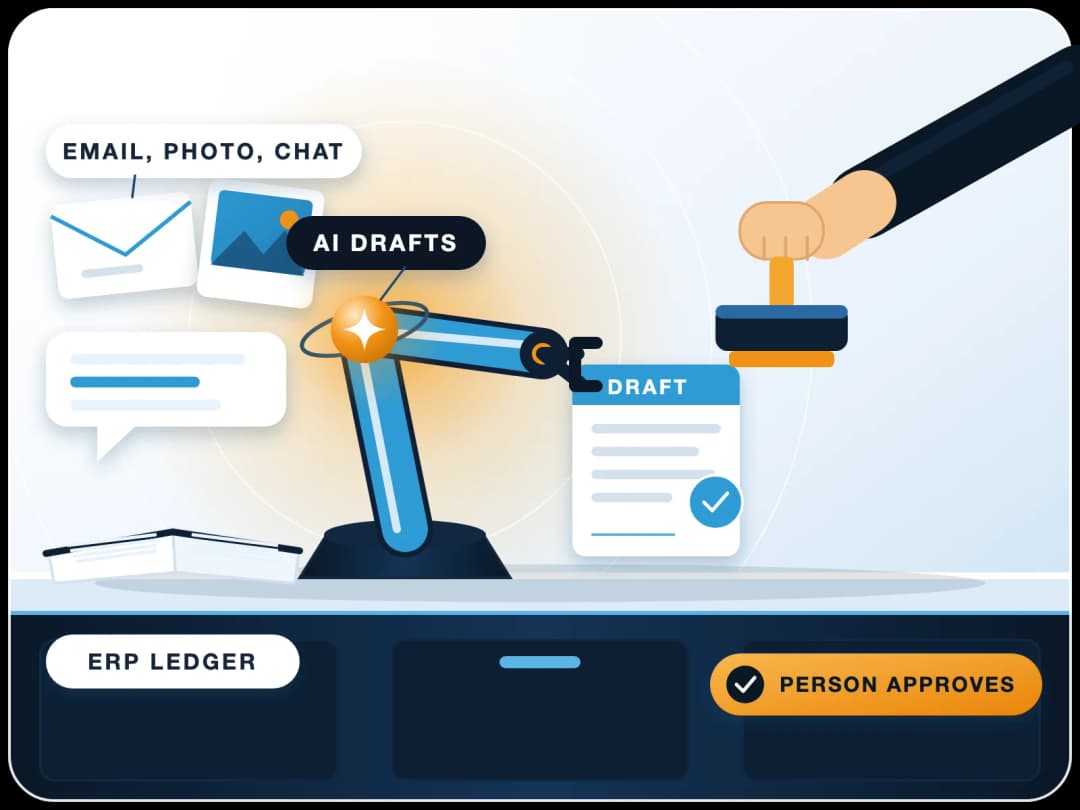
A photo of a bill becomes a draft expense claim or purchase invoice for someone to check.
AI inside ERPNextData Collection and Surveys
Inspections, quality checks and surveys filled in on site, even where the signal is poor.
Why build your ERPNext mobile app with FinByz?
Mobile developers and ERPNext consultants in one in-house team, working on ERPNext since 2016.
We run our own app on ERPNext
The Productify mobile app, our own Flutter app on ERPNext, tracks field sales and visits. See Productify.
ERPNext people, not just app builders
The team that builds the app also knows the ERPNext documents it creates, so the accounts stay right.
Permissions respected
Every app user is an ERPNext user, so roles and user permissions apply on the phone too.
Prototype before code
You click through the screens and approve them before development starts.
Every hour visible
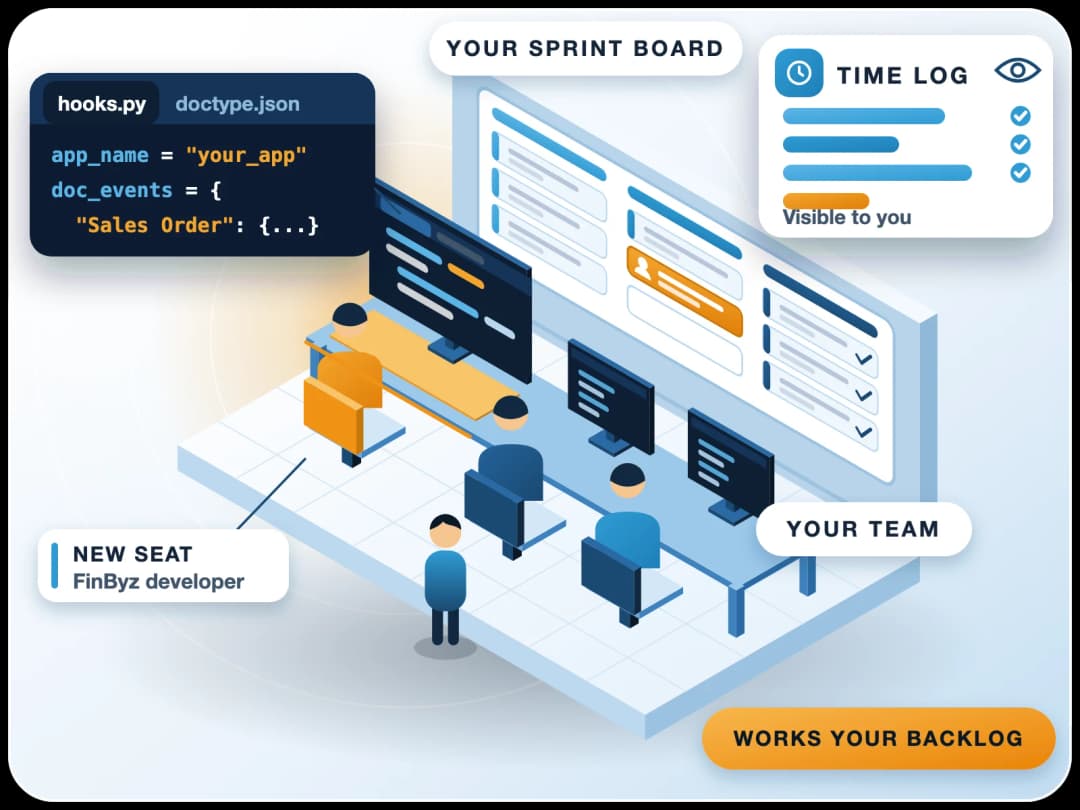
You get your own Productify access: tasks, time logs and a short daily report.
No lock-in
The app code is open source under GPL v3 and in your repository from day one.
How does a mobile app connect to ERPNext?
Through Frappe's standard REST API and a few custom methods, signed in as a real ERPNext user.
Documents through the REST API
Every ERPNext document type can be read and written at /api/resource. Frappe documents the REST API in full.
Custom methods for app screens
Where a screen needs several documents at once, a whitelisted method in your custom app returns exactly what it needs in one call.
Sign-in with OAuth 2 or tokens
Users sign in with their own ERPNext account through OAuth 2. Service apps use a dedicated user with an API key and secret.
User permissions apply
The phone sees only what the user may see in ERPNext. No separate permission system to keep in step.
An offline queue
Entries made without signal are stored on the phone and sent when the connection returns, in order.
Photos and files
Photos, signatures and scans upload as attachments to the right ERPNext document.
Can the app connect to other systems too?
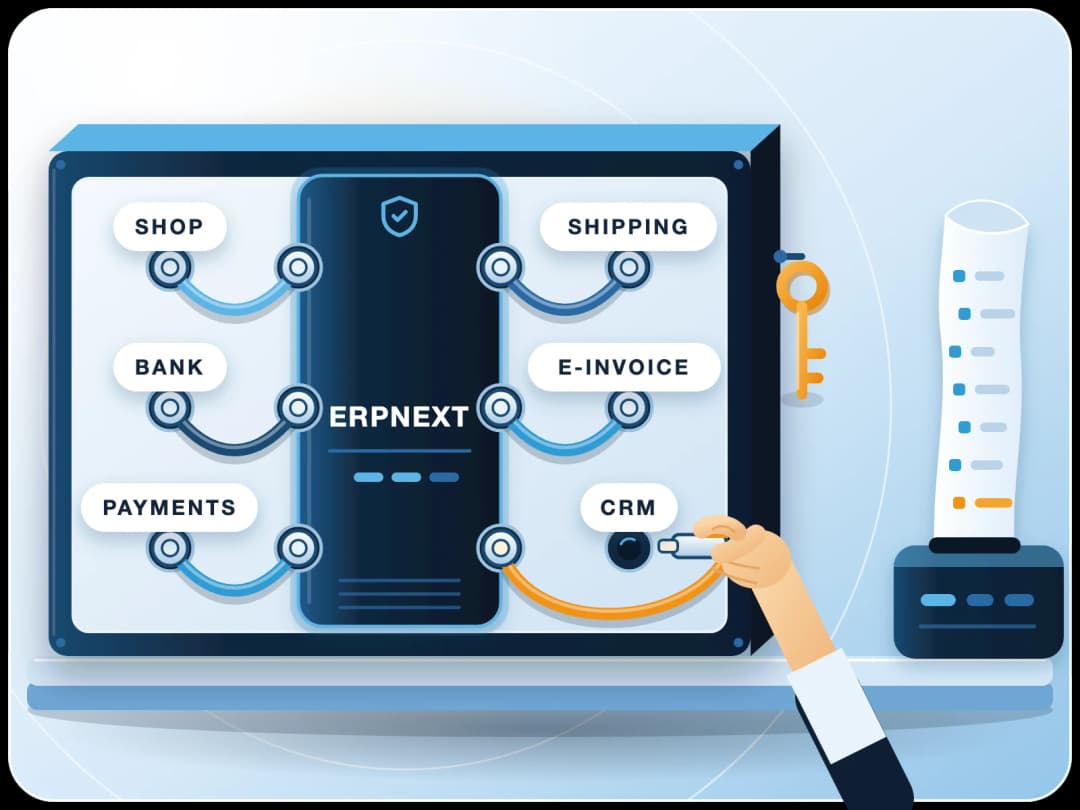
Yes. The same methods connect ERPNext to shops, banks and other systems; see ERPNext API development.
How is a custom ERPNext mobile app built?
Prototype first, a few screens at a time, tested by your own staff on their own phones.
- 1Pick the workflowsWe list who uses the app, where, and which three or four tasks matter most.
- 2Clickable prototypeA clickable prototype of the screens, approved by you before any code.
- 3Permissions and dataThe ERPNext roles, documents and custom methods the app needs are set up.
- 4BuildThe app is built in Flutter or React Native for Android and iOS, with AI-assisted coding and senior review.
- 5Test with real usersYour own staff try it on their own phones, on site, before release.
- 6Publish under your nameReleased on Google Play and the App Store under your company's account, or shared privately.
- 7ImproveMonthly goals for the next screens, based on what users actually do.
What does the first release include?
The one workflow with the biggest pain, plus sign-in, permissions and the offline queue. More screens follow month by month.
Does the app work offline?
Yes, for the tasks that need it.
A FinByz Tech app keeps masters such as items, customers and price lists on the phone. New entries are queued and sent to ERPNext when the connection returns. We agree the rules for conflicts before building.
- What is stored. Only the data that user needs, refreshed on each sync.
- What is queued. Orders, scans, visits and photos, sent in the order they were made.
- Conflicts. Stock and credit checks run in ERPNext on sync, and the user sees any rejection.
- Security. Data on the phone is cleared when the user signs out or is disabled.
What happens to the app when ERPNext is upgraded?
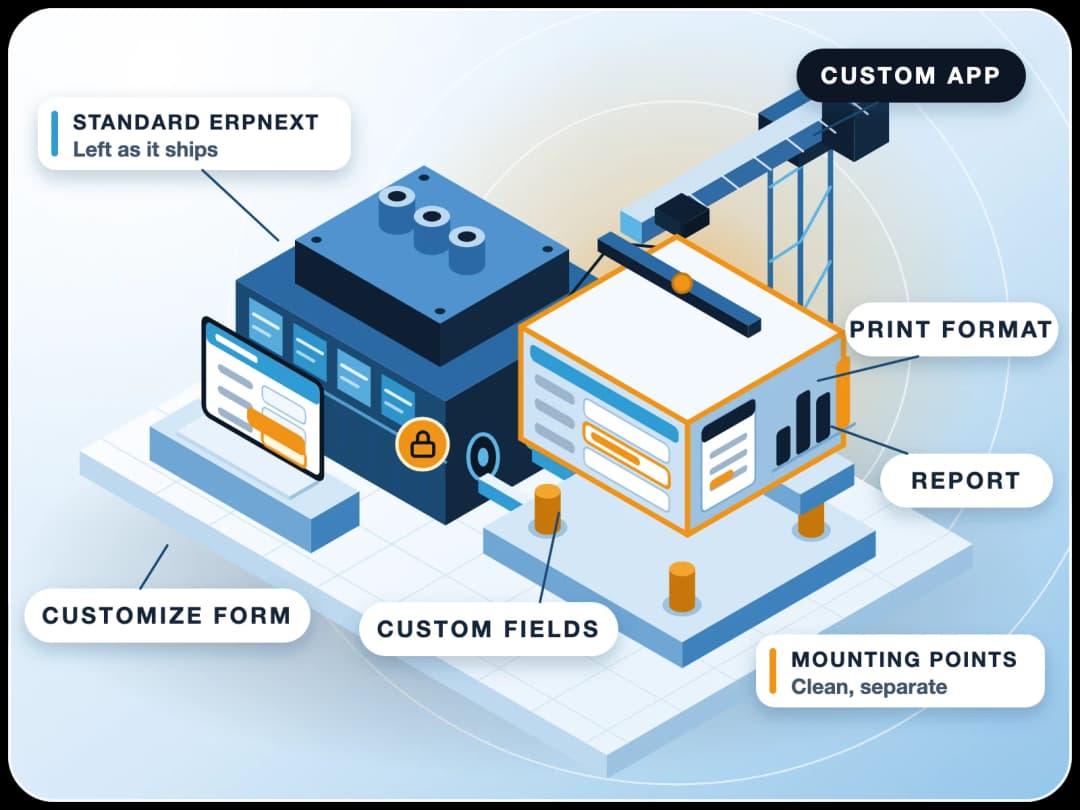
The app talks to ERPNext through stable API calls and your own custom methods, so most updates do not touch it.
- Custom methods live in your custom app and are tested with each ERPNext update.
- A major upgrade is tested with the app on a staging copy first.
- New Android and iOS versions are checked before they reach your users.
- Small changes and store updates come from the same monthly plan.
Is the app checked during a version upgrade?
Yes. FinByz Tech tests the app on a staging copy before each major upgrade; see ERPNext v16 migration and ERPNext AMC for how updates are planned.
Which industries use ERPNext on mobile?
Any business with people on the road, on the shop floor or in a warehouse.
How is it billed, and who owns the code?
On time and material, from a monthly plan of hours, with every hour visible to you.
- Monthly goals. A first release with the key screens, then new screens month by month.
- Every hour visible. Tasks and time logs in your own Productify access.
- One month at a time. Unused hours carry forward one month; stop with 30 days' notice.
- Open source code. GPL v3, in your repository from day one; fork it or move it any time.
- Your store accounts. The app is published under your company's developer accounts.
What do clients say about working with FinByz?
“We've had an excellent experience working with this software service provider. Their innovative approach to solving complex technical challenges has significantly improved our product. The addition of a dedicated developer to our team ensured seamless communication and consistent progress.”
“I personally think they go far and beyond in their delivery and commitments. As well as insuring that their clients are happy and well informed with there needs.”
“Great and professional software solutions, with a team very focused on client satisfaction.”
What happens after you contact us?
Tell us who will use the app and for which tasks. A consultant maps the workflow against your ERPNext and comes back with a clickable prototype and a plan for the first release.
Read how ERPNext itself works on small screens in ERPNext's mobile interface, or see all ERPNext services.
Ahmedabad, India
Head office and delivery centre. FinByz Tech Pvt Ltd, 504-Addor Ambition, Nr. Navrang Circle, Navrangpura, Ahmedabad, Gujarat 380009.
Dubai, UAE
UAE office. Finbyz Tech FZE, DWTC free zone, Dubai.