Claude vs ChatGPT for Business (2026): Which Should Your Team Use?
Both business plans start at 2 users, both sell Standard and Premium seats, and both say they don't train on your data by default. Here's where Claude and ChatGPT really differ: seat limits, admin controls, office tools, coding agents and ERP fit, checked on the vendors' own pages on 18 November 2026.

- Claude Team: users per workspace
- 2-150
- ChatGPT Business: users per workspace
- 2-200
- Premium seat price vs Standard, on both
- 5x
- Claude context window, current models (tokens)
- 1M
The short answer
Is Claude or ChatGPT better for business?
In short
Neither wins on every task. For most business teams, Claude vs ChatGPT is closer than the internet makes it sound. Pick on the things that are hard to change later: who controls the workspace, where data is stored, and which tools your people already live in.
Whether you search it as Claude vs ChatGPT or ChatGPT vs Claude, this guide is for owners, finance and operations leads, and ERP or IT teams. We checked plan names, prices and data terms on the vendors' own pages on 18 November 2026. Plans change often, so check the live pages before you buy.
Pick Claude if...
Pick ChatGPT if...
Use both if...
Plans and seats
How do the business plans compare?
Short answer
Both vendors split business seats into Standard and Premium, and Premium is priced at five times Standard on both. Claude Team stops at 150 users; ChatGPT Business goes to 200.
| Claude Team | ChatGPT Business | |
|---|---|---|
| Team size | 2 to 150 users | 2 to 200 users |
| Standard seat | $20/user/month billed annually, $25 monthly | ₹1,800/user/month billed annually, ₹2,250 monthly (India pricing page) |
| Premium seat | $100/user/month annually, $125 monthly; "5x more usage than standard seats" | ₹9,000/user/month annually, ₹11,250 monthly; "no 5-hour limit" |
| Training on your data | No, by default | No, by default |
| Sign-in and admin | SSO, central billing, admin controls for connectors, usage analytics | SAML SSO, MFA, central billing, usage analytics and spend controls |
| Office tools | Claude for Microsoft 365 and Outlook, Claude in Chrome | Connectors for Google Workspace, Slack, GitHub, Microsoft 365 |
| Coding and agents | Claude Code and Claude Cowork | Codex and ChatGPT Work |
| API credits included | Up to $500/month, pooled | Up to ₹52,900/month for the workspace |
Sources: Claude pricing, ChatGPT pricing. ChatGPT showed local prices for our region; you'll see your own currency.
One change to watch. OpenAI says that from December, ChatGPT plan usage will have a shared limit across ChatGPT and Codex. If your developers use Codex heavily, their chat allowance shrinks with it.
What about Enterprise?
Claude Enterprise
Listed at $20 per seat per month billed annually plus usage at API rates, with a 20-seat minimum. It adds role-based access, SCIM, audit logs, a Compliance API, custom data retention and a HIPAA-ready option (Claude pricing).
ChatGPT Enterprise
Sold through sales. It adds SCIM, custom roles, Enterprise Key Management for your own encryption keys, and data residency for eligible customers in the U.S., Europe, UK, Japan, Canada, South Korea, Singapore, Australia, India and the UAE (OpenAI business data).
We didn't find a comparable region list on Claude's pricing page, so if residency is a legal requirement, ask Anthropic's sales team in writing.
Data privacy
Which one keeps company data private?
Short answer
On paid business plans, both say no training by default. The real risk is staff using personal accounts, where training is on unless the user turns it off.
Anthropic's commercial terms say it may not train models on customer content from paid services, and inputs and outputs both count as customer content. OpenAI says it doesn't use data from ChatGPT Business, Enterprise or the API, including inputs and outputs, to train its models by default (OpenAI business data).
On free and individual plans, both vendors list training as "opt-out". A sales manager pasting a customer price list into a personal account is outside your company controls, whichever tool it is.
- Claude: no training on customer content from paid services
- ChatGPT: no training on Business, Enterprise or API data by default
- Free and individual plans on both: training is opt-out
What we tell clients
Business seats for sensitive work
Turn on SSO
A one-page AI policy
Switch off feedback
The feedback setting is described in Anthropic's Privacy Center. OpenAI lists SOC 2 Type 2 and ISO/IEC 27001, 27017, 27018 and 27701 alignment on its business data page. For Claude, check Anthropic's Trust Center for the current reports before a security review.
Office work
Claude vs ChatGPT for writing, spreadsheets and documents
This is where most office time goes, and it's the part you should test yourself rather than take from a blog. Both tools draft emails, summarise meetings and rewrite policies well.
In our work we usually see the difference show up on long, messy inputs: a 60-page tender, a year of vendor contracts, or a full chart of accounts export. Claude's 1-million-token context window holds roughly 555,000 words (Anthropic models overview). That's enough to keep a whole contract pack in one conversation.
- 1M
- Claude context window, tokens
- 555k
- Roughly that many words, Anthropic's current tokenizer
For spreadsheets, both plug into the Microsoft stack. Claude Team lists Claude for Microsoft 365 and Outlook. ChatGPT lists Excel, Word, PowerPoint and Google Sheets extensions on its plan comparison. If your company runs on Google Workspace, ChatGPT's named Google Workspace connector is a point in its favour. Check Claude's connector list for the Google tools you need.
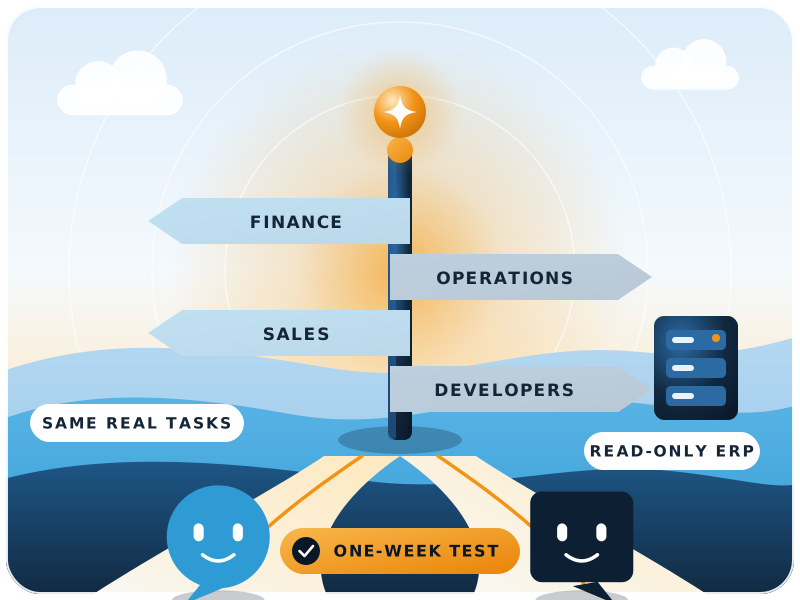
A fair one-week test
Don't decide in a meeting. Run both on real work:
- 1Pick five weekly tasksA month-end variance note, a supplier email, a policy summary, a pivot from a sales export, and one task nobody likes.
- 2Same prompt, same files, both toolsUse business seats, and leave out any customer data you're not allowed to share.
- 3Let the usual owner score itThe person who normally does the task marks each output: correct, needs edits, or unusable.
- 4Count the edits, not the wow factorThe tool that needs fewer corrections on your work wins.
Developers
Claude vs ChatGPT for coding
Short answer
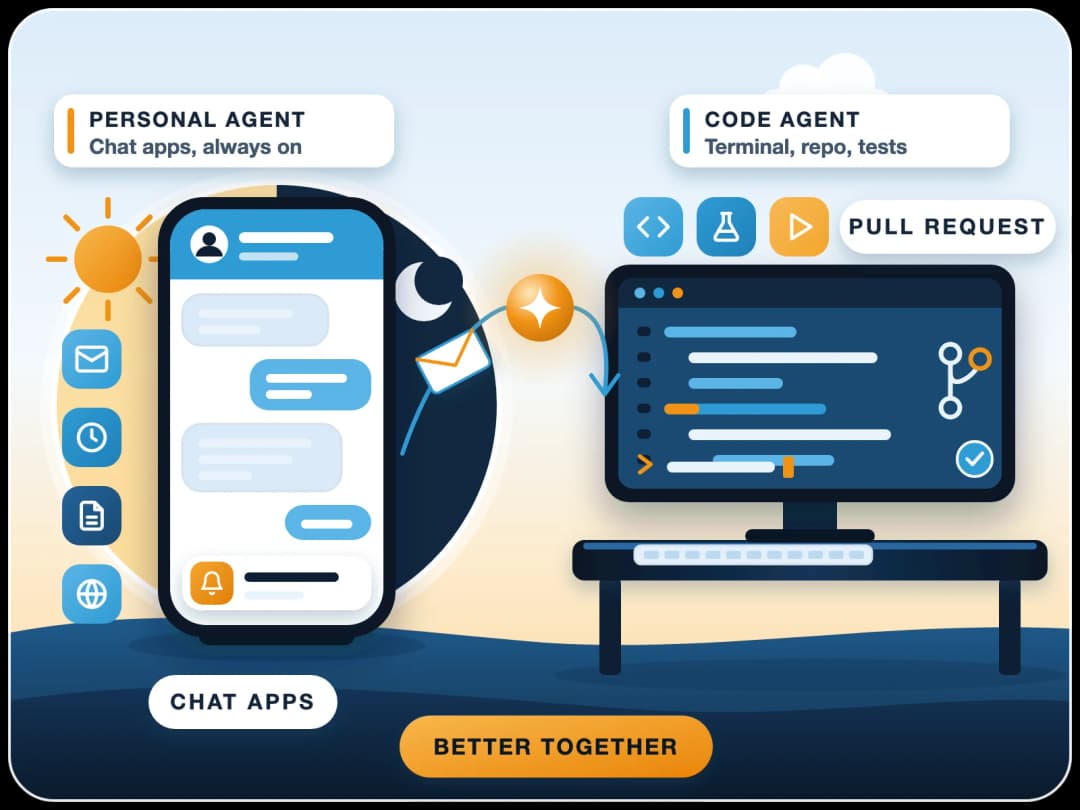
Both business plans now include a coding agent: Claude Code on Claude Team, and Codex on ChatGPT Business. Both can read a repository, run commands and propose changes. The deciding factor is usually where your developers already work.
Claude Code
Runs in the terminal, IDEs and the desktop app. Our own team uses it day to day on Frappe apps. For a closer look at agents, see OpenClaw vs Claude Code.
Codex
Runs in ChatGPT and its own apps, and shares the plan's usage limit with ChatGPT from December. ChatGPT's current model family is GPT-6 (ChatGPT pricing).
For ERPNext and Frappe custom apps, the habit that matters most has nothing to do with the brand: test every generated change on a copy of the site before it touches production.
For API work, Claude's current line-up lists Opus 5.5 for most workloads, Sonnet 5.5 for speed, and Haiku 5.5 for high-volume tasks like classification and extraction (Anthropic models overview).
ERP fit
How do Claude and ChatGPT fit next to an ERP like ERPNext?
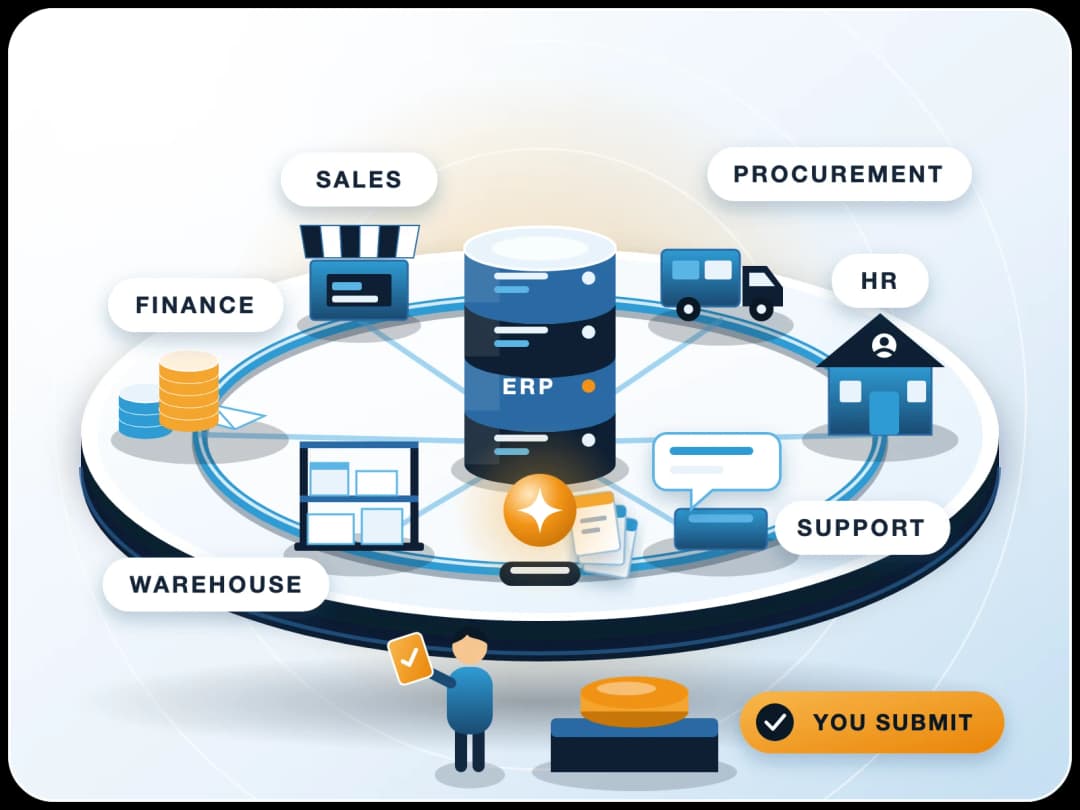
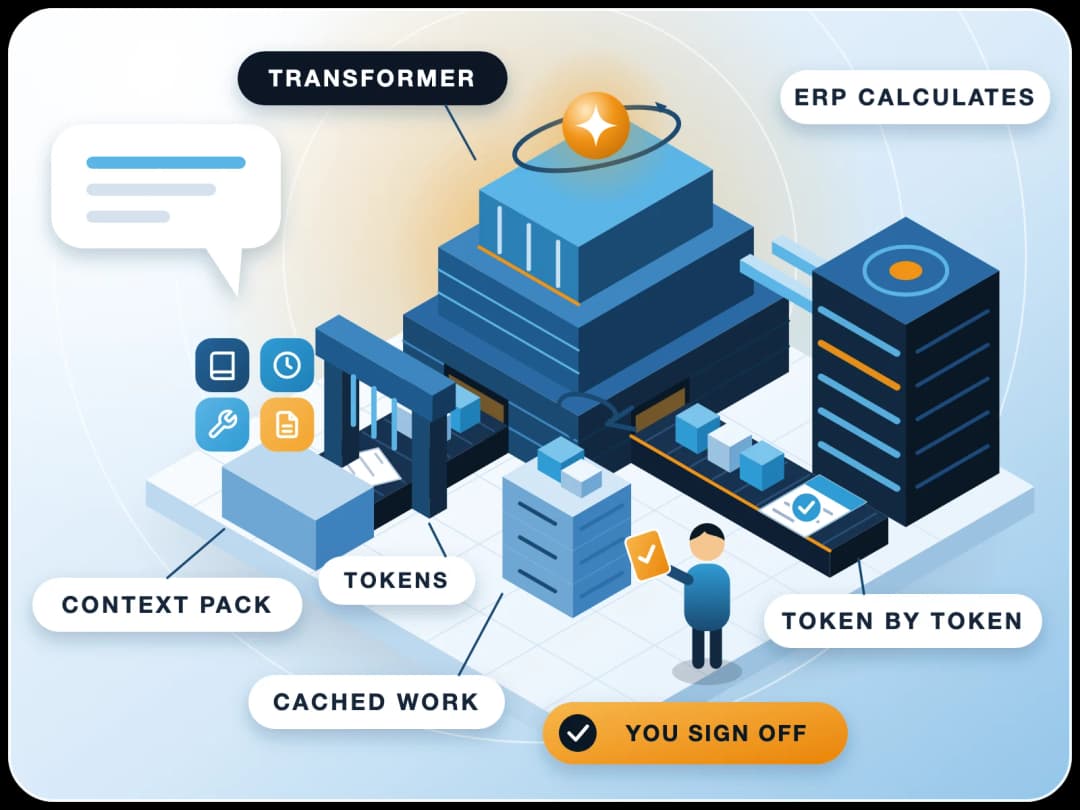
A chat tool on its own doesn't know your stock levels, open invoices or overdue tasks. The value for a finance or operations team comes when the assistant can read your ERP safely.
Both can do this. Claude supports connectors built on the Model Context Protocol (MCP), and ChatGPT lists plugins and a developer mode in beta. The latest ERPNext ships with an MCP server, so the assistant works through the same permission rules your users have.
- Read a Sales Invoice
- Count overdue Tasks
- List stock below reorder level
- Same permissions as the signed-in user
A safe setup we use with clients
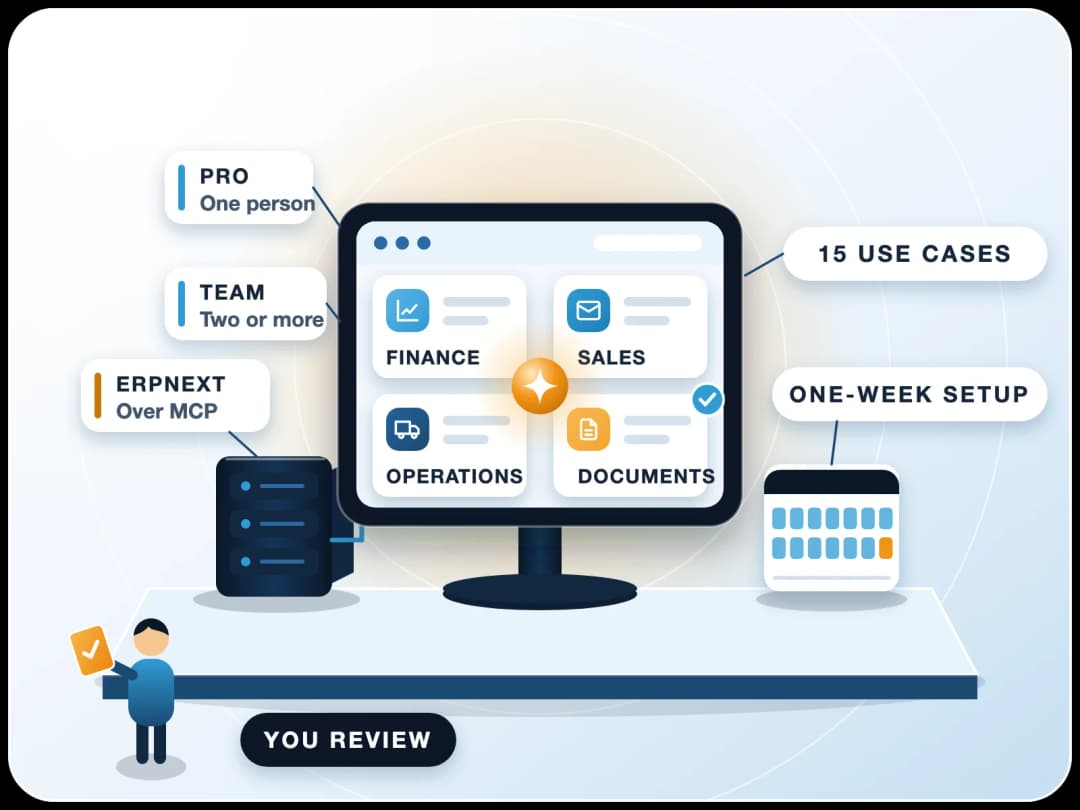
- 1Run the latest version of ERPNextIt comes with an MCP server out of the box, so there's nothing extra to build or host.
- 2Add ERPNext as a custom connectorAdd it once for your organization in Claude, as a custom connector pointing at your ERPNext site.
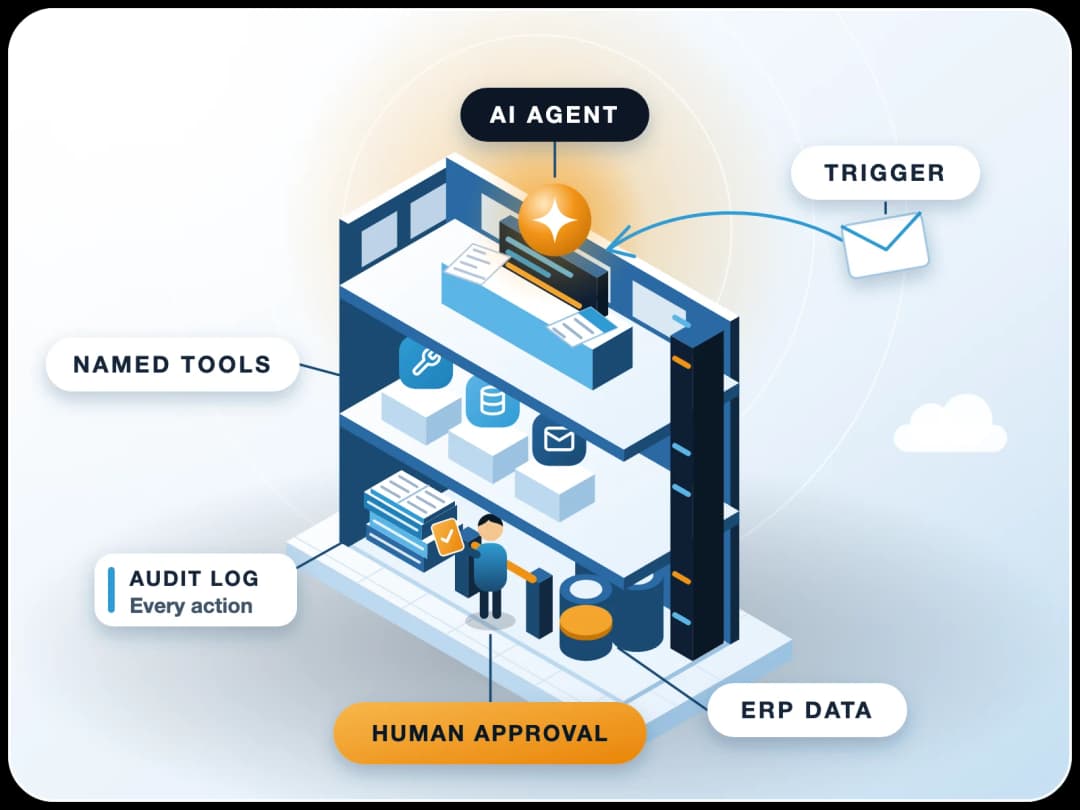
- 3Let each user connect their own accountEach person signs in to ERPNext through the connector with OAuth. By default, Claude then works with that user's permissions and nothing more.
- 4Users ask Claude to analyse data or make entriesClaude can read ERP data or create entries on the user's instruction. ERPNext limits every request to that user's own roles and User Permissions.
It's the same pattern we describe in our guide to deploying enterprise AI agents on an ERP.
Limits
When should you not standardise on one tool?
Standardising sounds tidy, but it's not always right.
Different jobs
Regulated data
Very small teams
No owner
Verdict
Our verdict: pick by team
| Team | Lean towards | Why |
|---|---|---|
| Finance and accounts | Claude | Long documents and large exports in one context; Microsoft 365 and Outlook tools |
| Operations and supply chain | Either | Decide by your office suite and by ERP connector setup |
| Sales and marketing | Either; test on your copy | Both draft well; Google Workspace teams may prefer ChatGPT's connector |
| Developers (ERPNext, Frappe) | Claude | Claude Code in the terminal and IDE, included on Team seats |
| Company of 150+ on self-serve | ChatGPT | Business plan goes to 200 users; Claude Team stops at 150 |
| Strict data residency | ChatGPT Enterprise, or ask Anthropic | OpenAI publishes a region list including India and the UAE |
Next step
What to do next
If you're using Claude in a smaller company, our Claude for small business guide covers setup step by step.
If you want the AI tool wired into ERPNext properly, FinByz has done ERP and automation work across 200+ projects in 15+ countries since 2016. Our AI automation team and ERPNext AI services can set up the connector, permissions and approvals with you.
- Run the one-week test on real tasks
- Business seats with SSO for the winner
- Add ERPNext as a custom connector
- Each user signs in with their own ERP account
Sources
- Anthropic: Claude pricing and plan features, checked 18 November 2026
- Anthropic: Models overview (context window, model line-up), checked 18 November 2026
- Anthropic: Commercial Terms of Service
- Anthropic Privacy Center: data relationship for Claude for Work
- OpenAI: ChatGPT plans and pricing, checked 18 November 2026
- OpenAI: Business data privacy, security and compliance, checked 18 November 2026