Enterprise AI Agents: What They Are and How to Deploy on ERP
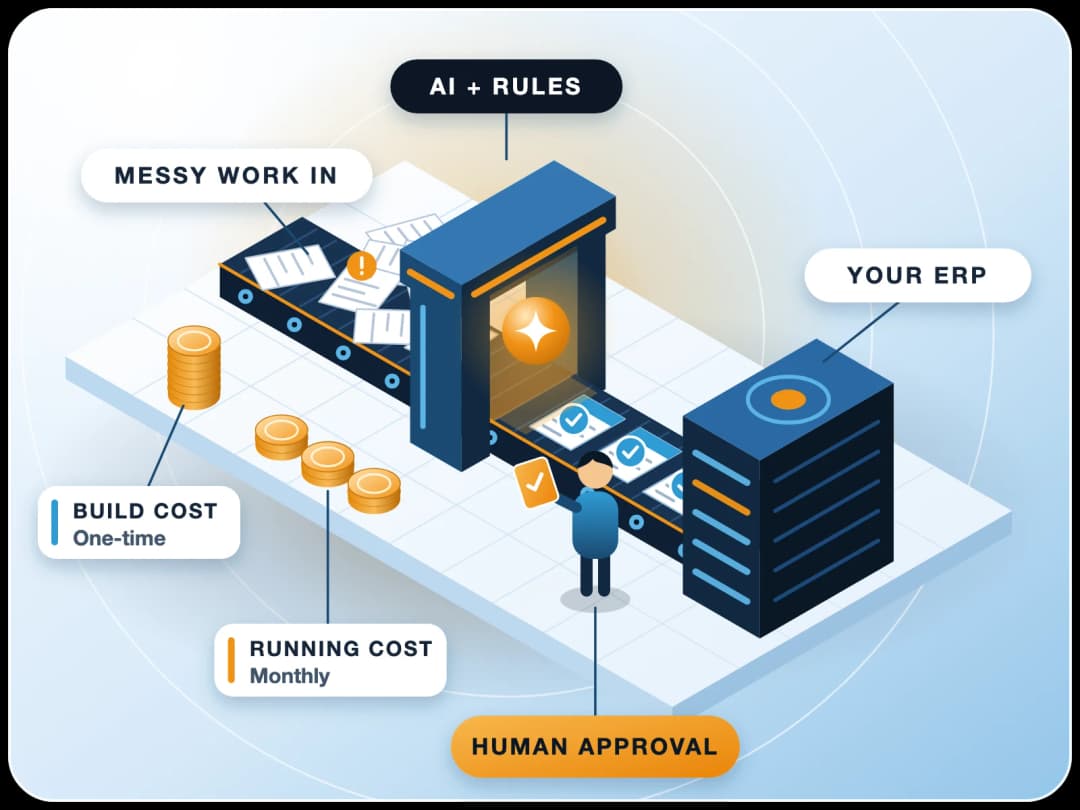
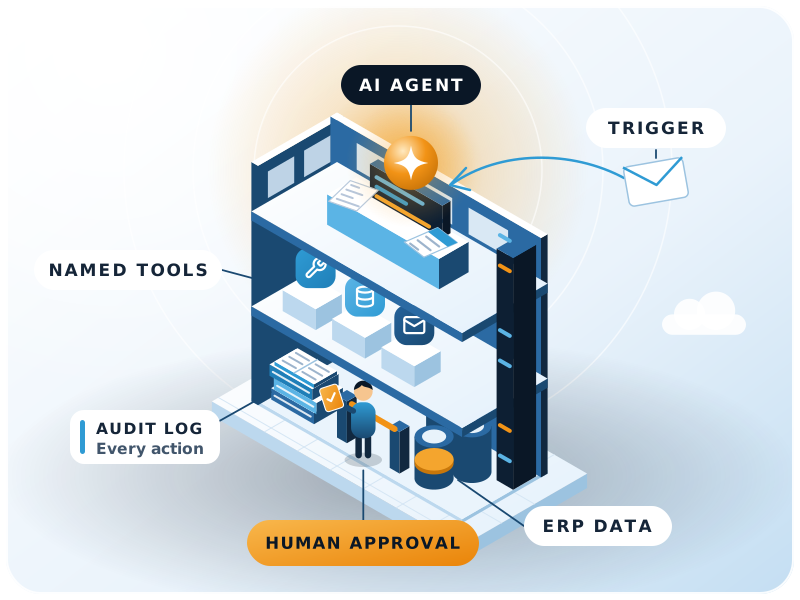
An enterprise AI agent uses a large language model to pursue a business goal on its own: it plans steps, calls your systems through approved tools, checks results and finishes the task or hands it to a person. On an ERP it works inside the same roles, permissions and audit trail as your staff.

- MCP, the open standard for agent tools
- Released Nov 2024
- Agentic AI projects Gartner expects to be canceled by end of 2027
- Over 40%
- Day-to-day work decisions made autonomously by 2028 (Gartner)
- At least 15%
- Real agentic AI vendors among thousands (Gartner, June 2025)
- About 130
The basics
What is an enterprise AI agent?
In short
An enterprise AI agent is software that uses a large language model to pursue a business goal on its own: it plans steps, calls your systems through approved tools, checks results and either finishes the task or hands it to a person. Deployed on an ERP, it can draft, reconcile and follow up on real transactions without bypassing your controls.
Anthropic's engineering guide Building effective agents describes agents as systems where LLMs "dynamically direct their own processes and tool usage", in contrast to workflows, where models and tools follow predefined code paths. In practice an enterprise AI agent has four parts:
A model
Tools
Memory and context
Guardrails
"Enterprise" adds the requirements a business cannot skip: identity, least-privilege access, auditability, data protection and a person accountable for every outcome.
Compare
How is an AI agent different from a chatbot or a copilot?
| Chatbot | Copilot | Enterprise AI agent | |
|---|---|---|---|
| Main job | Answer questions | Help a person do a task in one app | Complete a multi-step task towards a goal |
| Who acts | The user | The user, with suggestions | The agent, within granted permissions |
| Uses business systems | Rarely, read-only | Inside one application | Across tools: ERP, email, documents, APIs |
| Typical output | A reply | A draft or suggestion | A finished or staged transaction, plus a log |
| Main risk | Wrong answer | Wrong suggestion accepted | Wrong action taken, so it needs approvals and audit |
Gartner warns of "agent washing", rebranding chatbots and assistants as agents, and estimated in June 2025 that only about 130 of the thousands of vendors claiming agentic AI were real. A simple test: does it take actions in your systems, under control, or does it only talk?
Timing
Why are enterprises looking at AI agents now?
Two things changed. Models became good enough at multi-step tool use, and a common way to connect them to business systems arrived. Caution is warranted too.
A standard way to connect tools
The Model Context Protocol (MCP), released by Anthropic in November 2024, gives agents a standard way to discover and call tools. On 9 December 2025 it was contributed to the new Agentic AI Foundation under the Linux Foundation, with more than 10,000 published MCP servers cited at launch.
A warning on value and risk
In June 2025 Gartner predicted that over 40% of agentic AI projects will be canceled by the end of 2027 because of escalating costs, unclear business value or inadequate risk controls, while also predicting that at least 15% of day-to-day work decisions will be made autonomously through agentic AI by 2028.
Both points lead to the same advice: start where value is clear and risk is controlled.
Architecture
What does an enterprise AI agent architecture look like?
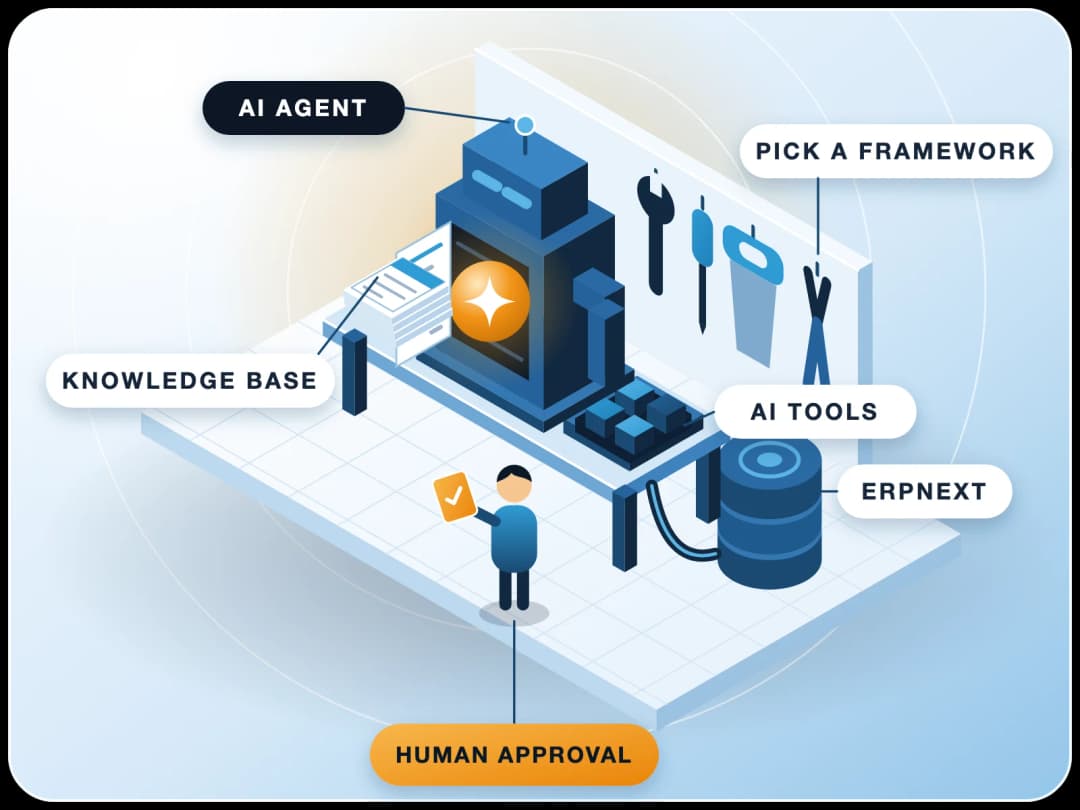
- 1TriggerA user request, a schedule, or an event in the ERP (a new purchase invoice, an overdue receivable).
- 2PlannerThe model breaks the goal into steps and picks tools.
- 3Tool layerEach tool calls the ERP API with the agent's own user and role; tools are small and specific rather than “run any query”.
- 4KnowledgePolicies, price lists, SOPs and past documents retrieved for context.
- 5Approval gateAnything that posts, pays, sends externally or changes master data stops for a human.
- 6Audit and monitoringEvery prompt, tool call, document change and approval is logged and reviewed.
Governance
How do you govern AI agents safely?
The OWASP Top 10 for Agentic Applications (released December 2025) lists risks such as:
- Agent goal hijack
- Tool misuse
- Identity and privilege abuse
- Memory and context poisoning
- Cascading failures
- Human-agent trust exploitation
NIST's AI Risk Management Framework (AI RMF 1.0, January 2023) and its Generative AI Profile (NIST AI 600-1, July 2024) organise the response under Govern, Map, Measure and Manage. For an ERP deployment this translates to:
Separate identity
Least privilege
Draft first
Human in the loop
Treat inputs as untrusted
Log and review
Limits
How-to
How do you deploy an AI agent on ERPNext?
ERPNext is a good base because the Frappe Framework already provides a REST API for every DocType, role-based permissions, User Permissions for record-level limits, and document version history. A typical rollout:
- 1Pick one narrow, measurable processFor example, chasing overdue receivables or matching supplier invoices to purchase receipts.
- 2Map the data and decisionsWhich DocTypes are read, which are written, and which steps need judgement.
- 3Create the agent's user and roleWith read access to what it needs and create (not submit) rights where it writes.
- 4Build small toolsOver the Frappe API, such as “list overdue invoices for a customer” or “create a draft Payment Entry”, each with input checks.
- 5Add knowledgeCredit policy, email templates, escalation rules.
- 6Set approval gatesWorkflow states or a review queue for anything that leaves the company or moves money.
- 7Pilot in shadow modeThe agent proposes, people decide; compare its proposals with what staff actually did.
- 8Measure and widenTime saved, error rate, approvals overturned; extend permissions only when the numbers hold.
Example: a receivables follow-up agent
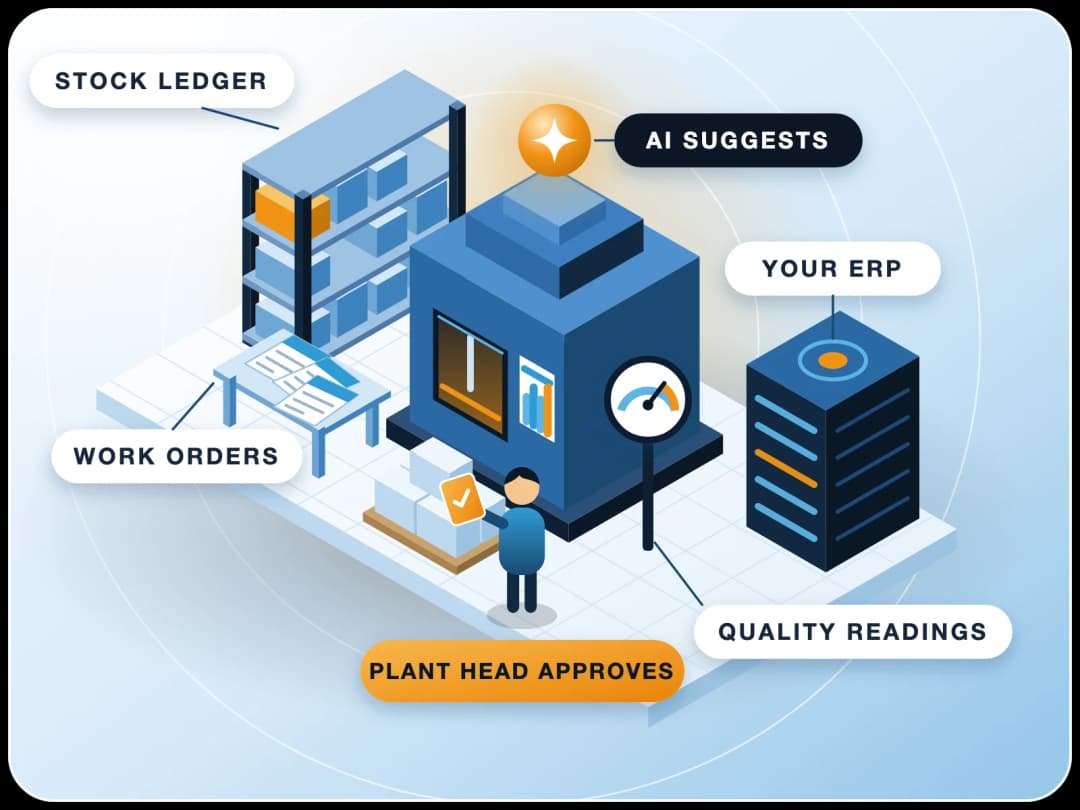
Every morning the agent reads overdue Sales Invoices, checks each customer's payment history and open disputes, and drafts a reminder in the right tone using the company's template. Customers with disputes or large balances go to the account manager instead. A finance user approves the batch in one screen, the emails go out, and each reminder is logged against the invoice. Journal entries and credit limits stay with people; the agent never touches them.
Other good first candidates:
- Purchase invoice matching
- Stock reorder suggestions
- Lead qualification in CRM
- Expense claim checks
- Month-end reconciliation notes
From practice
What mistakes do we usually see with a first AI agent?
These come up again and again in ERPNext and AI work. They're general patterns, not results from one project.
Running the agent as Administrator
Tools that are too broad
Letting the agent submit
Trusting what arrives by email
No baseline
Shared logins
Buyer checklist
What should you look for in an enterprise AI agent platform?
Whether you buy an enterprise AI agent platform or build agents yourself, check the same things:
| Criterion | Why it matters | What to ask |
|---|---|---|
| Identity and permissions | The agent must act as its own user under your roles | Does every action run as a named ERP user with role checks? |
| Tool control | Narrow tools limit damage | Can you define and restrict tools per agent? |
| Human approval | Money and external messages need sign-off | Can it pause for approval and resume? |
| Audit trail | You must explain every change | Are prompts, tool calls and results logged and exportable? |
| Open standards | Avoids lock-in | Does it support MCP or a documented API? |
| Data location | Policies and contracts | Where are prompts and data processed and stored? |
| Cost limits | Model usage grows with volume | Can you cap spend per agent per day? |
For ERPNext, the agent can run in a separate orchestration tool such as n8n that calls the Frappe API, or be built inside a custom Frappe app. Either way, the ERP stays the system of record.
Limits
When should you not use an AI agent?
- The rule is fixed and simple. A scheduled report or a standard ERPNext workflow is cheaper and fully predictable.
- One wrong action is very costly or irreversible, such as bank payments or statutory filings, unless a person approves every step.
- The data is poor. An agent working from duplicate masters or unreconciled ledgers will make confident mistakes faster.
- Nobody owns the outcome. Every agent needs a business owner who reviews its work.
Anthropic's own guidance is to find "the simplest solution possible" and add complexity only when needed.
Work with us
How FinByz can help
FinByz has implemented ERPNext since 2016, with 200+ projects in 15+ countries and a 50+ member in-house team. We design ERPNext AI agents with separate identities, least-privilege roles, draft-first actions and approval gates, and connect them through the Frappe API and MCP.
See our ERPNext AI work, or read how we approach AI agent orchestration with n8n. Our AI implementation service covers the rollout, and AI consulting helps you pick the first process.
Next step: pick one process that costs your team hours every week, and talk to us about a shadow-mode pilot on your own ERPNext data.
Sources
- Anthropic: Building effective agents
- Gartner: Over 40% of agentic AI projects will be canceled by end of 2027, Press release, 25 June 2025
- Linux Foundation: Formation of the Agentic AI Foundation, Press release, 9 December 2025
- Model Context Protocol
- OWASP GenAI Security Project: Top 10 for Agentic Applications for 2026
- NIST: AI Risk Management Framework
- NIST AI 600-1: Generative AI Profile
- Frappe Framework: REST API
- Frappe Framework: Users and permissions
- ERPNext: User Permissions