AI Agents for Business: 15 Use Cases by Department
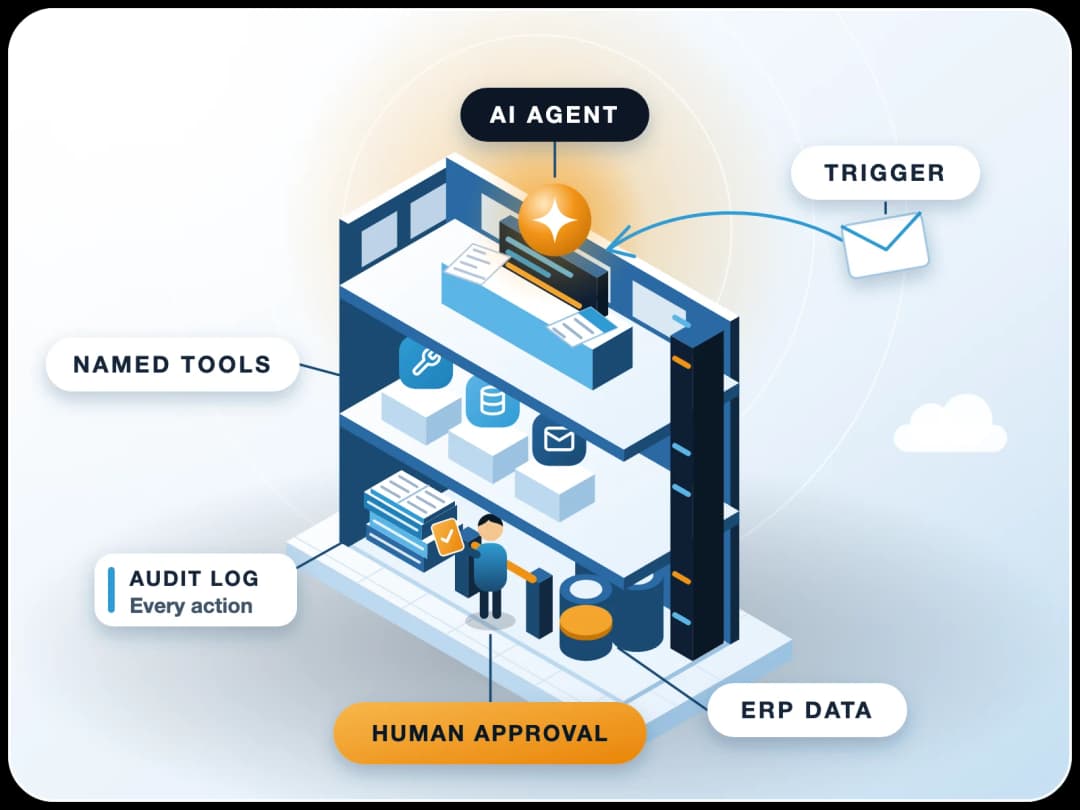
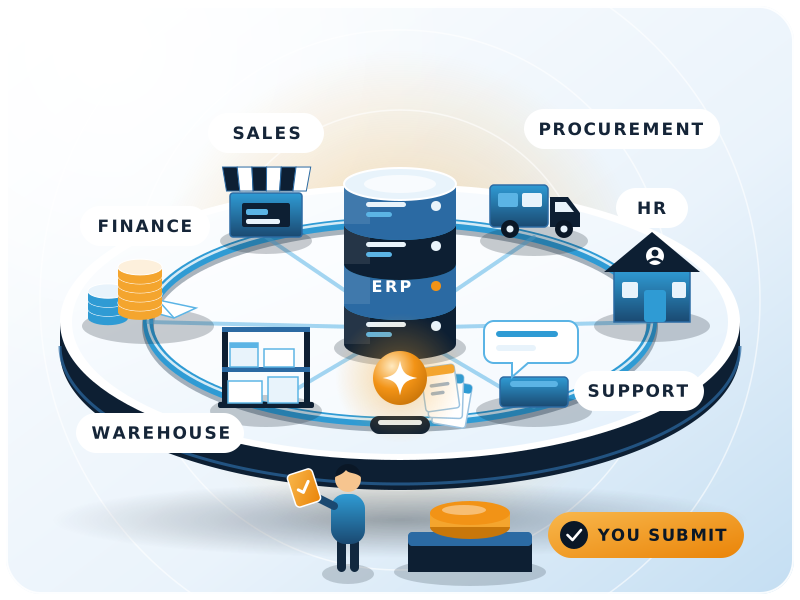
An AI agent for business reads your data, decides the next step and acts through your systems, within limits you set. Here are 15 use cases across finance, sales, procurement, HR, support and operations, with the data each needs and the number that shows it's paying off.

- Firms at least experimenting with AI agents (McKinsey, 2025)
- 62%
- Firms scaling agents somewhere in the business (same survey)
- 23%
- Agentic AI projects Gartner expects to be cancelled by end-2027
- 40%+
- Common service issues agents may resolve alone by 2029 (Gartner)
- 80%
The basics
What is an AI agent for business, and how is it different from a chatbot?
In short
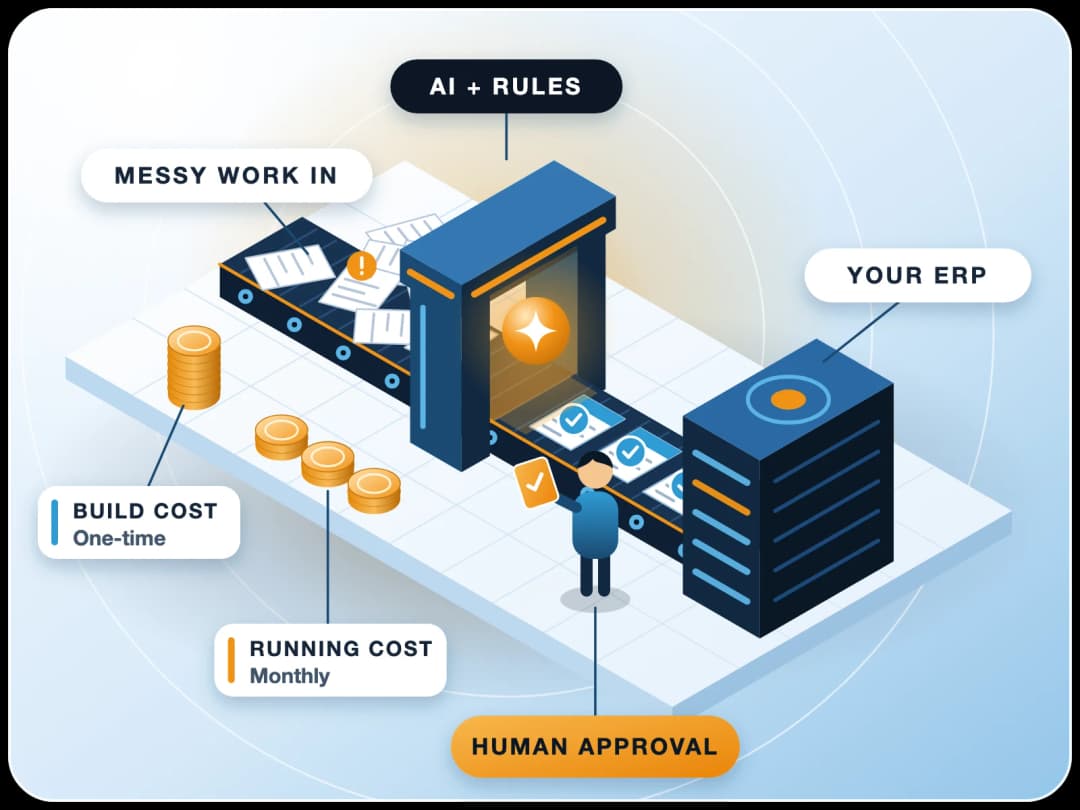
A chatbot answers questions. An agent acts. It can look up a customer, draft a sales order, raise a purchase request or update a ticket. The best places to start are high-volume, rule-heavy tasks where every result can be checked against a record in your ERP or CRM.
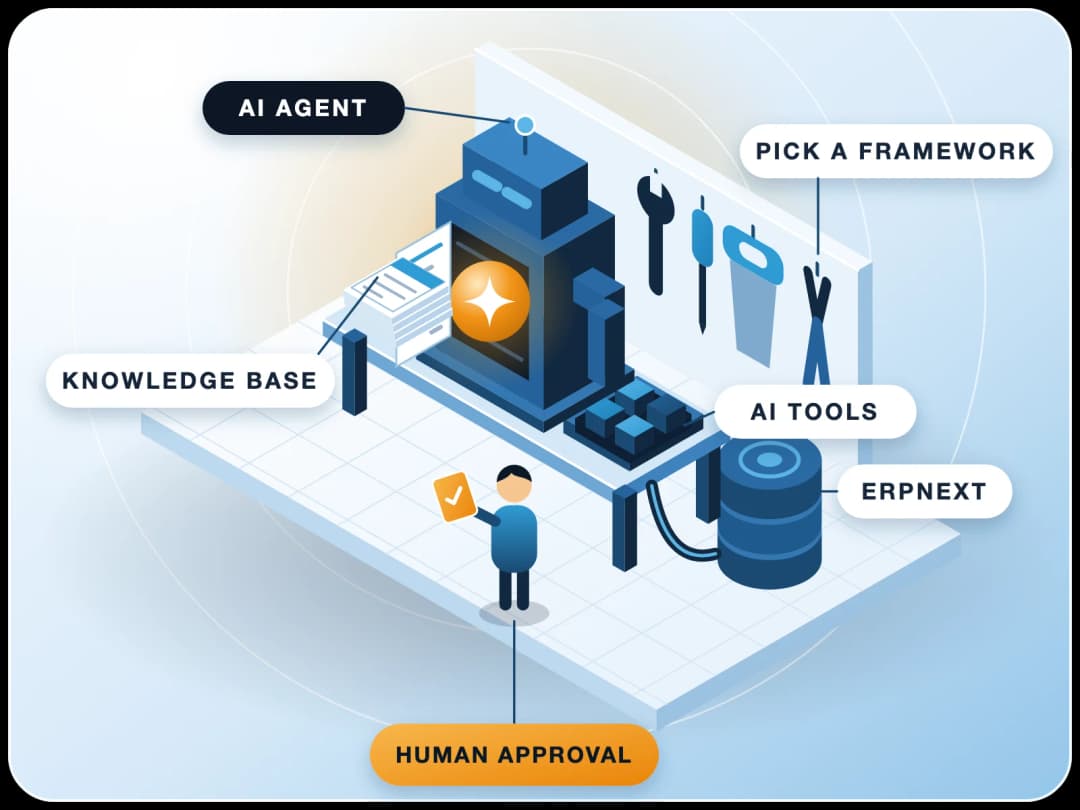
Anthropic draws the line clearly in its engineering guide (December 2024): in a workflow, models and tools follow "predefined code paths", while an agent's model directs its own process and tool use. "Virtual agent" is the older name for a support chatbot that follows scripts; most can't act on your ERP.
| Rule-based automation (RPA, scripts) | Workflow with AI steps | AI agent | |
|---|---|---|---|
| Who decides the next step | Fixed rules | Fixed path, AI fills in parts | The model, within limits |
| Handles messy input (emails, PDFs) | Poorly | Yes | Yes |
| Good for | Stable, identical tasks | Known processes with some reading or writing | Open-ended tasks with many possible paths |
| Main risk | Breaks when screens change | Wrong extraction | Wrong action, cost overruns |
Watch for "agent washing". Most "agent" products are workflows with an AI step inside, and that's often the right choice. Gartner estimates only about 130 of the thousands of vendors selling agentic AI offer real agents (25 June 2025).
Adoption
How many businesses actually use AI agents today?
Short answer
Use is broad. It's also shallow. Most firms are experimenting, few have agents running at scale in any one department, and a large share of projects are expected to be dropped.
In McKinsey's 2025 global survey, 62% of respondents said their organisations were at least experimenting with AI agents and 23% were scaling them somewhere. But no more than 10% were scaling agents in any single business function. The 2026 edition reports about 40% of organisations with more than $1 billion in revenue scaling agents, while smaller firms stayed flat at 22%.
Failure is common too. Gartner predicts over 40% of agentic AI projects will be cancelled by the end of 2027 because of rising costs, unclear business value or weak risk controls. The same release expects at least 15% of day-to-day work decisions to be made autonomously by agentic AI by 2028.
So the opportunity is real, and picking the right first use case is most of the work.
- 10%
- Max share scaling agents in any single function (McKinsey, 2025)
- ~40%
- Firms over $1B revenue scaling agents (McKinsey, 2026)
- 22%
- Smaller firms scaling agents, flat year on year (2026)
- 15%+
- Day-to-day work decisions made by agentic AI by 2028 (Gartner)
Finance · use cases 1-3
Which AI agent use cases work best in finance?
Finance is a good first department. Every output can be matched to a ledger. Our guide to accounts receivable and AI goes deeper on the collections side.
1. Supplier invoice capture
Reads invoices from email or a shared inbox, matches the supplier, PO and GST details, and creates a draft purchase invoice for a person to submit.
Data it needs: Supplier master, open purchase orders, purchase receipts.
ROI signal: Invoices posted per clerk-hour, and fewer duplicate or mismatched bills.
2. Payment follow-up
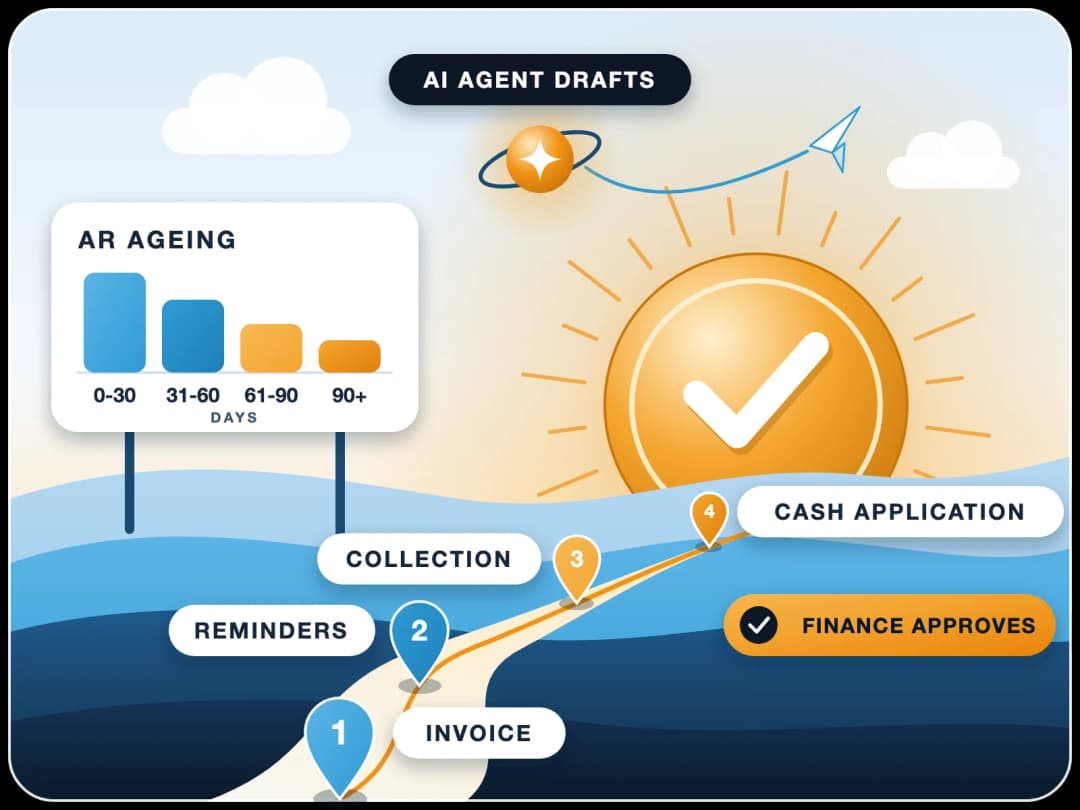
Reads the receivables ageing report, drafts reminders in the right tone for each customer and logs replies against the invoice.
Data it needs: Sales invoices, payment terms, contact history.
ROI signal: Days sales outstanding, and the share of overdue invoices that get a reply within a week.
3. Bank reconciliation suggestions
Proposes matches between bank statement lines and payment entries, and flags the ones it can't place.
Data it needs: Bank statements, payment entries, invoices.
ROI signal: Days to close the month, and unreconciled lines at month end.
Sales · use cases 4-5
How can AI agents help sales teams?
Sales teams lose most time between the enquiry and the first useful reply. These two agents work on exactly that gap.
| Use case | What the agent does | Data it needs | ROI signal |
|---|---|---|---|
| 4. Lead research and qualification | When a lead arrives, it checks the company's website and your past dealings, fills in industry and size, and suggests a priority. | Lead form, CRM history, public company pages | Time from enquiry to first reply; conversion of high-priority leads |
| 5. Quotation drafting | It turns a customer email ("50 units of item X, delivered to Pune by March") into a draft quotation with the right price list, taxes and terms. | Item master, price lists, customer terms, stock levels | Quotation turnaround time; quotes sent back for corrections |
Procurement · use cases 6-7
What can AI agents do in procurement and purchasing?
6. Reorder suggestions
Reads stock levels, open orders and recent consumption, then drafts material requests with a short reason for each line.
Data it needs: Stock ledger, reorder levels, lead times, sales forecast.
ROI signal: Stock-outs per month, and inventory value held.
7. Supplier quote comparison
Collects supplier quotations from email, puts them in one comparison and highlights changes in price, delivery days and payment terms.
Data it needs: Supplier quotations, past purchase rates, supplier scorecards.
ROI signal: Buyer hours per purchase, and price variance against the last order.
Plants have their own list: see 12 AI use cases in manufacturing that run on ERP data.
HR · use cases 8-9
Where do AI agents fit in HR?
CV screening against set criteria
The agent reads applications and scores them against the criteria in the job opening, with a one-line reason for each score. A person still decides who gets called.
- Data it needs
- Job opening, applications, interview feedback.
- ROI signal
- Time to shortlist, and the interview-to-offer ratio.
Employee self-service answers
It answers leave balance, payslip and policy questions from the HR records and the policy handbook, and opens a ticket when it isn't sure.
- Data it needs
- Leave ledger, salary slips, HR policies.
- ROI signal
- HR queries closed without a person, and the time HR saves each week.
The list on the right stays with people.
- Who gets called for interview
- Offers and salary
- Performance talks and grievances
- Policy changes
Screening is only as fair as the criteria you write down. If they're vague, the scores will be too, so review a sample of rejected CVs every week.
Support · use cases 10-11
How do AI agents improve customer support?
The forecast
Gartner predicts agentic AI will resolve 80% of common customer service issues without human help by 2029, cutting operational costs by 30% (5 March 2025). That's a forecast, not a result. Still, the routine end of support is where agents already earn their keep.
10. First-line ticket replies
Reads the ticket, checks order and warranty status, and answers order-status, document and how-to questions. Anything about money or an angry customer goes to a person.
Data it needs: Sales orders, delivery notes, warranty records, knowledge base.
ROI signal: First-response time, and the share of tickets closed without escalation.
11. Ticket triage and routing
Tags each issue by product and type, sets priority and routes it to the right team with a summary.
Data it needs: Issue history, product list, team assignments.
ROI signal: Reassignments per ticket, and time to the right owner.
Operations · use cases 12-13
What can AI agents do in operations and the warehouse?
Delivery and dispatch updates
The agent tracks pending deliveries, chases transporters for status and tells the customer before they ask.
- Data it needs
- Delivery notes, shipment tracking, customer contacts.
- ROI signal
- "Where is my order" calls, and on-time delivery rate.
Production and quality summaries
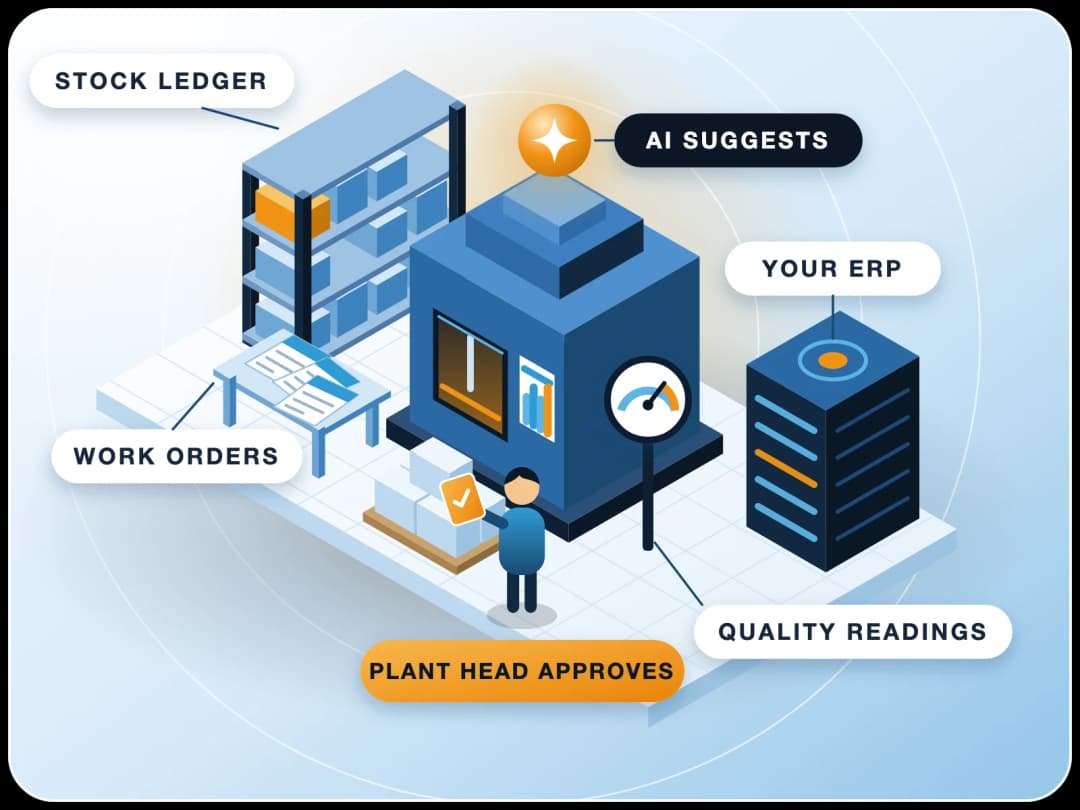
It reads job cards, downtime logs and quality inspections at the end of each shift and writes a short summary with exceptions for the plant head.
- Data it needs
- Work orders, job cards, quality inspections.
- ROI signal
- Time spent compiling reports, and how fast exceptions get action.
What these two agents read every day:
- Delivery notes
- Shipment tracking
- Work orders
- Job cards
- Downtime logs
- Quality inspections
Marketing and IT · use cases 14-15
Are there AI agent use cases for marketing and IT?
14. Marketing content drafts from your own data
Drafts product updates, case outlines and campaign emails from item data and approved facts, for a person to edit.
Data it needs: Item master, approved company facts, past campaigns.
ROI signal: Content produced per week, and edit time per draft.
15. IT helpdesk and access requests
Handles password-reset guidance, software requests and access requests against role rules, and routes approvals to the manager.
Data it needs: User list, roles, IT policies.
ROI signal: IT tickets per employee, and time to grant access.
Pick one
Which AI agent use case should you start with?
Here's the quick view we use when we sit down with an owner to pick the first one.
| Use case | Department | Effort to start | Risk if it errs | Good first pick? |
|---|---|---|---|---|
| Supplier invoice capture | Finance | Medium | Low (draft only) | Yes |
| Payment follow-up | Finance | Low | Medium (tone) | Yes |
| Bank reconciliation suggestions | Finance | Medium | Low | Yes |
| Lead research | Sales | Low | Low | Yes |
| Quotation drafting | Sales | Medium | Medium (price) | After one pilot |
| Reorder suggestions | Procurement | Medium | Medium | After one pilot |
| Supplier quote comparison | Procurement | Low | Low | Yes |
| CV screening | HR | Low | High (fairness) | With close review |
| HR self-service | HR | Medium | Low | Yes |
| First-line ticket replies | Support | Medium | Medium | Yes |
| Ticket triage | Support | Low | Low | Yes |
| Dispatch updates | Operations | Medium | Low | Yes |
| Shift summaries | Operations | Low | Low | Yes |
| Marketing drafts | Marketing | Low | Medium (claims) | Yes |
| IT access requests | IT | Medium | High (security) | After one pilot |
- Rule-heavy
- High volume
- Checkable against a record
- Has a before-number
How to start
How do you start with AI agents in your business?
- 1List the ten most time-consuming tasks in each teamMark the ones that are rule-based and easy to check against a record.
- 2Check the data firstIf invoices, stock entries or leads aren't entered in your ERP on the day they happen, fix that before any agent.
- 3Pick one use case with a clear before-numberMeasure hours per week or turnaround time for two weeks before you start.
- 4Start read-only, then draft-onlyLet the agent suggest and draft. People submit. OpenAI's agent guide likewise advises handing high-risk actions, such as large refunds, to a person.
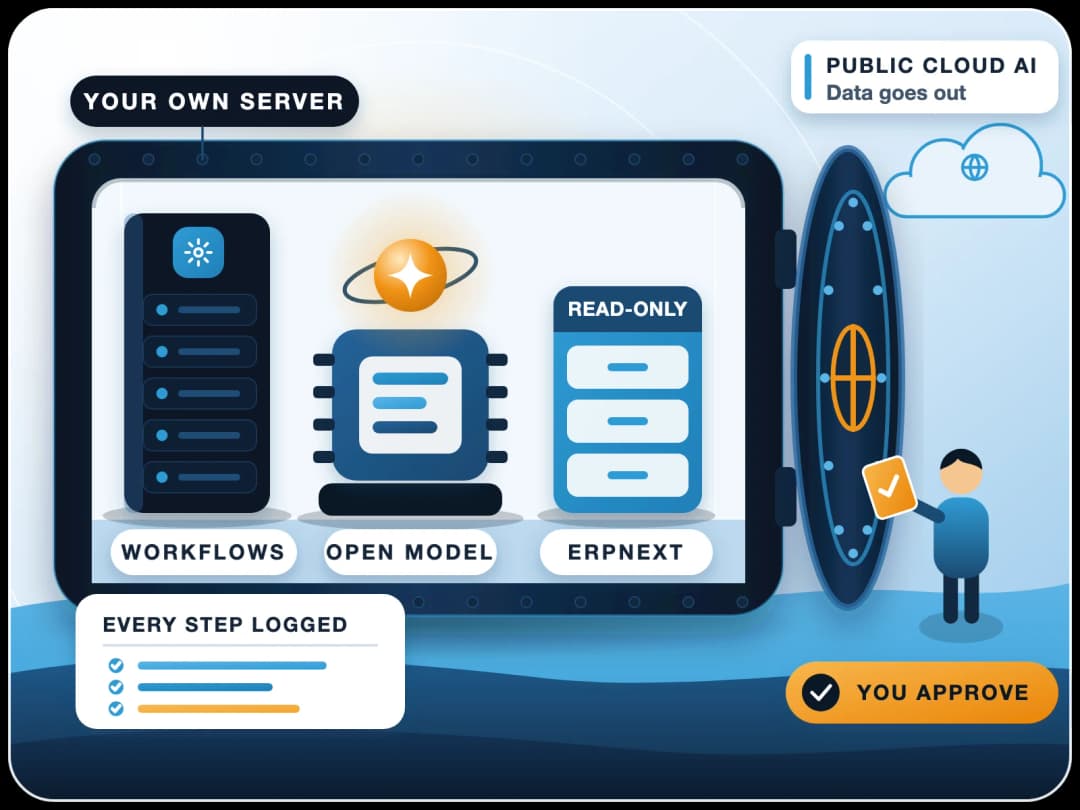
- 5Use the ERP's own permissionsGive the agent its own user with only the roles it needs, so every action has an audit trail.
- 6Review weekly for a monthCheck a sample of its work, track cost per task and only then widen what it may do.
What this looks like on ERPNext
On ERPNext projects we usually connect the agent through the ERP's API with its own user and role. Its drafts then go through the same approval workflow as a person's.
The most common mistake we see is letting the agent submit documents in the first month, before anyone has checked a few hundred of its drafts. The wiring is covered in our guides to deploying enterprise AI agents on ERP and n8n AI agent orchestration.
- Own API user and role for the agent
- Drafts go through the normal approval workflow
- Every action in the document's version history
- Submit rights only after a few hundred checked drafts
Limits
When should you not use an AI agent?
The process is broken
Errors are costly and hard to spot
The volume is tiny
A simple rule does the job
Next step
What does a good AI agent for business need around it?
The best AI agent for business is rarely the one with the most features. It's the one that sits on clean data, has narrow permissions, logs everything it does and hands hard cases to a person.
FinByz has delivered 200+ projects in 15+ countries since 2016, with a 50+ person in-house team. The pattern holds across them: agents built on the ERP's own records and approvals last, while bolt-on bots that copy data into a separate tool tend to drift. See how we build AI agents on ERPNext, or compare open-source AI agent frameworks.
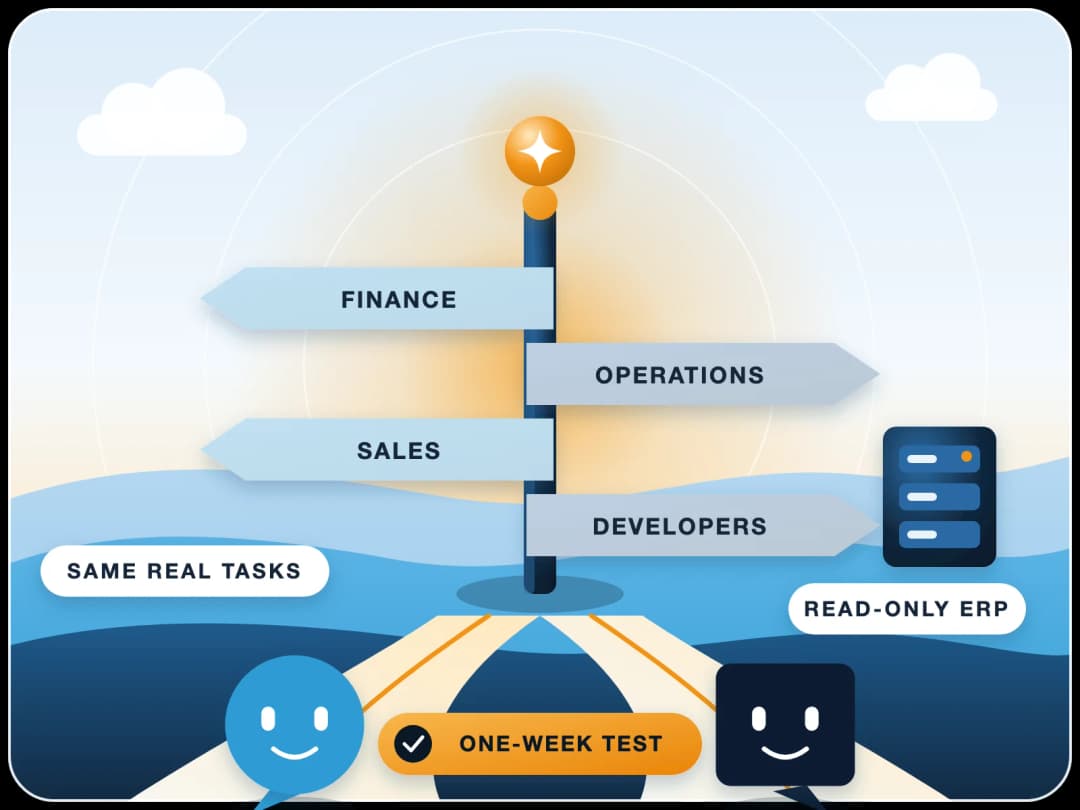
Want help choosing your first use case? Our team can map your top tasks and run a read-only pilot on your ERPNext data.
- Clean data in the ERP
- Narrow permissions
- A log of everything it does
- A person for the hard cases
Sources
- Anthropic: Building effective agents, December 2024
- Gartner: Over 40% of Agentic AI Projects Will Be Canceled by End of 2027, 25 June 2025
- Gartner: Agentic AI Will Autonomously Resolve 80% of Common Customer Service Issues by 2029, 5 March 2025
- McKinsey: The state of AI, 2025 edition (November 2025) and 2026 edition
- OpenAI: A practical guide to building agents, April 2025