Open Source AI Code Agents Compared for ERPNext and Frappe
An open source AI code agent is a coding assistant whose source you can read and change, and which edits files, runs commands and tests its own work. Here are the ones worth using in November 2026, how they work, and how to connect them to ERPNext safely.

- Open source coding agents compared
- 8
- Tools in Frappe's built-in MCP server
- 13
- Frappe version that adds MCP and frappectl
- v16
- Popular agents no longer maintained
- 2
The short answer
What is an open source AI code agent?
In short
An open source AI code agent is a coding assistant whose source code you can read, run and change, and which can edit files, run commands and test its own work instead of only suggesting lines. The ones worth a look in November 2026 are OpenCode, OpenAI's Codex CLI, Gemini CLI, Cline, OpenHands, goose, Qwen Code and Aider. On Frappe v16, any of them that can run shell commands or connect to an MCP server can work on an ERPNext site with the signed-in user's permissions.
A code agent is a language model wrapped in a loop with tools. Autocomplete suggests the next line. An agent finishes the job and shows you the diff. "Open source" here means the agent program itself is published under an open licence such as Apache-2.0 or MIT. The model it calls usually isn't.
Open licence
Any model
Nothing hidden
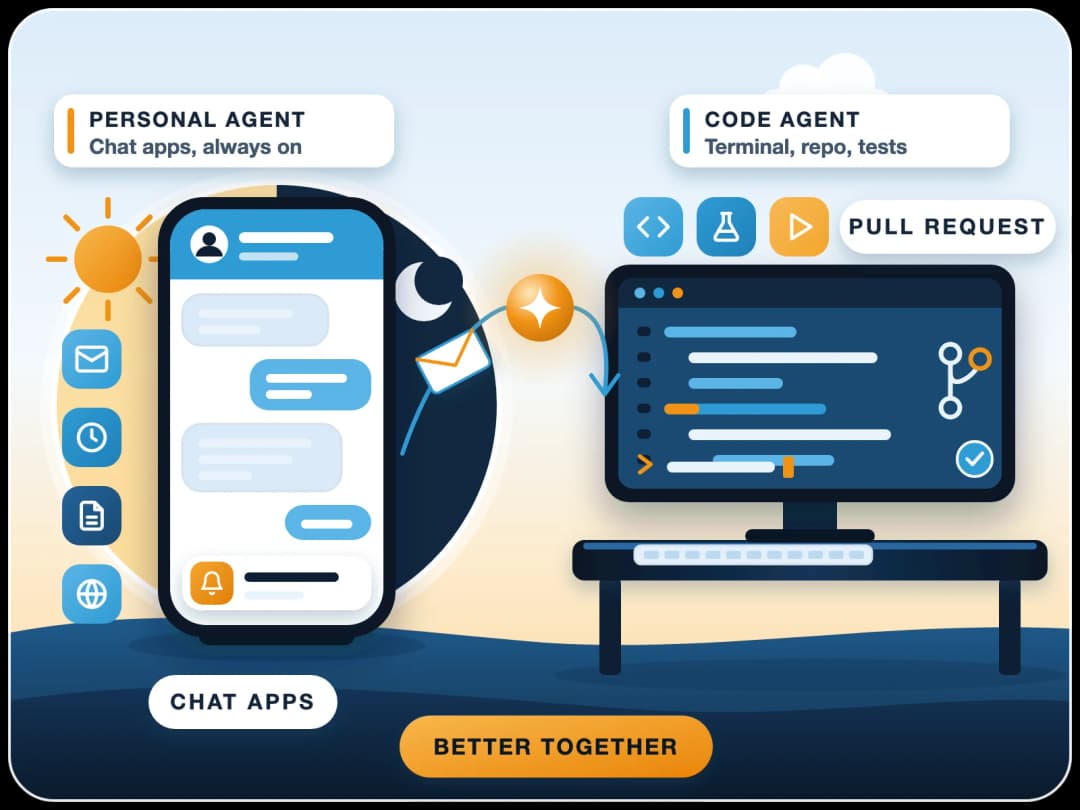
Claude Code is a useful contrast. Its GitHub repository is public, but it carries no open source licence, so we treat it as a commercial tool that open source agents compete with. If you're weighing it against an always-on assistant, see OpenClaw vs Claude Code.
The loop
How does an AI coding agent work?
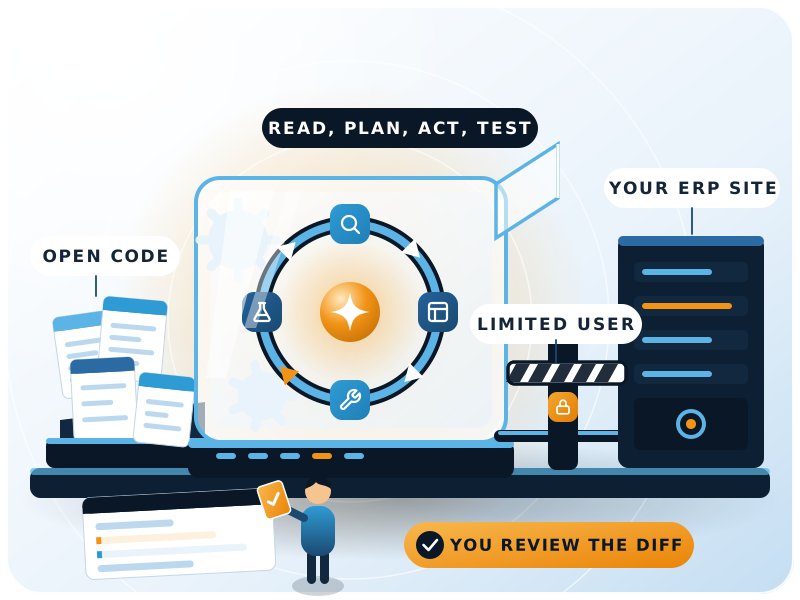
Every agent we've used follows the same cycle. Anthropic describes agents as systems where models "dynamically direct their own processes and tool usage" (Building effective agents), and coding agents are the clearest case of that.
- 1Read contextThe agent loads an instructions file (
AGENTS.md,CLAUDE.mdor similar), then searches and reads the files that matter for your request. - 2PlanIt decides what to change. Several agents have a read-only plan mode; OpenCode's plan agent denies file edits and asks before any shell command.
- 3Act through toolsIt edits files, runs shell commands, calls MCP servers or opens a browser. Most ask for your approval first unless you turn that off.
- 4CheckIt runs tests, linters or the app, reads the errors and fixes them. Aider, for example, can lint and test after every change and repair what fails.
- 5Hand backIt shows a diff or commits. Aider commits each change to git with its own message, so you can undo it with normal git commands.
The first step decides most outcomes. A good instructions file names the branch, the test command, the forbidden commands and where the data lives. A vague one gets you confident changes in the wrong place.
The agents compared
Which open source AI coding agents lead in 2026?
Licences, stars and maintenance status below are from each project's GitHub repository on 21 November 2026. Star counts are rounded and move daily.
| Agent | Maintainer | Licence | Where it runs | Worth knowing | GitHub stars |
|---|---|---|---|---|---|
| OpenCode | Anomaly | MIT | Terminal, desktop | Build and read-only plan agents, switch with Tab | ~228k |
| Codex CLI | OpenAI | Apache-2.0 | Terminal, IDE, desktop app | Sign in with a ChatGPT plan or use an API key | ~136k |
| Gemini CLI | Apache-2.0 | Terminal | Now for Gemini Code Assist Standard/Enterprise; free use moved to Antigravity CLI on 18 June 2026 | ~109k | |
| OpenHands | OpenHands | MIT | Self-hosted web UI, Docker, VMs, cloud | Agent Canvas can also run Claude Code, Codex, Gemini CLI and OpenCode | ~94k |
| Cline | Cline | Apache-2.0 | VS Code, CLI, desktop, SDK | Human-in-the-loop approval for each action; headless mode for CI | ~72k |
| goose | Agentic AI Foundation (Linux Foundation) | Apache-2.0 | Desktop, CLI | 85+ model providers, local models without a separate server | ~57k |
| Aider | Aider-AI | Apache-2.0 | Terminal | Repo map, auto git commits, lint and test loop; last push May 2026 | ~50k |
| Qwen Code | Qwen (Alibaba) | Apache-2.0 | Terminal, editor, desktop | 1.0 preview released with Qoder's agent harness | ~31k |
Two projects people still recommend have stopped. Continue's main repository is read-only after its final 2.0.0 release, and Roo Code's repository is archived. Both still install, but nobody is fixing bugs, so we wouldn't start a new team on them.
Choosing one
Which one is the best AI coding agent?
There isn't one winner, and "best" depends more on the model and the instructions file than on the agent. Here's how we'd choose:
- You live in VS Code and want to approve each step: Cline.
- You want a fast terminal agent and use several model vendors: OpenCode or goose.
- Your team already pays for ChatGPT Business or Enterprise: Codex CLI, since sign-in covers it.
- You want agents on your own servers, in sandboxes, on a schedule: OpenHands.
- You want small, reviewable git commits and nothing fancy: Aider, accepting its slower release pace.
Is there a free AI coding agent?
The agent software in the table is free to use under its licence. The model calls are what cost money. You can bring your own API key and pay per token, use a plan you already have (Codex CLI with ChatGPT), or run an open-weight model locally with goose or OpenCode. Local models cost nothing per call but need a strong machine, and in our experience they're weaker on large, unfamiliar codebases.
Who are the "big 4" AI coding agents?
There's no official list. People usually mean the agents from the four big platform vendors. Only Codex CLI and Gemini CLI of those four are open source, and Gemini CLI's free individual use moved to Antigravity CLI in June 2026.
- Claude Code (Anthropic)
- Codex (OpenAI)
- Gemini CLI / Antigravity CLI (Google)
- GitHub Copilot coding agent (Microsoft)
ERPNext and Frappe
How do coding agents connect to ERPNext and Frappe?
This is the part most comparisons skip. As of Frappe v16, the framework gives agents two official ways in, documented in the Frappe MCP guide:
| Method | How it works | Use it when |
|---|---|---|
| Built-in MCP server | Streamable HTTP at /api/v2/mcp, 13 tools (search DocTypes, read schemas, list, get, create, update and delete documents, call whitelisted methods), OAuth sign-in or API token | The agent can't run shell commands, for example Claude Desktop |
| frappectl CLI | A command-line client for REST API v2; frappectl assistant starts Claude Code, Codex, pi or OpenCode with a Frappe system prompt | The agent has a terminal and needs scripts, files or several sites |
Both methods use the permissions of the user who signs in. The MCP server checks read, create, write and delete permission per DocType, plus field-level permissions, the same way the Desk does.
Frappe's docs also warn that frappectl doesn't ask before a change, so the agent or a person must confirm each one, and they advise read-only profiles for important sites.
# Claude Code
claude mcp add --transport http frappe \
  https://erp.example.com/api/v2/mcp
claude mcp login frappe

# Codex CLI
codex mcp add frappe \
  --url https://erp.example.com/api/v2/mcp
codex mcp login frappe
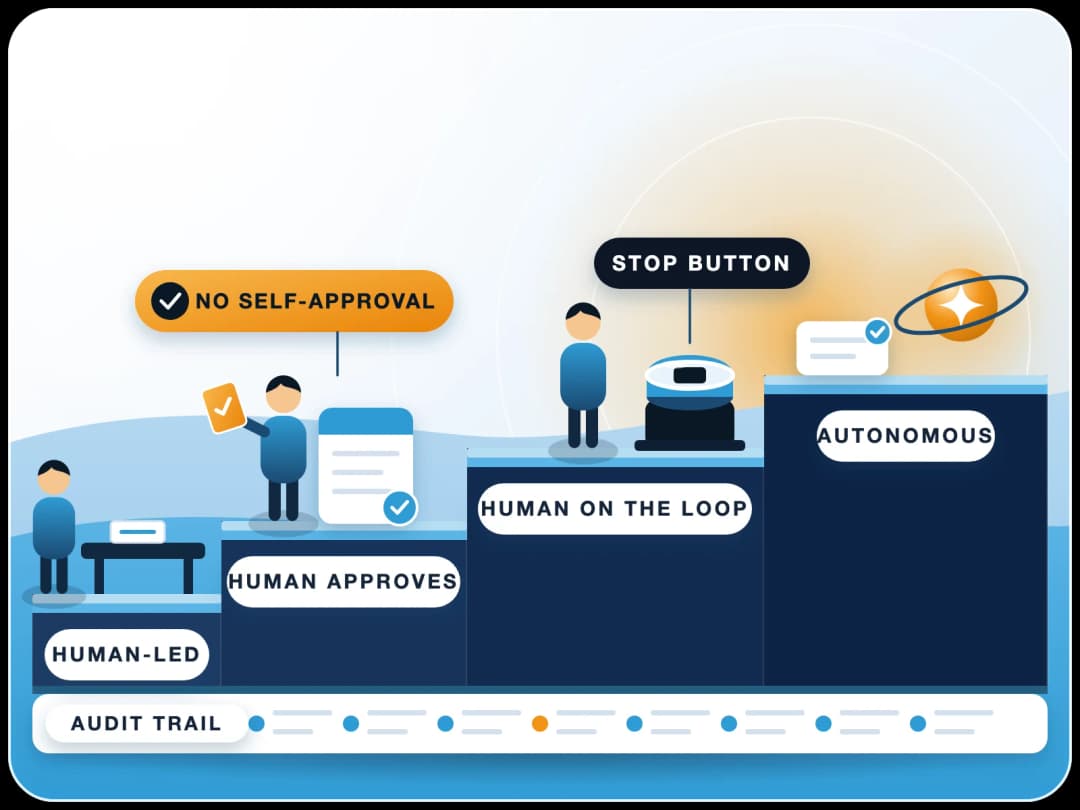
We'd go further: give an agent its own ERPNext user with only the roles the task needs, and never your System Manager login. The same approval rules we set out in human in the loop AI agent approvals apply here.
In practice
How do we use coding agents to build ERPNext apps?
We use coding agents every day on Frappe apps, the finbyz.tech website and our own products. A few habits matter far more than which agent we pick.
One instructions file per repository
Test from a copy, then deploy
Small, reviewable changes
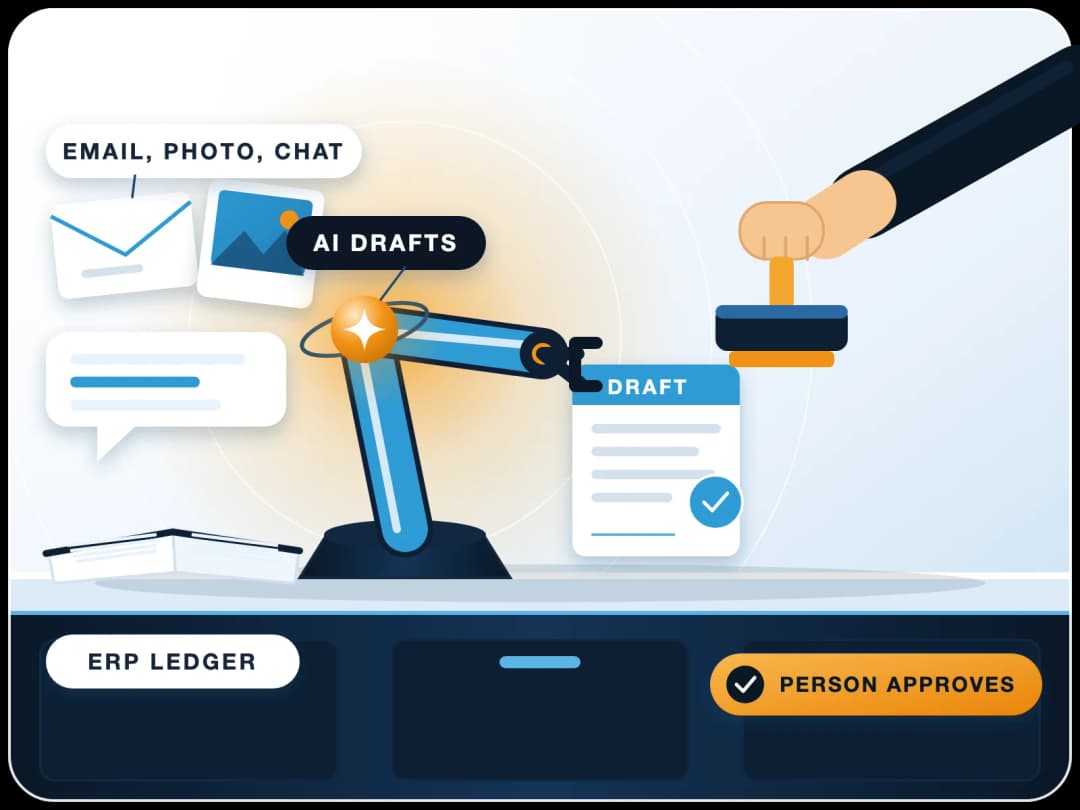
A typical mistake we see: an agent "fixes" a permission check by adding ignore_permissions=True. It passes the test and quietly opens the data to everyone. Diff review catches that; a green test run doesn't. Development is fast now. Most of the time goes into testing and edge cases, and the agent doesn't change that.
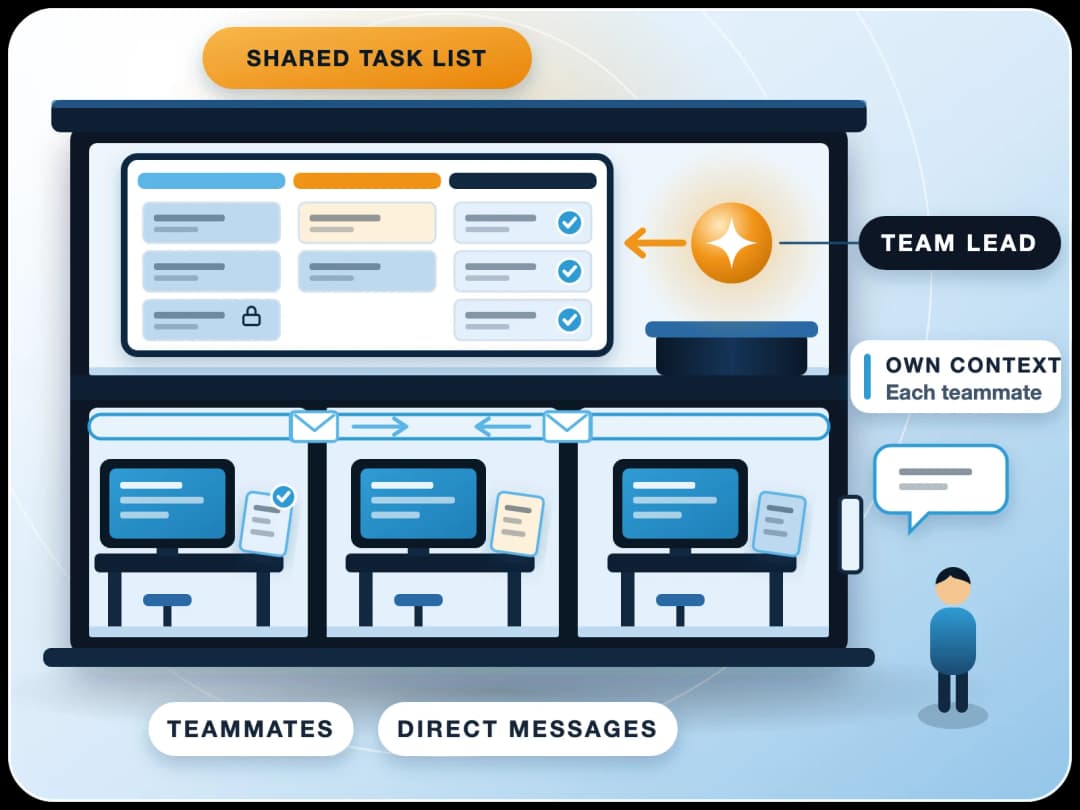
Running more than one agent at a time? Our guide to Claude agent teams covers when parallel agents pay off and when one session is enough.
Our framework
What does our ERPNext AI agent framework look like?
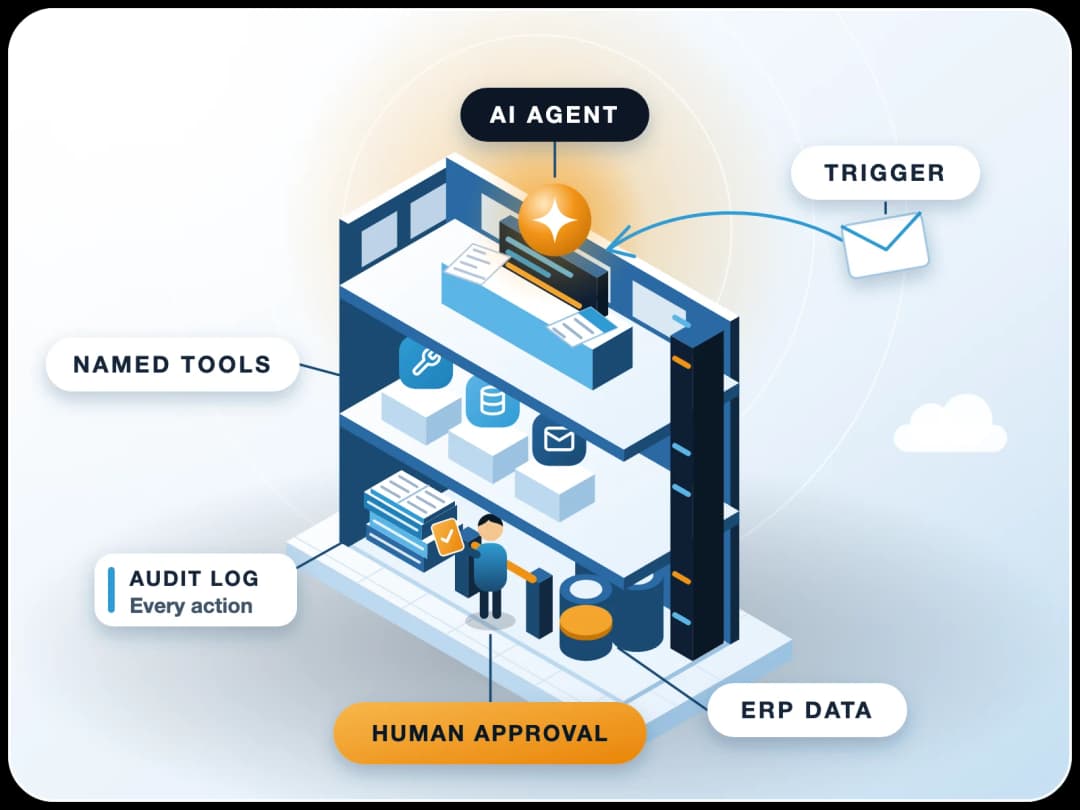
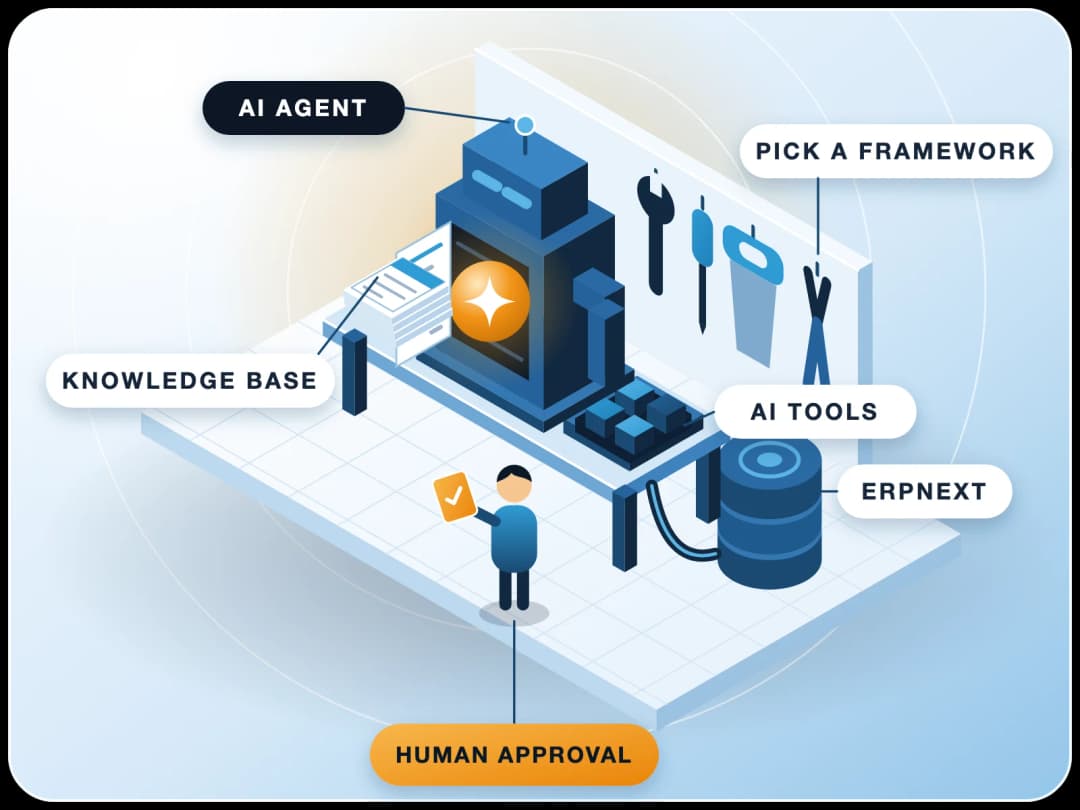
Coding agents help us build software. Business users need something else: agents that work inside ERPNext on invoices, leads and documents, under their own login. For that we built FinByz AI, an open source Frappe app published on GitHub under GPL-3.0. We explain it in three layers, with two more around them for safety.
| Layer | What it does | How it's built |
|---|---|---|
| Knowledge | Grounds answers in your documents and ERPNext data | Knowledge Base DocType; web pages, PDFs and notes chunked into a vector store (Pinecone, Qdrant, Supabase or Chroma) |
| Model engine | Any model, switched by task and cost | LLM Provider and LLM DocTypes over LiteLLM, which supports 100+ models including local ones |
| Agents | Task-specific skill sets with defined inputs and structured output | AI Agent DocType (system prompt, linked model, tools, memory, output schema) running on LangChain and LangGraph |
| Tools and permissions | What an agent may do, and as which user | AI Tool DocType with "requires confirmation" and "cost sensitive" flags; every call runs under ERPNext roles |
| Workflow and audit | Approvals and a record of what happened | Workflow Builder with human approval steps; conversations stored, document changes kept in ERPNext version history |
Because every part is a normal DocType, an administrator changes an agent's behaviour by editing a form, and ERPNext's roles, version history and REST API apply without extra code. That same API is what a coding agent uses when we build a new tool, so the two worlds meet cleanly: the coding agent writes and tests the tool's Python function, and the business agent calls it inside ERPNext. The framework's DocTypes and workflow builder are covered in more depth in our comparison of open source AI agent frameworks, and the governance side in enterprise AI agents on ERP.
Limits
When should you not use an AI coding agent?
Your data is messy
Nobody will review
It's a one-line config change
It needs your admin login
Next step
How do you start?
- 1Pick one agentChoose from the table the one that fits where your developers already work.
- 2Write the instructions fileAn
AGENTS.mdorCLAUDE.mdfor one repository: branch, test command, forbidden commands. - 3Connect to a staging siteSet up a Frappe v16 staging site and connect the agent through MCP or frappectl with a limited user.
- 4Give it one small, real taskA custom report is a good first job. Review every diff.
- 5Only then go near productionStart with read-only access.
If you'd like help setting this up on your ERPNext, or want AI agents that work inside ERPNext for your finance and sales teams, our team has done 200+ projects since 2016 and builds this way every day.
Sources
- OpenCode repository (anomalyco/opencode), checked 21 November 2026
- OpenAI Codex CLI repository, checked 21 November 2026
- Gemini CLI repository, checked 21 November 2026
- Google Developers Blog: transitioning Gemini CLI to Antigravity CLI, checked 21 November 2026
- OpenHands repository, checked 21 November 2026
- Cline repository, checked 21 November 2026
- goose repository (Agentic AI Foundation), checked 21 November 2026
- Aider repository, checked 21 November 2026
- Qwen Code repository, checked 21 November 2026
- Continue repository (read-only), checked 21 November 2026
- Roo Code repository (archived), checked 21 November 2026
- Claude Code repository, checked 21 November 2026
- Frappe Framework docs: MCP or CLI, checked 21 November 2026
- Anthropic: Building effective agents, 19 December 2024
- FinByz AI repository, checked 21 November 2026