Claude Agent Teams Explained: How They Work and When They Pay Off
Claude agent teams let one Claude Code session lead several others that share a task list and message each other directly. Here's how a team runs, how it differs from sub-agents, how to set one up, what it costs and when it's worth it.

- Teammates Anthropic suggests to start with
- 3-5
- Tasks per teammate that keep everyone busy
- 5-6
- States a shared task can be in
- 3
- Status on 20 Nov 2026: off by default
- Experimental
The short answer
What are Claude Code agent teams?
In short
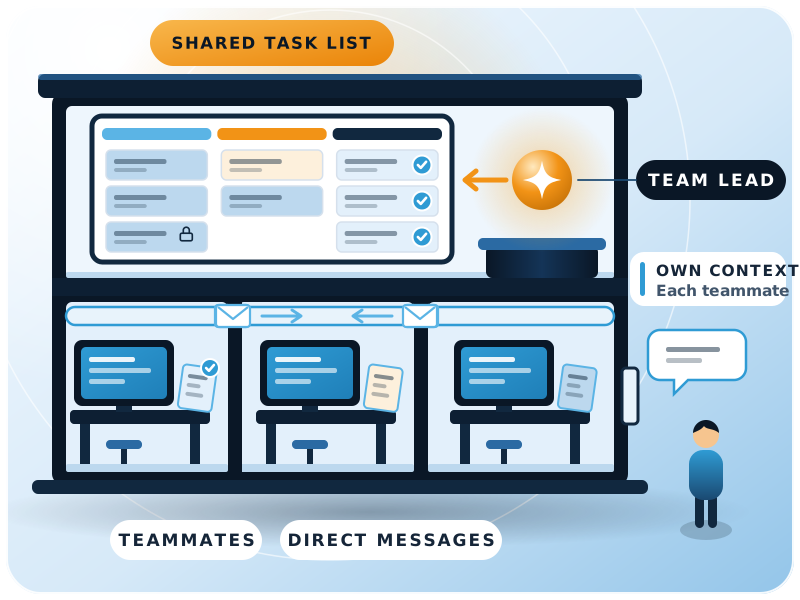
Claude agent teams are a Claude Code feature where one session acts as team lead and starts several other Claude Code sessions, called teammates, that share a task list and message each other directly. They pay off when the work splits into independent pieces, such as a code review, a research question or a new module, and they cost noticeably more tokens than one agent.
As of 20 November 2026, Anthropic still labels agent teams experimental and keeps them off by default (Claude Code docs, agent teams). Every feature claim on this page comes from Anthropic's own documentation. A team has four parts:
Team lead
Teammates
Shared task list
Mailbox
Each teammate loads the same project context as a normal session (CLAUDE.md, MCP servers and skills) plus the spawn prompt the lead gives it. It doesn't get the lead's conversation history. That matters more than it looks: a teammate knows only your project files and its brief, so a vague prompt gives you a vague teammate.
Teams vs sub-agents
How are agent teams different from sub-agents?
Both split work across several context windows. The difference is who coordinates.
| Sub-agents | Agent teams | |
|---|---|---|
| Context | Own window; results go back to the caller | Own window; fully independent |
| Communication | Report a result to the main agent | Teammates message each other directly |
| Coordination | The main agent manages all work | Self-coordination through messages and a shared task list |
| Best for | Focused tasks where only the result matters | Work that needs discussion and challenge |
| Token cost | Lower: results are summarised back | Higher: each teammate is a full Claude instance |
In a multi-agent workflow, a sub-agent is a contractor you send off with a brief who comes back with an answer. A teammate is a colleague in the same room who can argue with the other colleagues. If you only need the answer, use a sub-agent.
There's a third option the docs point to: run a few Claude Code sessions yourself in separate Git worktrees, with no automatic coordination. For many small jobs that's enough. If you're new to how skills and plugins shape Claude Code's work, start with Claude Superpowers: skills, plugins and workflows.
The flow
How does a team actually run a job?
Here's the flow, step by step, as Anthropic describes it.
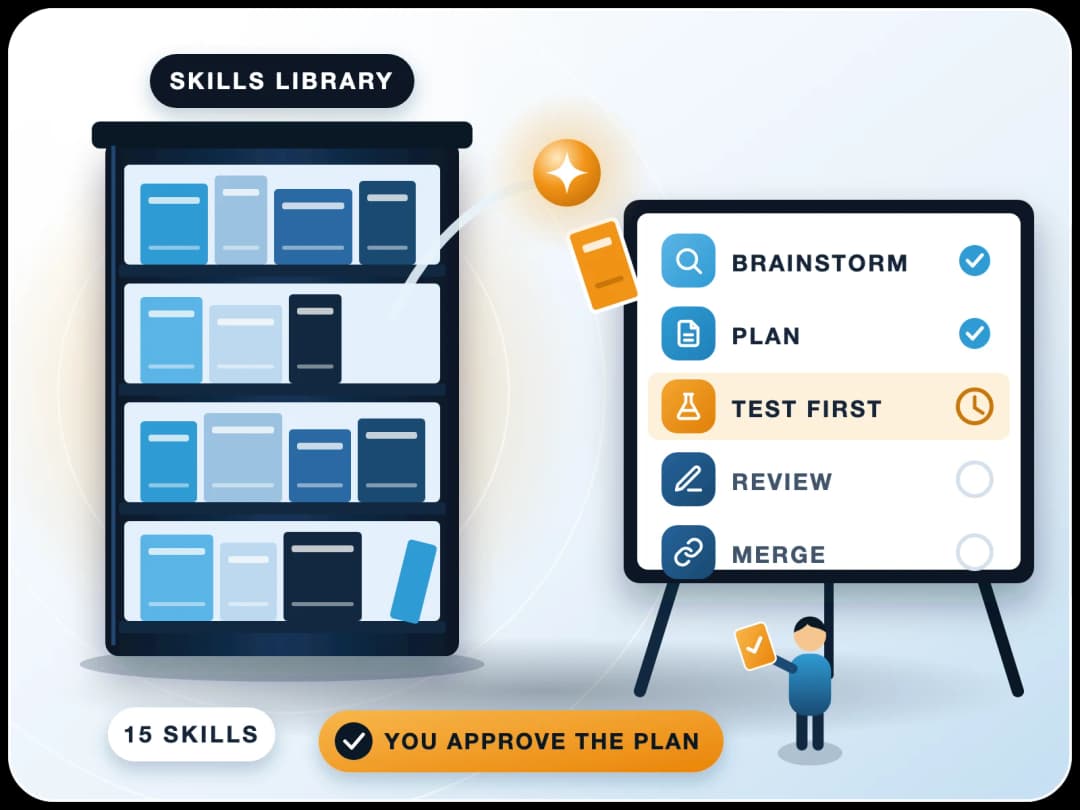
- 1You describe the task and the rolesIn plain language, for example: spawn three teammates, one on UX, one on architecture, one playing devil's advocate.
- 2The lead fills the task list and spawns teammatesClaude decides how many unless you name the number.
- 3Teammates claim tasksThe lead can assign them, or a teammate picks up the next unassigned, unblocked task when it finishes one. File locking stops two teammates claiming the same task.
- 4Teammates message each otherMessages are delivered automatically, so the lead doesn't have to poll for updates.
- 5Finished teammates report inWhen a teammate stops, it notifies the lead and includes its final answer.
- 6The lead pulls it togetherIt synthesises the results. You ask it to shut teammates down when they're done.
Can a teammate plan before it changes anything?
Yes. Put the lead in plan mode first, then spawn the teammate. It works in plan mode until its plan is approved, then starts implementing.
Setup
How do you set up a Claude agent team?
Setup takes a few minutes if you already use Claude Code. Turn the feature on by setting CLAUDE_CODE_EXPERIMENTAL_AGENT_TEAMS to 1, in your shell or in the env block of settings.json.
Teammates need an interactive session. In non-interactive mode (claude -p, including Agent SDK sessions) Claude doesn't spawn teammates.
{
  "env": {
    "CLAUDE_CODE_EXPERIMENTAL_AGENT_TEAMS": "1"
  }
}- Pick a display mode. In-process runs every teammate inside your main terminal and works anywhere; you switch teammates with the arrow keys. Split panes gives each teammate its own pane and needs tmux or iTerm2. The
teammateModesetting controls it. - Name the roles and the model. For example: "Spawn 4 teammates to refactor these modules in parallel. Use Sonnet for each teammate." A saved sub-agent definition, such as a security reviewer, can be reused as a teammate role.
- Pre-approve common commands. Teammate permission prompts surface in the lead's session. Allow routine operations first, or you'll spend the session clicking approve.
- Add quality gates if you need them. Hooks such as
TeammateIdle,TaskCreatedandTaskCompletedcan stop a task being marked done until a check passes.
Team size
How many agents should a team have?
Anthropic's guidance is three to five teammates for most workflows, and about five to six tasks per teammate. With 15 independent tasks, three teammates is a reasonable start. In the docs' own words, three focused teammates often outperform five scattered ones.
Cost grows with each teammate
Coordination gets harder
Returns shrink
Size each task so it produces one clear deliverable: a function, a test file or a review. Too small, and coordination costs more than the work. Too big, and a teammate runs too long without a check-in.
Token cost
What do agent teams cost in tokens?
Each teammate is a separate Claude instance, so token use rises roughly in line with the number of active teammates and how long each one runs (Claude Code docs, costs).
For a sense of scale, Anthropic's engineering team reported in June 2025 that agents typically use about 4 times more tokens than chat, and multi-agent systems about 15 times more (Anthropic Engineering). That comes from their Research feature, a lead agent with sub-agents rather than an agent team, but the economics are the same: the task has to be worth it. In the same write-up, Claude Opus 4 leading Claude Sonnet 4 sub-agents beat a single Claude Opus 4 agent by 90.2% on their internal research evaluation.
- ~4x
- Tokens an agent typically uses compared with chat (Anthropic, Jun 2025)
- ~15x
- Tokens a multi-agent system uses compared with chat (same data)
- 90.2%
- Lead-plus-sub-agents setup vs a single agent on Anthropic's internal research eval
How do you keep the cost down?
| Habit | Why it helps |
|---|---|
| Use Sonnet for teammates | Anthropic says it balances capability and cost for coordination work |
| Keep teams small | Usage is roughly proportional to team size |
| Keep spawn prompts focused | Everything in the prompt sits in the teammate's context from the start |
| Shut teammates down when done | An active teammate keeps using tokens until it exits |
| Leave the feature off when you don't need it | It is disabled by default |
When it pays off
When does a multi-agent workflow pay off, and when not?
Anthropic names four strong uses: research and review, new modules or features, debugging with competing hypotheses, and changes that span frontend, backend and tests. The common thread is parallel work that doesn't collide.
Use a team when
- Pieces can run without waiting on each other
- Each teammate can own different files
- You want views that challenge each other
- The result is worth several times the tokens
Use one session or sub-agents when
- Steps must happen in a fixed order
- Several agents would edit the same file
- You only need one answer back
- It's a routine task
The debugging case is worth a closer look. A single agent tends to find one plausible cause and stop. Anthropic's example spawns five teammates, each with a different theory, and tells them to disprove each other. The theory that survives is much more likely to be the real root cause.
What are the limits today?
- /resume doesn't restore in-process teammates
- Task status can lag
- One team per session
- No nested teams
- Lead is fixed
- Teammates start in the lead's permission mode
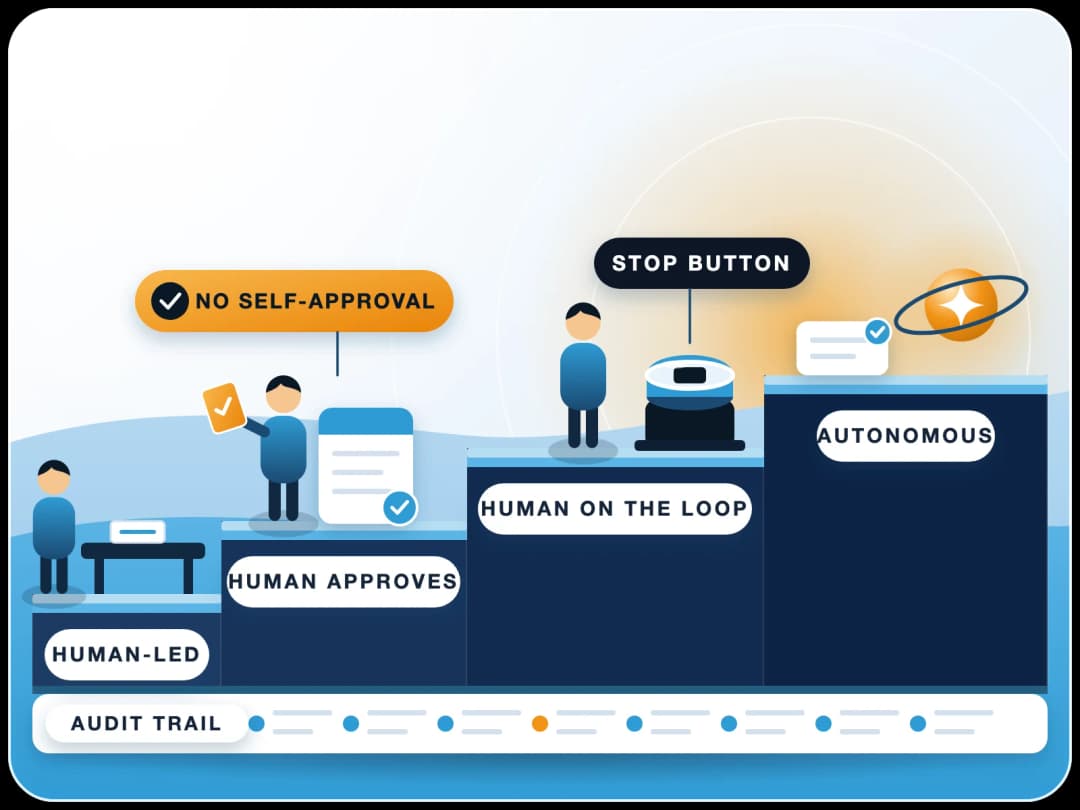
The last one is the point we'd flag for any company setup. If the lead runs with permission checks off, so does every teammate. A team multiplies whatever access the lead session has, so the same rules as in human in the loop AI agent approvals apply.
Beyond code
Can an AI agent team run business work, not just code?
Agent teams are a Claude Code feature, so they live where Claude Code lives: a terminal or IDE, working on files and connected tools. That still covers a lot of non-code work. A team can review a contract set from three angles, research a market with one teammate per region, or check a month's journal entries against policy while another drafts the variance notes.
For ERP teams the clear fit is building custom apps. A new ERPNext feature often touches a DocType, server-side Python, a client script, a print format and tests. Those are separate files, so they split cleanly, one teammate per layer, with the lead stitching it together.
- DocType teammate: fields, naming and permissions
- Server teammate: Python controller and validations
- Client teammate: client script and print format
- Test teammate: tests for the edge cases
- Reviewer teammate: permissions and data checks
In our own ERPNext and website work we run sub-agents and parallel sessions every day. The lesson matches the docs: split by file ownership, write a precise brief, and keep a person reviewing before anything reaches production.
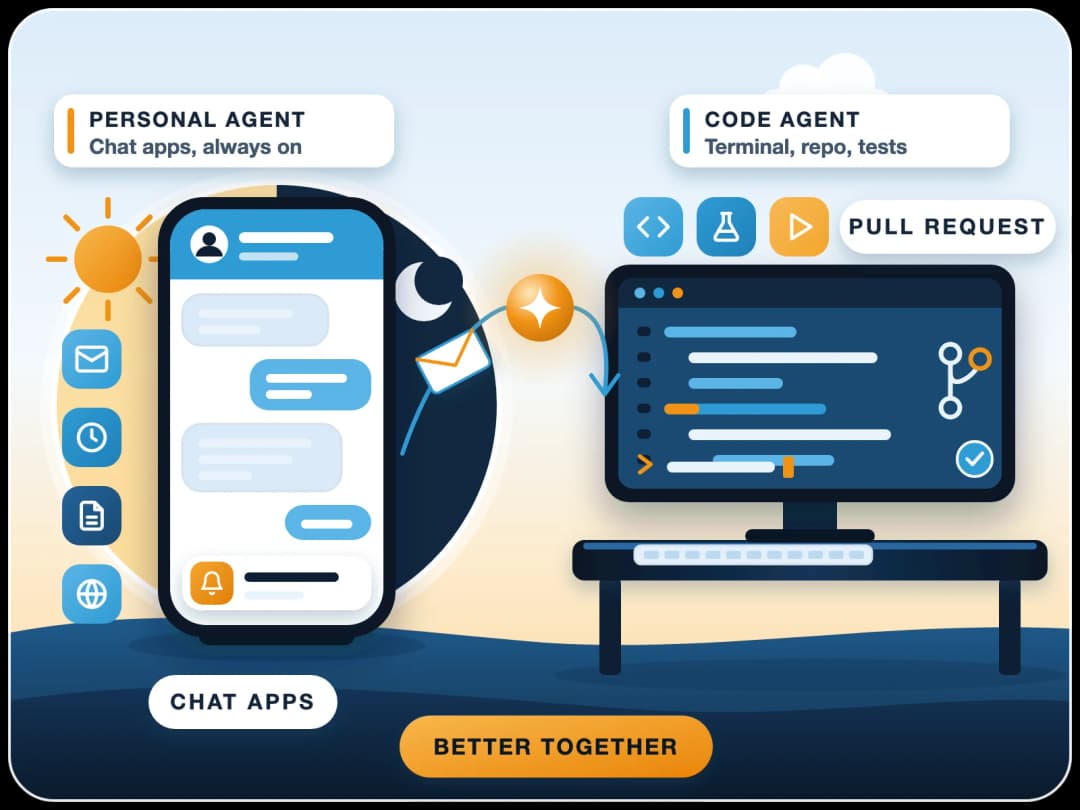
What a team won't do on its own is run your finance close end to end. Teammates act with your session's access, need a person to approve risky steps, and stop when the session stops. For recurring processes, an agent built into the ERP with each user's permissions is usually safer. For chained business automations, see n8n AI agent orchestration, and for a personal assistant that runs all day, compare OpenClaw vs Claude Code.
Next step
Where should you start?
Start with a read-only job. Anthropic suggests a first team on something with clear boundaries and no code changes. Watch how the teammates split the work and what it costs, then decide whether a team beats one session for your next real task.
- Review a pull request
- Research a library
- Investigate a bug
Still choosing an assistant for your team? Read Claude vs ChatGPT for business teams. If you want help designing agents or multi-agent workflows around ERPNext, FinByz has delivered 200+ projects since 2016 and builds custom AI agents and automations on the ERP your team already uses, with the same user permissions and human approval steps.
Sources
- Claude Code docs: Orchestrate teams of Claude Code sessions, checked 20 November 2026
- Claude Code docs: Manage costs effectively (agent team token costs), checked 20 November 2026
- Claude Code docs: Create custom subagents, checked 20 November 2026
- Anthropic Engineering: How we built our multi-agent research system, 13 June 2025