Proactive AI Personal Assistant: How OpenClaw Works for You in 2026
A proactive assistant checks things on a schedule and messages you first, only when something needs you. Here's how OpenClaw (formerly Moltbot) does that today with Automations, what to set up first, and how to keep it safe.
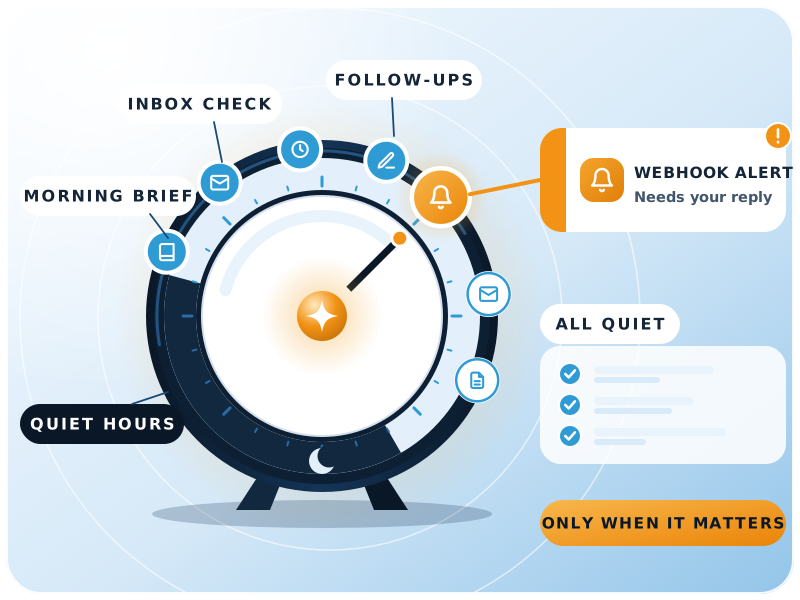

The short answer
What is a proactive AI personal assistant?
In short
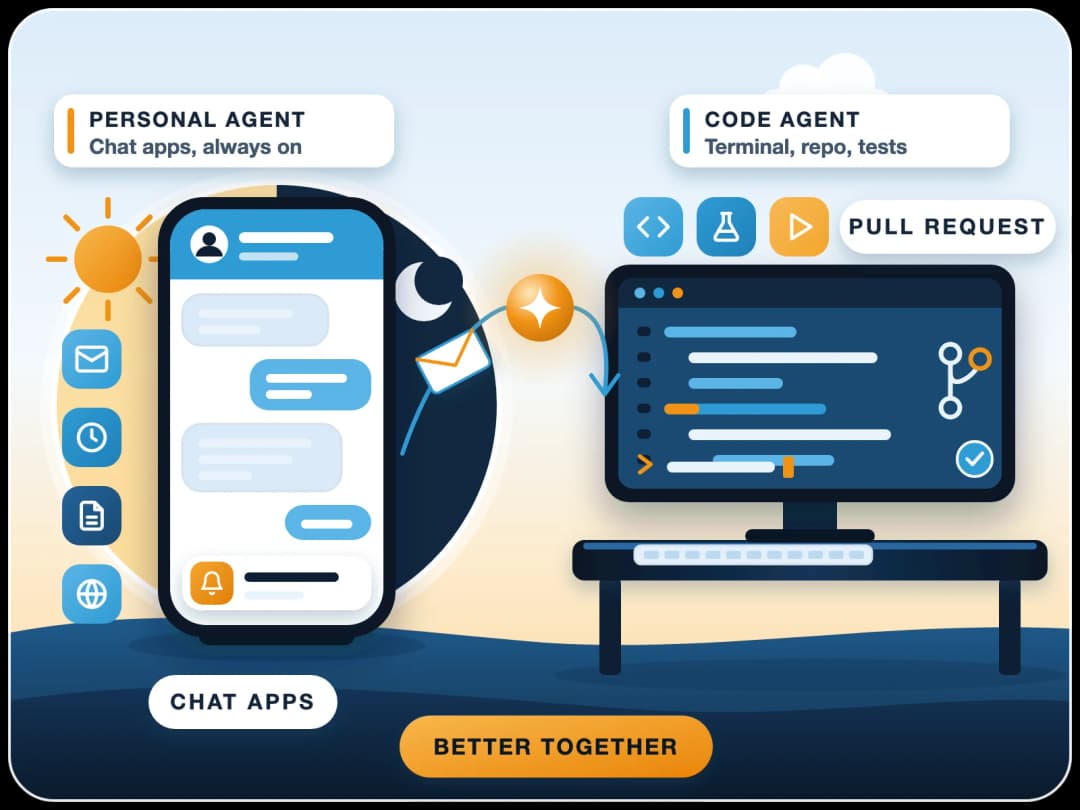
Most AI tools wait for you to ask. A proactive assistant runs checks on its own schedule, such as your inbox, calendar or a supplier's portal, and messages you first when something needs attention. When nothing does, it stays quiet. OpenClaw, the open-source assistant formerly called Moltbot and Clawdbot, does this with scheduled Automations that reach you on WhatsApp, Telegram or Slack.
| Reactive assistant | Proactive assistant | |
|---|---|---|
| Calendar | Adds an event when you ask | Checks tomorrow's calendar each evening and flags clashes |
| Drafts a reply when you ask | Scans new mail, flags the urgent thread and suggests a draft | |
| Follow-ups | Answers "what did I promise?" | Reminds you on the day you said you would follow up |
| Alerts | Tells you a price when asked | Messages you when a watched price or status changes |
Late 2026
How OpenClaw does proactive work
In OpenClaw, proactive work runs through Automations, its built-in scheduler. An automation can be a one-shot reminder, a repeating interval, a cron schedule or a webhook trigger, and its result goes to a chat channel or a webhook.
- 1A trigger firesA time (every weekday at 8:00), an interval (every 2 hours), a one-off reminder or an incoming webhook from another system.
- 2The assistant checksIt reads what you allowed it to: mail, calendar, files, a web page or an API, and decides whether anything needs you.
- 3It respects your hoursJobs can be limited to active hours, or run only when you're idle, so they don't interrupt focused work.
- 4It messages you, or stays silentIf something needs attention, you get a short message in your chat app. If not, the job ends with no reply.
What happened to the "heartbeat"? Earlier Clawdbot and Moltbot guides describe a separate heartbeat engine. It is no longer a separate mechanism: setup now creates one proactive check as a normal, editable automation, and openclaw doctor moves old heartbeat monitors into automations.
Ideas that work
What to automate first
Start with checks that are easy to verify, and only let the assistant suggest at first, not act.
Morning brief
Inbox triage
Follow-up reminders
System alerts
Watch and research
Repo summaries
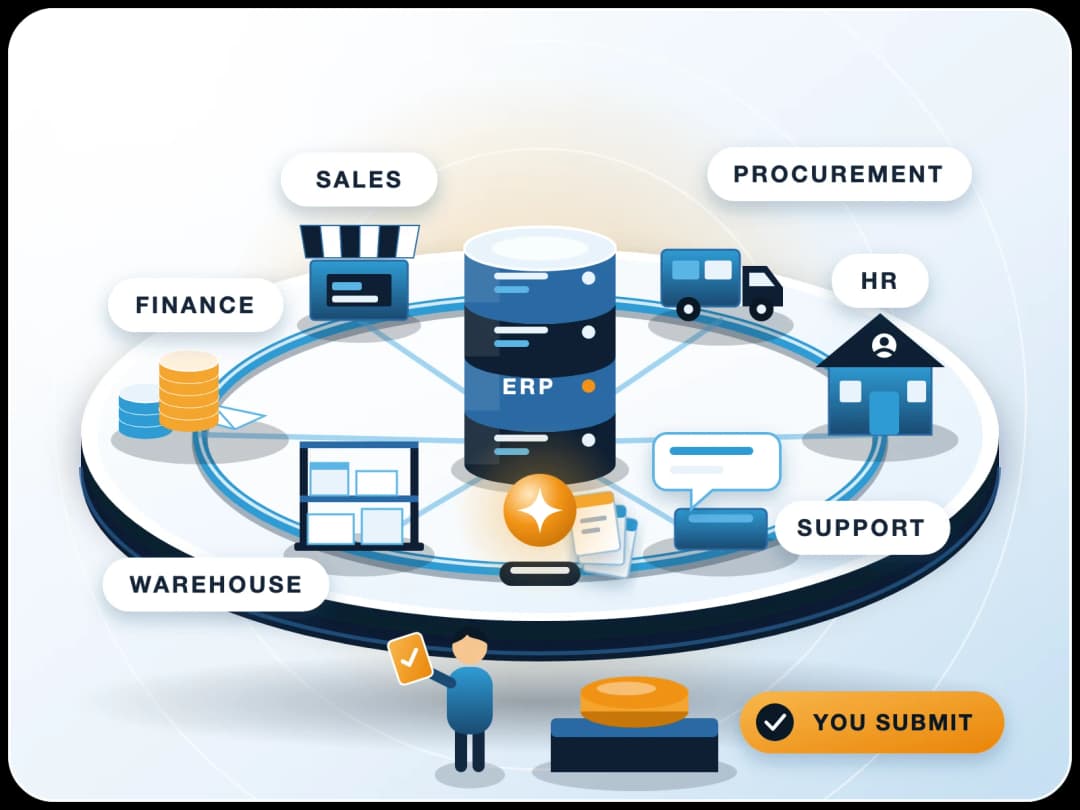
For automations that connect to ERPNext, such as overdue invoices or low stock, see our 15 AI agent use cases by department.
Before you connect accounts
Privacy and security
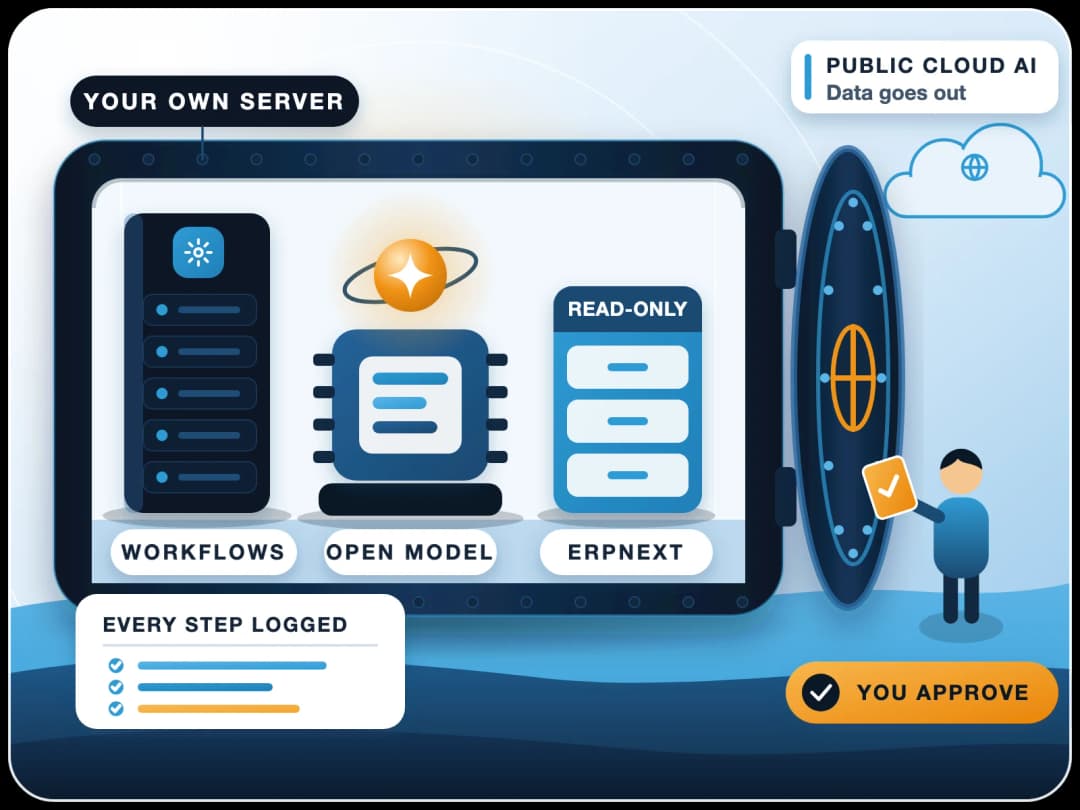
OpenClaw runs on your own computer or server, and its state, memory and credentials stay on that hardware. That is a real privacy gain over hosted assistants, but it also means the safety settings are your job.
Know the risks
- Incoming messages and web content can carry hidden instructions. The README says to treat inbound messages as untrusted input.
- Tools run on the host unless you configure a sandbox, and a review of OpenClaw 2.0 noted the sandbox is not on by default.
- Third-party skills have been caught sending data out. Install only skills you have read or trust.
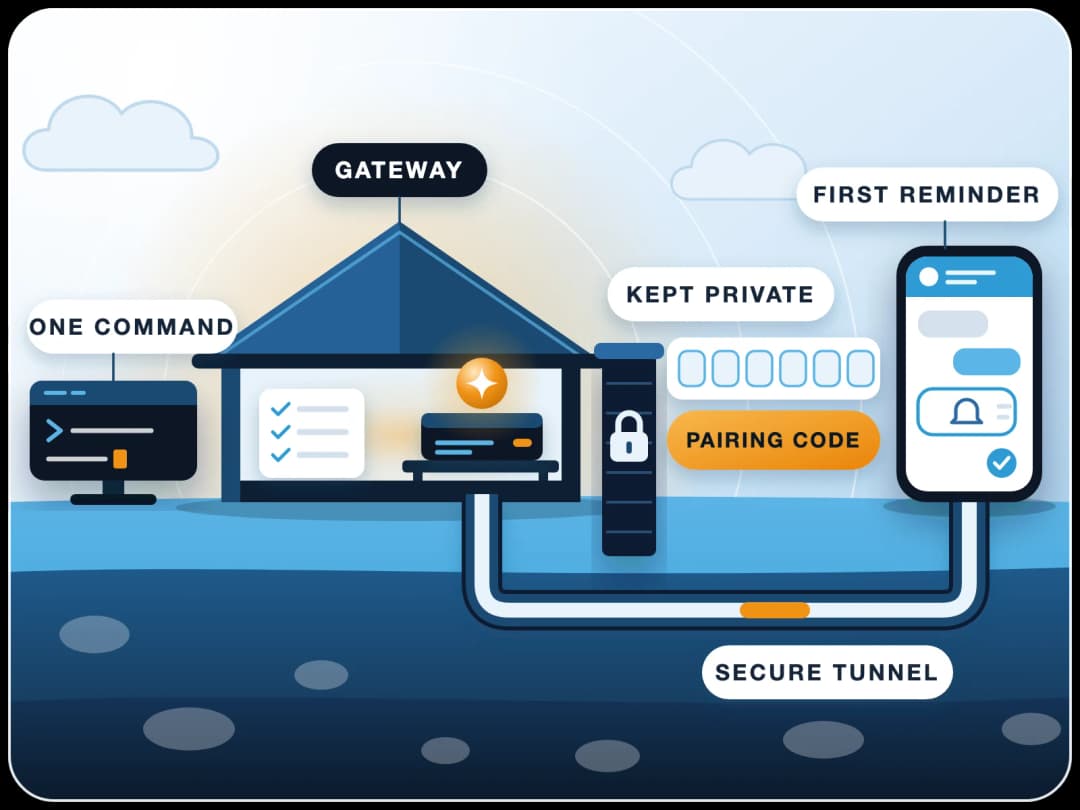
Keep the Gateway on the machine itself and reach it by SSH tunnel or Tailscale, as the remote access guide recommends. Give the assistant its own accounts, start read-only, and keep chat pairing on so strangers can't talk to it.
Next step
How to get started
Set it up yourself
Follow our step-by-step OpenClaw install guide, then add one morning-brief automation and live with it for a week.
Have FinByz set it up
We install and secure an OpenClaw personal assistant for your team, with separate accounts, sandboxing and your ERP connected.
Sources
- OpenClaw Automations, schedules, reminders, webhooks, quiet hours, heartbeat migration
- OpenClaw remote access, loopback, SSH tunnel, Tailscale
- OpenClaw README (GitHub), local state, untrusted input, sandboxing
- OpenClaw (Wikipedia), name history, skill and sandbox findings