ERPNext Migration Services
FinByz Tech moves companies from SAP, Oracle, Tally, Odoo, QuickBooks and older systems to ERPNext. We clean your masters, pick a cut-over date, load opening balances after the old books close, and reconcile every figure. Your old system stays available for history.
What do ERPNext migration services include?
ERPNext migration services move a company's working data from an old ERP or accounting system to ERPNext.
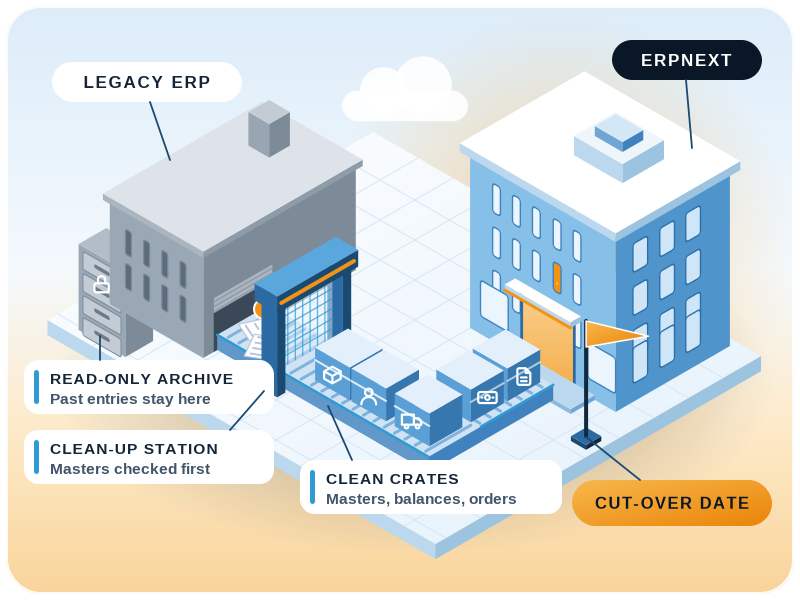
FinByz Tech cleans and loads the masters, sets a cut-over date, loads opening balances, stock and open orders once the old books close, and reconciles them. Past transactions stay in the old system, kept read-only for reference.
A migration is not a copy. Years of old entries carry old mistakes, old codes and old workarounds. Moving them makes the new system slow and the numbers hard to trust.
So we start ERPNext clean: correct masters, correct opening figures, and the open work that still needs finishing.
What moves to ERPNext and what stays behind?
The data you need to keep working moves. The history you only need to look up stays where it is.
| Data | Moves to ERPNext | How |
|---|---|---|
| Items, customers, suppliers, chart of accounts | Yes | Cleaned in sheets, loaded with import templates |
| BOMs, price lists, tax templates | Yes | Checked and loaded before go-live |
| Opening balances and stock | Yes | Loaded after the old books close on the cut-over date |
| Open orders, unpaid invoices and bills | Yes | Carried as open documents |
| Past transactions | No | Kept read-only in the old system, or as exported reports |
Which systems can you migrate from?
Any system that can export its data. These are the ones we see most.
SAP
SAP Business One and ECC: masters, open items and balances moved; history kept in SAP or as reports.
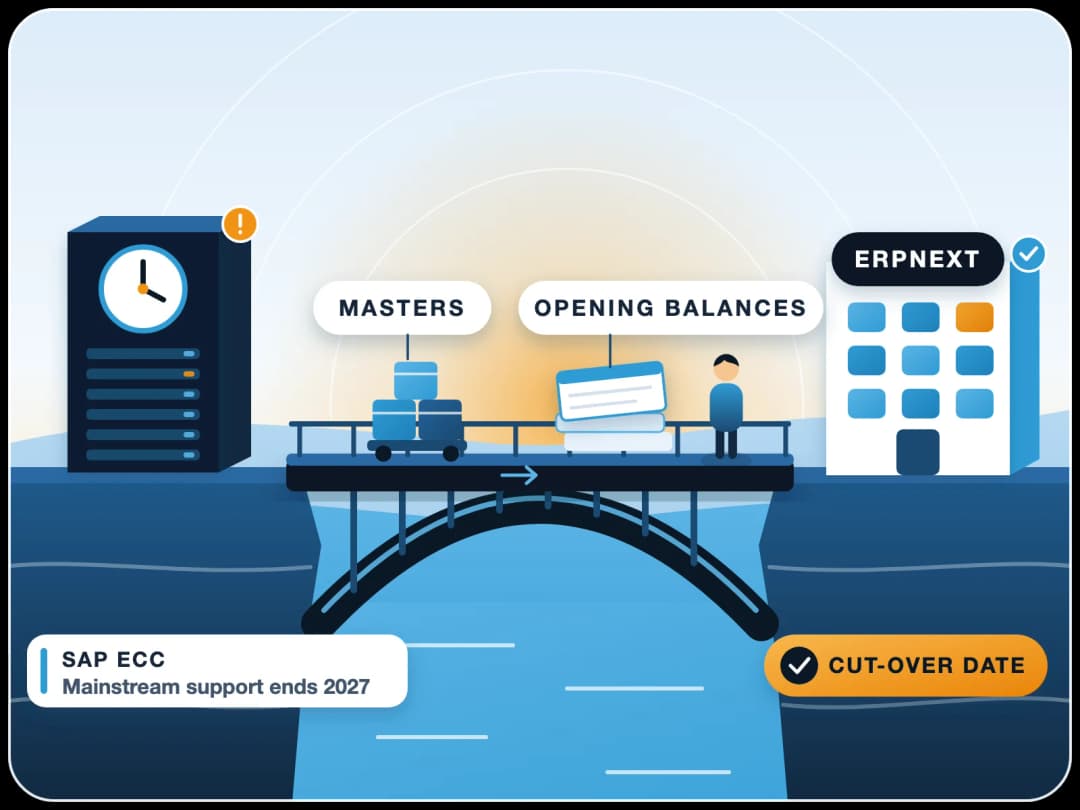
SAP ECC end of supportOracle
Oracle E-Business Suite and NetSuite: chart of accounts mapped, masters cleaned, open documents carried.
Tally
Ledgers, stock items, parties and opening balances from Tally, reconciled by our accountants.
Odoo
Products, partners, BOMs and open orders moved; Odoo customisations mapped to standard ERPNext.
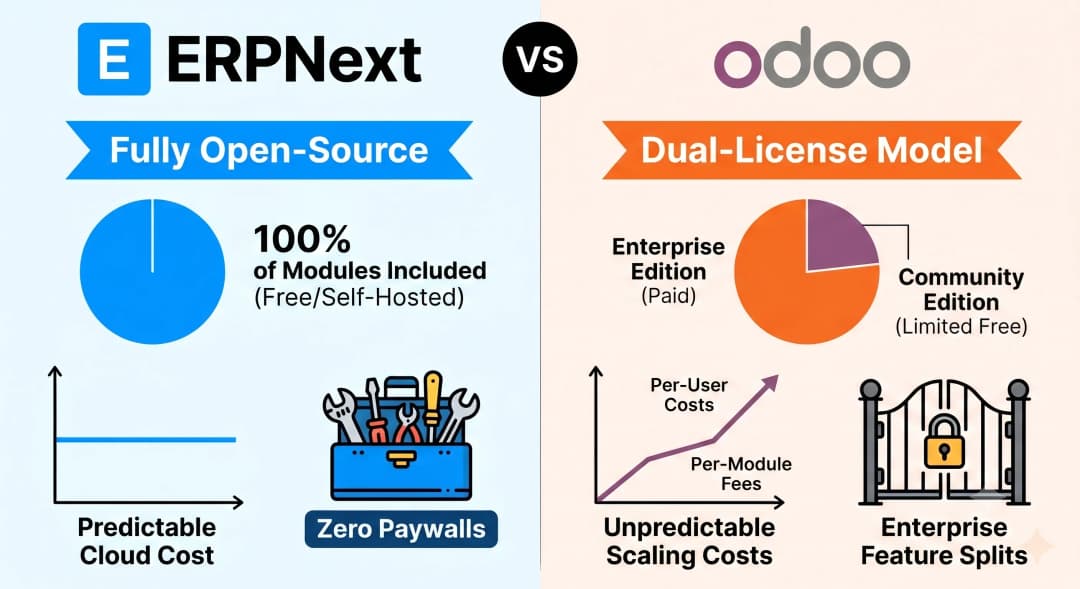
ERPNext vs OdooQuickBooks and Zoho
Accounts, customers, vendors and items exported and loaded into a clean ERPNext company.
Dynamics NAV and custom systems
Old or home-grown systems: data exported to sheets, cleaned and mapped field by field.
How does an ERPNext migration work, step by step?
Eight steps from the first look at your data to go-live. Steps 3 and 4 repeat until the data is right.
- 1AssessmentWe look at the old system, the data, the modules in scope and the reports people rely on.
- 2Pick a cut-over dateUsually a month or year end, so the old books can close cleanly on that date.
- 3Clean the mastersItems, customers, suppliers, chart of accounts and BOMs cleaned in sheets: duplicates merged, codes fixed.
- 4Map and trial loadData mapped to ERPNext import templates and loaded into a test site, as many times as it takes.
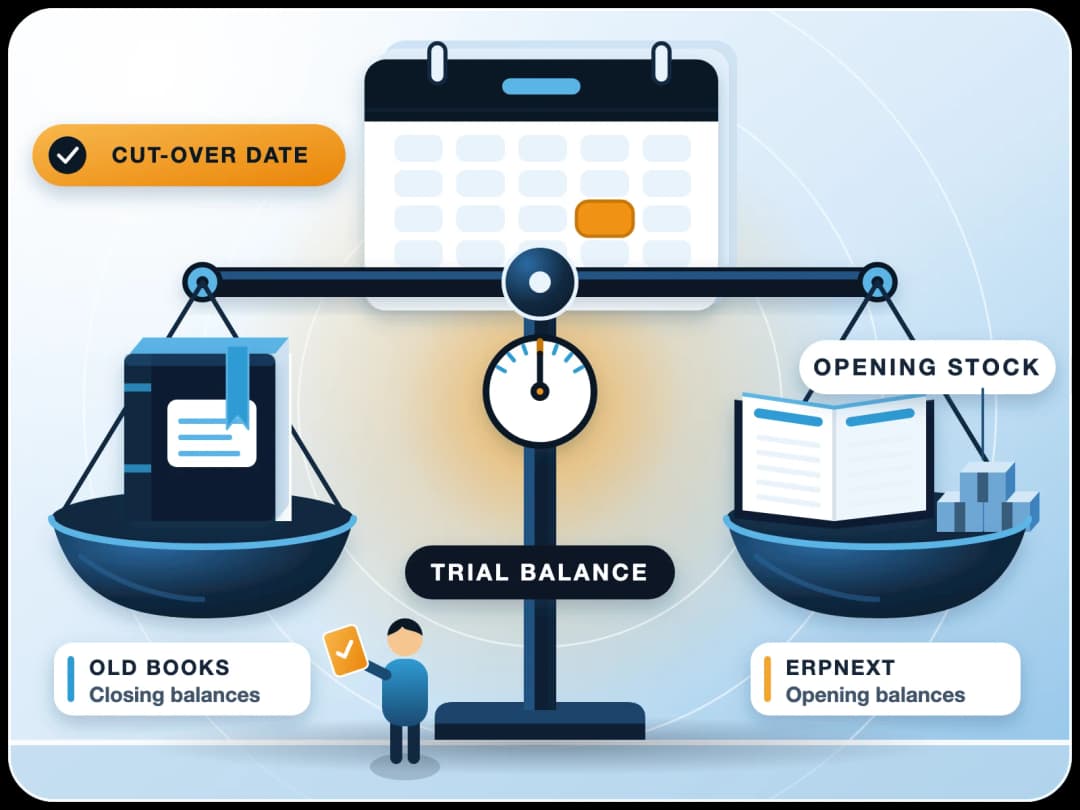
- 5Close the old booksYour team closes the old system on the cut-over date and gives final balances.
- 6Load opening balancesTrial balance, receivables, payables, stock and open orders loaded into the live ERPNext.
- 7ReconcileOur accountants match ERPNext to the old closing figures before anyone signs off.
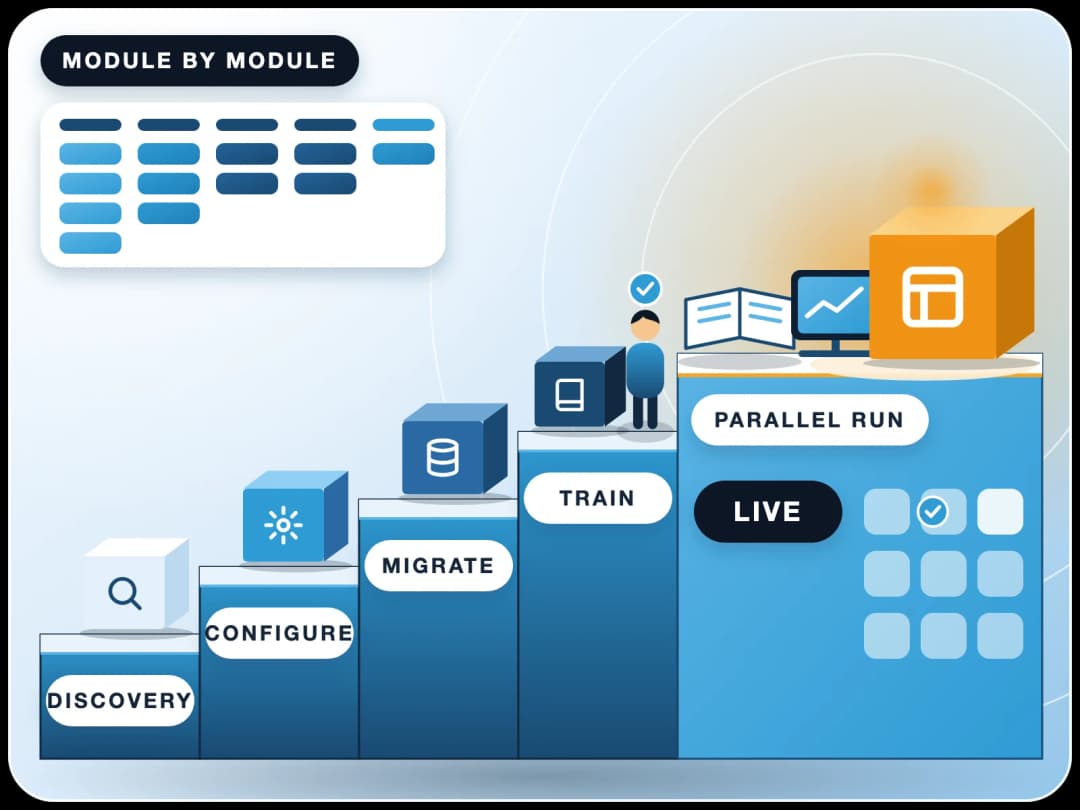
- 8Go live, module by moduleUsers start in ERPNext, with a short parallel run where it helps.
Why migrate to ERPNext with FinByz?
An in-house team with accountants and developers, moving companies to ERPNext since 2016.
Accountants on the team
Opening balances are matched by our in-house accountants, not left to a developer.
Clean data, not copied mess
Masters are cleaned before they move, so old duplicates do not follow you.
No years of history
A clean start from opening balances. The old system stays for reference.
Standard first
Old customisations are mapped to standard ERPNext before anything is rebuilt.
Silver partner on frappe.io
Listed at PMM level 4 on frappe.io.
Every hour visible
Your own Productify access: tasks, time logs and a daily report.
How do you choose the cut-over date and close the old books?
The cut-over date is the day the old system closes and ERPNext becomes the books of record. Pick a month or year end and work back from it.
A month before
Masters ready
Cleaned items, parties and chart of accounts loaded into the test site and checked by users.Weeks before
Users trained
Each user practises their own entries in the test site and signs off.Cut-over date
Old books close
Last entries in the old system. Stock counted if needed. Closing balances taken.First days after
Opening balances in
Balances, stock and open orders loaded and reconciled. New entries start in ERPNext.First months after
Parallel checks
Where it helps, key reports compared with the old system until both agree.
Can you migrate to ERPNext in the middle of the year?
Yes. A month end works well: the old system closes that month, and ERPNext starts with the balances on that date. A financial year end is cleanest for the accounts but is not required.
How do you check that the numbers match after migration?
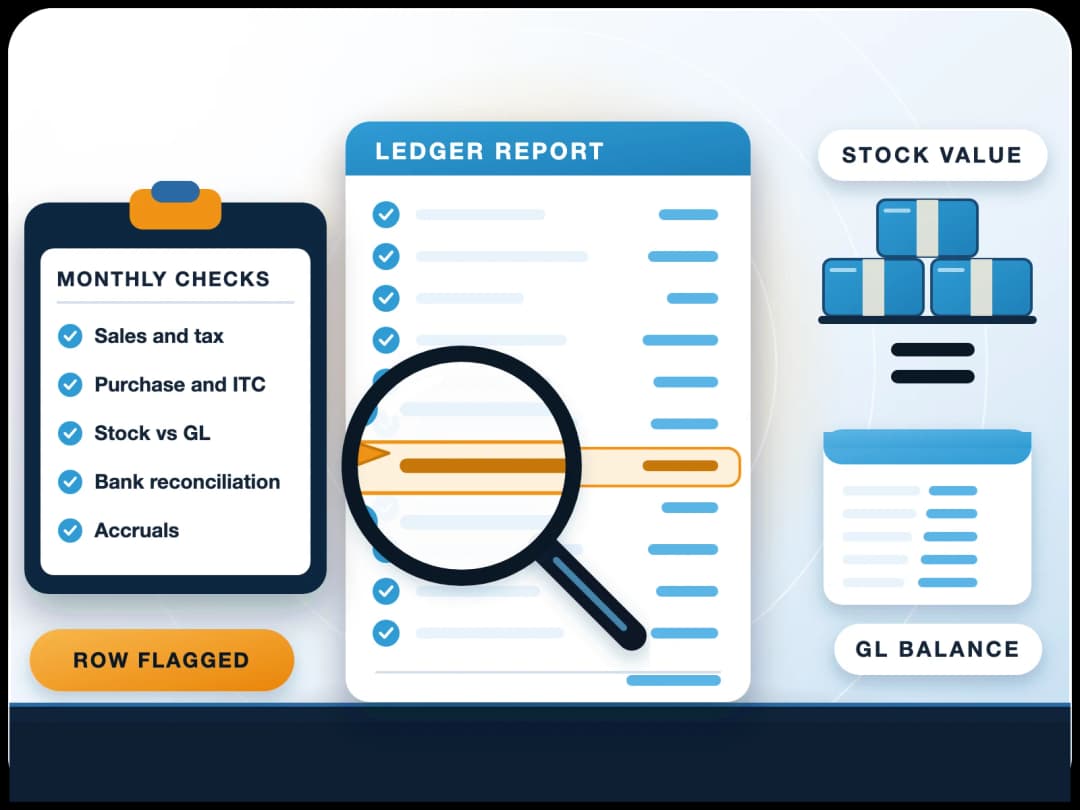
Our accountants compare ERPNext with the old system's closing figures, line by line, before sign-off.
- Trial balance in ERPNext equals the old system's closing trial balance.
- Customer balances match, invoice by invoice for open items.
- Supplier balances match, with open bills listed.
- Stock quantity and value match by item and warehouse.
- Tax ledgers (GST, VAT) carry the right opening figures.
- Open sales and purchase orders carry the pending quantities.
- Bank balances match the statements on the cut-over date.
- Fixed assets carry cost and depreciation to date.
Read more about opening balance reconciliation. Already migrated and the numbers look wrong? An ERPNext transaction audit finds where.
What does each migration path look like?
The method is the same; the mapping work differs by system.
SAP to ERPNext migration
Common when SAP ECC support ends or licence costs grow. The chart of accounts and cost centres are mapped, masters exported and cleaned, and open items carried. History stays in SAP or a reporting copy.
Tally to ERPNext migration
The most common path for growing Indian companies. Ledgers and stock items are regrouped for ERPNext, GST set up, and opening balances reconciled with Tally. A parallel run against Tally is possible.
Oracle to ERPNext migration
Usually for a subsidiary or a business unit. Segments of the Oracle chart of accounts become ERPNext accounts and cost centres; masters and open documents move.
Odoo, QuickBooks and Zoho
Smaller systems with simple exports. The work is mostly data clean-up and mapping customisations to standard ERPNext.
What happens to customisations, reports and integrations?
Do you rebuild every old customisation?
No. FinByz Tech checks each one against standard ERPNext first. Many were workarounds for the old system and are not needed. Real showstoppers are built in a separate custom app, so ERPNext can still be upgraded.
Reports people rely on are listed early and rebuilt in ERPNext, often as live dashboards. Integrations with banks, shops, tax portals and devices are rebuilt with the ERPNext API.
Can you run the old and new systems in parallel?
Yes, where it helps. A short parallel run, for example against Tally, lets our accountants compare key reports until both systems agree.
What decides how long an ERPNext migration takes?
Not the amount of data. Five things set the pace, and we plan month by month around them.
Data quality
Duplicate items and parties take the longest. Clean data moves fast.
Modules and companies
Accounts and stock first; manufacturing, HR and more companies add time.
Customisations to replace
Each one is checked against standard ERPNext before anything is built.
Users to train
Training is often the longer phase. Each user practises before go-live.
The cut-over date
A month or year end is cleanest; the plan works back from it.
How are ERPNext migration services billed?
On time and material, like all our work, as part of a monthly plan of hours.
- Monthly goals. Migration milestones set for each month, with weekly checks.
- Every hour visible. Your own Productify access: tasks, time logs and a daily report.
- Your team can help. Data clean-up done by your staff, with us validating, lowers the hours.
- One month at a time. Change the plan from next month, or stop with 30 days' notice.
- SAP Business One
- SAP ECC
- Oracle
- NetSuite
- Tally
- Odoo
- QuickBooks
- Zoho
- Dynamics NAV
- Excel
What support follows an ERPNext migration?
What happens in the first weeks after go-live?
A period of priority support after each module goes live, then ERPNext support or a maintenance plan from the same team.
Hypercare
Priority help for each module in its first weeks live, while users settle in.
Support
User questions, fixes and small changes, from the team that ran the migration.
ERPNext supportMaintenance
Planned updates, backups and checks so the new system stays healthy.
ERPNext AMCCase study: ERPNext 30x faster at SMOOR Chocolates
SMOOR Chocolates ran ERPNext v13, heavily customised by its previous partner. Saving a purchase order with 30-35 lines took about 15 minutes. After a one-month optimisation by FinByz, it takes under 30 seconds.
What do clients say about working with FinByz?
“We've had an excellent experience working with this software service provider. Their innovative approach to solving complex technical challenges has significantly improved our product. The addition of a dedicated developer to our team ensured seamless communication and consistent progress.”
“I personally think they go far and beyond in their delivery and commitments. As well as insuring that their clients are happy and well informed with there needs.”
“Great and professional software solutions, with a team very focused on client satisfaction.”
What happens after you contact us?
A consultant asks about your current system, modules and users, and looks at a sample export. You get a migration plan with a suggested cut-over date and the monthly goals. FinByz Tech has worked on 200+ projects in 15+ countries.
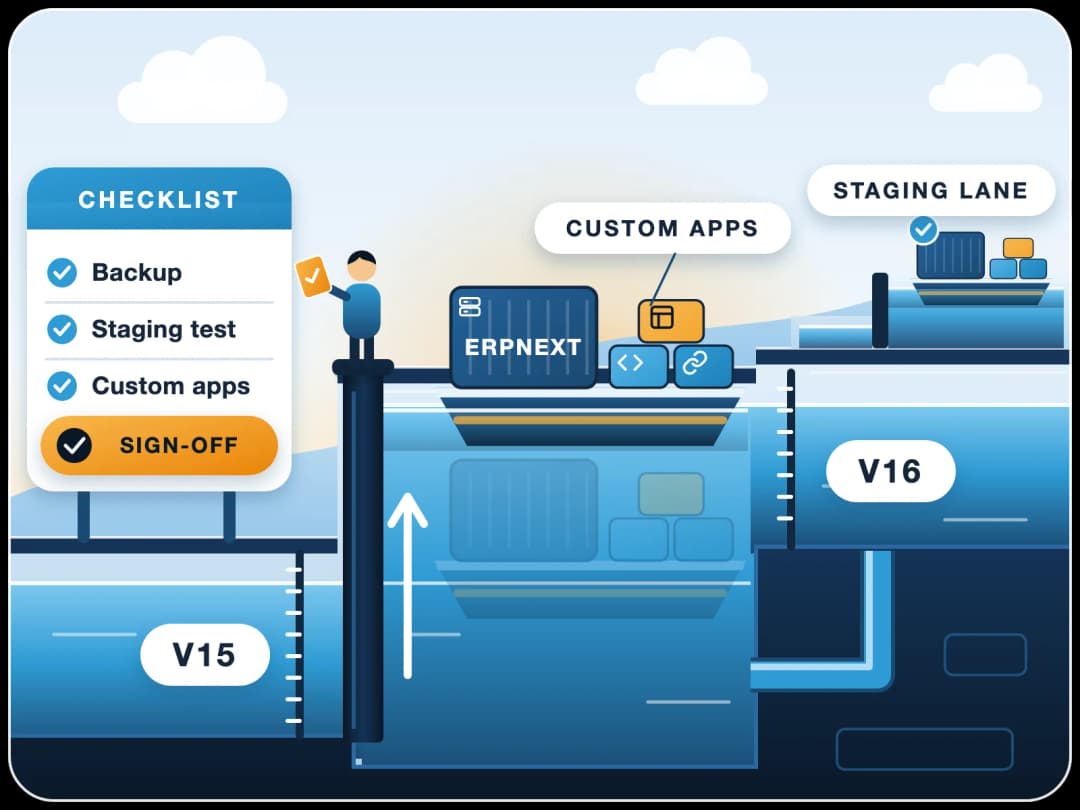
Moving a live ERPNext to a newer version instead? See ERPNext v16 migration.
Ahmedabad, India
Head office and delivery centre. FinByz Tech Pvt Ltd, 504-Addor Ambition, Nr. Navrang Circle, Navrangpura, Ahmedabad, Gujarat 380009.
Dubai, UAE
UAE office. Finbyz Tech FZE, DWTC free zone, Dubai.